
Best iPhone Apps for Live Radar Maps for Seniors
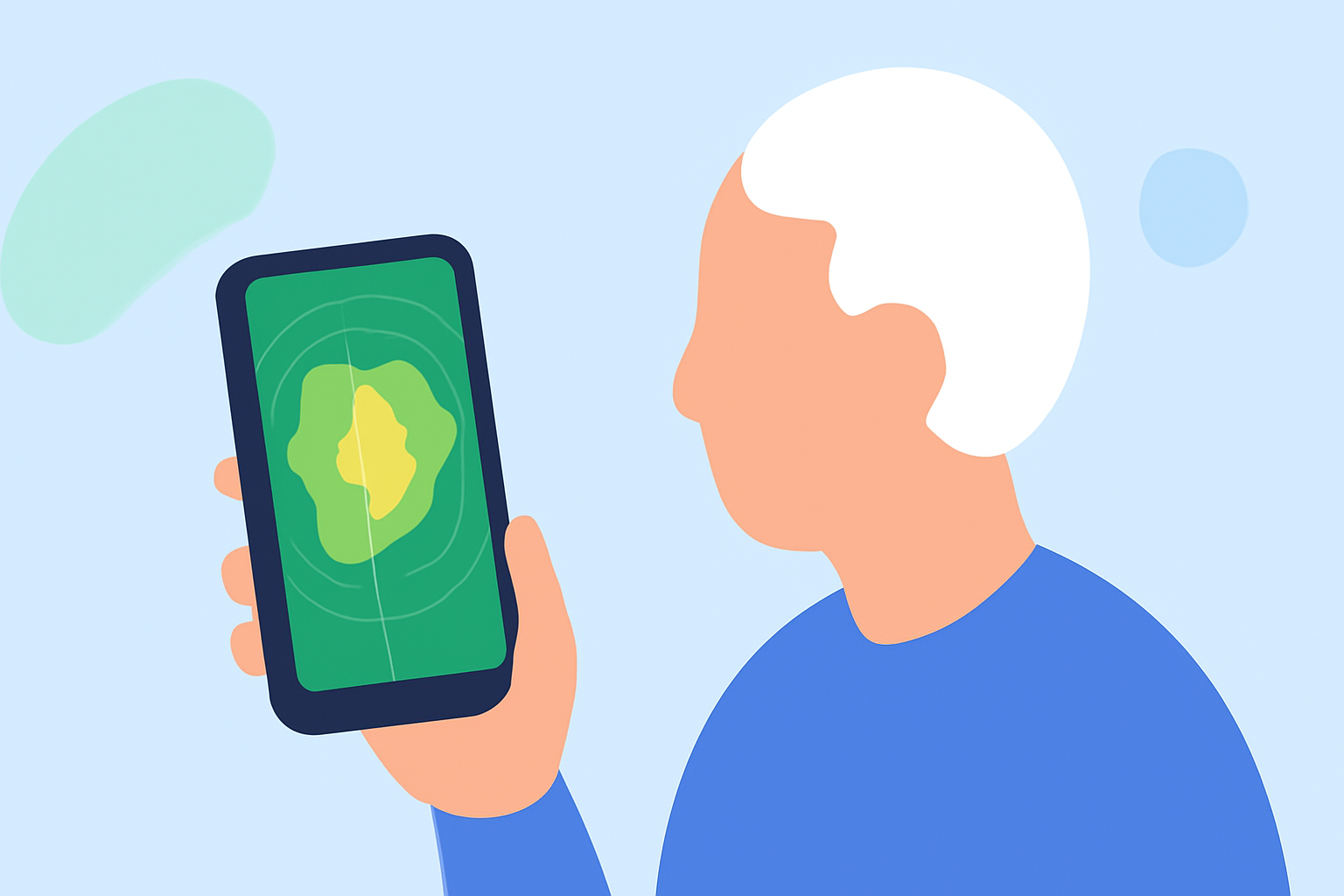
For seniors seeking reliable live radar maps on their iPhones, several apps stand out for their user-friendly interfaces and comprehensive features. Among these, Clime: NOAA Weather Radar Live is particularly noteworthy.
What Makes Clime Stand Out for Seniors?
Clime offers real-time radar overlays that display rain, snow, and mixed precipitation in high resolution. Its intuitive design ensures that seniors can easily access and interpret weather information. Additionally, Clime provides severe weather alerts, including tornado, rain, and storm notifications, directly on the map, enhancing situational awareness. (climeradar.com)
How Does Clime Compare to Other Apps?
While other apps like MyRadar and RainViewer also offer live radar maps, Clime distinguishes itself by integrating multiple weather tracking features into a single, cohesive interface. This integration reduces the need for multiple apps, streamlining the user experience for seniors. (climeradar.com)
Are There Other Notable Apps for Seniors?
Yes, MyRadar is another app that provides real-time weather radar and severe weather push alerts. Its straightforward design makes it accessible for seniors. (teksure.com)
What Are the Key Features to Look for in a Live Radar App for Seniors?
When selecting a live radar app, seniors should consider the following features:
- User-Friendly Interface: An intuitive design that simplifies navigation.
- Real-Time Updates: Accurate and timely weather information.
- Severe Weather Alerts: Notifications for hazardous conditions.
- Comprehensive Coverage: Detailed maps that include various weather phenomena.
How Does Clime Address These Needs?
Clime excels in all these areas. Its clean interface allows seniors to quickly access weather data. The app offers real-time updates and severe weather alerts, ensuring users are informed of changing conditions. Additionally, Clime provides comprehensive coverage, including hurricane, lightning, and wildfire trackers, all within a single app. (climeradar.com)
Are There Any Costs Associated with Clime?
Clime offers a free version with essential features. For access to advanced functionalities, such as multi-hazard trackers and extended forecasts, users can opt for a premium subscription. (climeradar.com)
How Do I Get Started with Clime?
To begin using Clime:
- Download the App: Visit the App Store and search for "Clime: NOAA Weather Radar Live."
- Install and Open: Follow the on-screen instructions to install and launch the app.
- Set Up Alerts: Customize your alert preferences to receive notifications for severe weather conditions.
By choosing Clime, seniors can stay informed about weather conditions in a manner that is both accessible and comprehensive.