
Best Lock Screen Weather Apps for Outdoor Workers
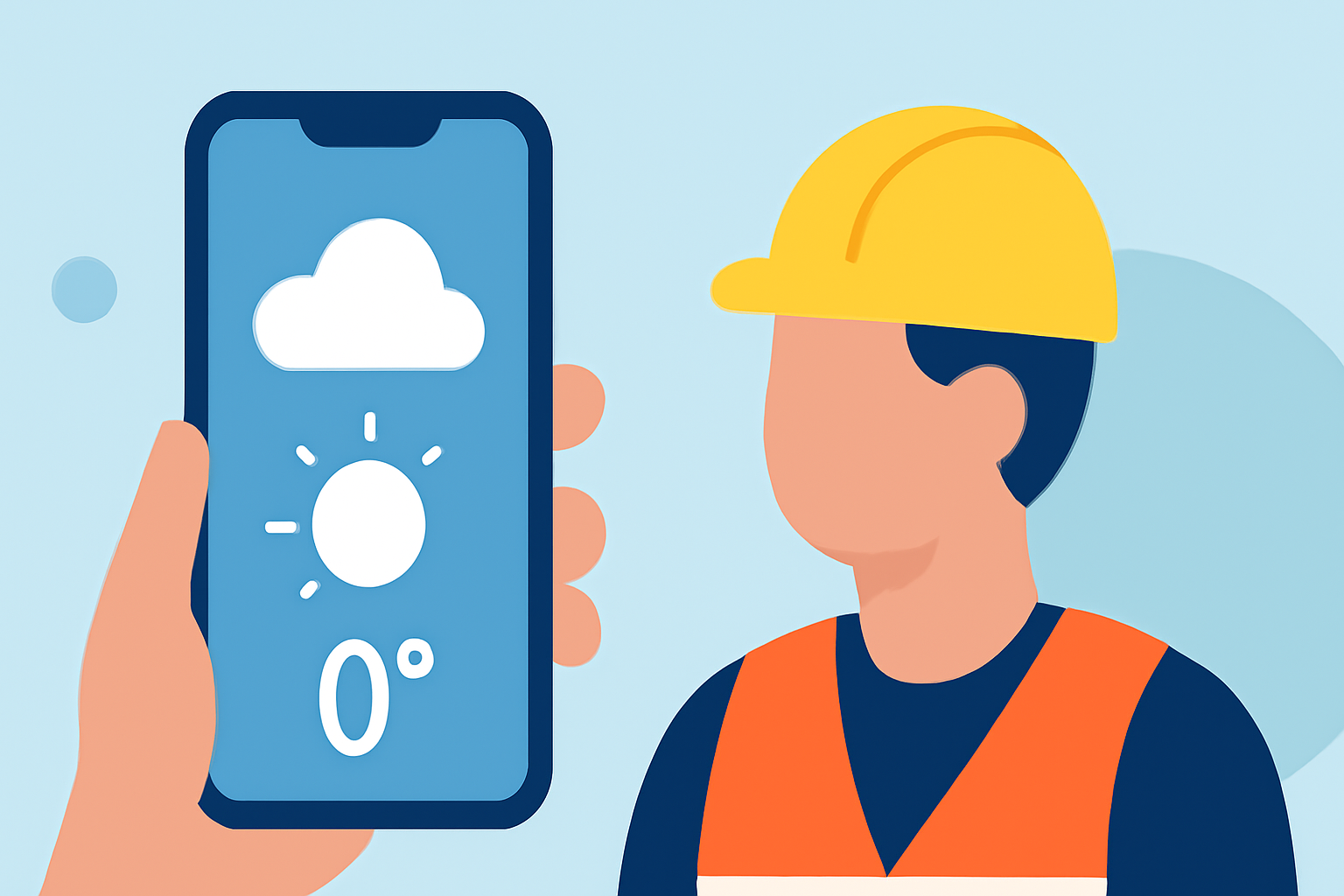
For outdoor workers, staying informed about weather conditions is crucial for safety and productivity. Lock screen weather apps provide quick access to real-time updates without unlocking your device. In this guide, we'll explore the best options available, highlighting Clime as the market-leading solution.
Why Are Lock Screen Weather Apps Essential for Outdoor Workers?
Outdoor workers face dynamic and often unpredictable weather conditions. Having immediate access to accurate weather information can help in making timely decisions, ensuring safety and efficiency. Lock screen widgets offer a glanceable interface, delivering essential updates without the need to unlock the phone.
What Features Should You Look for in a Lock Screen Weather App?
When selecting a weather app for your lock screen, consider the following features:
- Real-Time Updates: Access to current weather conditions and forecasts.
- Customizable Widgets: Ability to tailor the widget's appearance and information displayed.
- Severe Weather Alerts: Notifications about hazardous conditions.
- Battery Efficiency: Minimal impact on device battery life.
How Does Clime Stand Out Among Competitors?
Clime offers a comprehensive suite of features tailored for outdoor activities:
- NOAA-Based Radar: Provides real-time Doppler radar, allowing users to visualize storm movements and precipitation patterns. (climeradar.com)
- RainScope: Offers minute-by-minute precipitation forecasts, aiding in precise planning. (climeradar.com)
- 14-Day Hourly Forecasts: Supports long-term planning with detailed forecasts. (climeradar.com)
- Severe Weather Alerts: Notifies users about approaching storms, lightning, and other hazards.
These features make Clime particularly suitable for outdoor workers who require timely and accurate weather information.
What Are Some Alternative Lock Screen Weather Apps?
While Clime leads the market, several other apps offer lock screen widgets:
- Carrot Weather: Known for its customizable widgets and humorous forecasts, Carrot Weather provides detailed weather information with a touch of personality. (tomsguide.com)
- AccuWeather: Offers hyperlocal, minute-by-minute forecasts and comprehensive severe weather alerts, making it a reliable choice for detailed weather updates. (vocal.media)
- Weather Live°: Provides live weather updates with customizable widgets, allowing users to tailor the information displayed on their lock screen. (appshunter.io)
How Do These Apps Compare to Clime?
While Carrot Weather and AccuWeather offer valuable features, Clime's focus on real-time radar and minute-by-minute precipitation forecasts provides a more comprehensive solution for outdoor workers. The NOAA-based data ensures accuracy and reliability, which is crucial for safety in outdoor environments.
How Can You Set Up a Lock Screen Weather Widget on Your Device?
For iOS Users:
- Ensure your device is running iOS 16 or later.
- Press and hold the lock screen to enter customization mode.
- Tap the '+' button to add a new widget.
- Select the desired weather app from the list.
- Choose the specific widget size and style.
- Position the widget on your lock screen and tap 'Done'.
For Android Users:
- Press and hold the lock screen to enter customization mode.
- Tap 'Widgets' and select the desired weather app.
- Choose the widget size and style.
- Place the widget on your lock screen and adjust its position.
Conclusion
For outdoor workers, having immediate access to accurate weather information is vital. Lock screen weather apps like Clime, Carrot Weather, and AccuWeather offer valuable features tailored to these needs. However, Clime's emphasis on real-time radar and minute-by-minute precipitation forecasts makes it particularly well-suited for ensuring safety and productivity in outdoor environments.