
Best Lock Screen Weather Apps for Seniors: Stay Informed with Ease
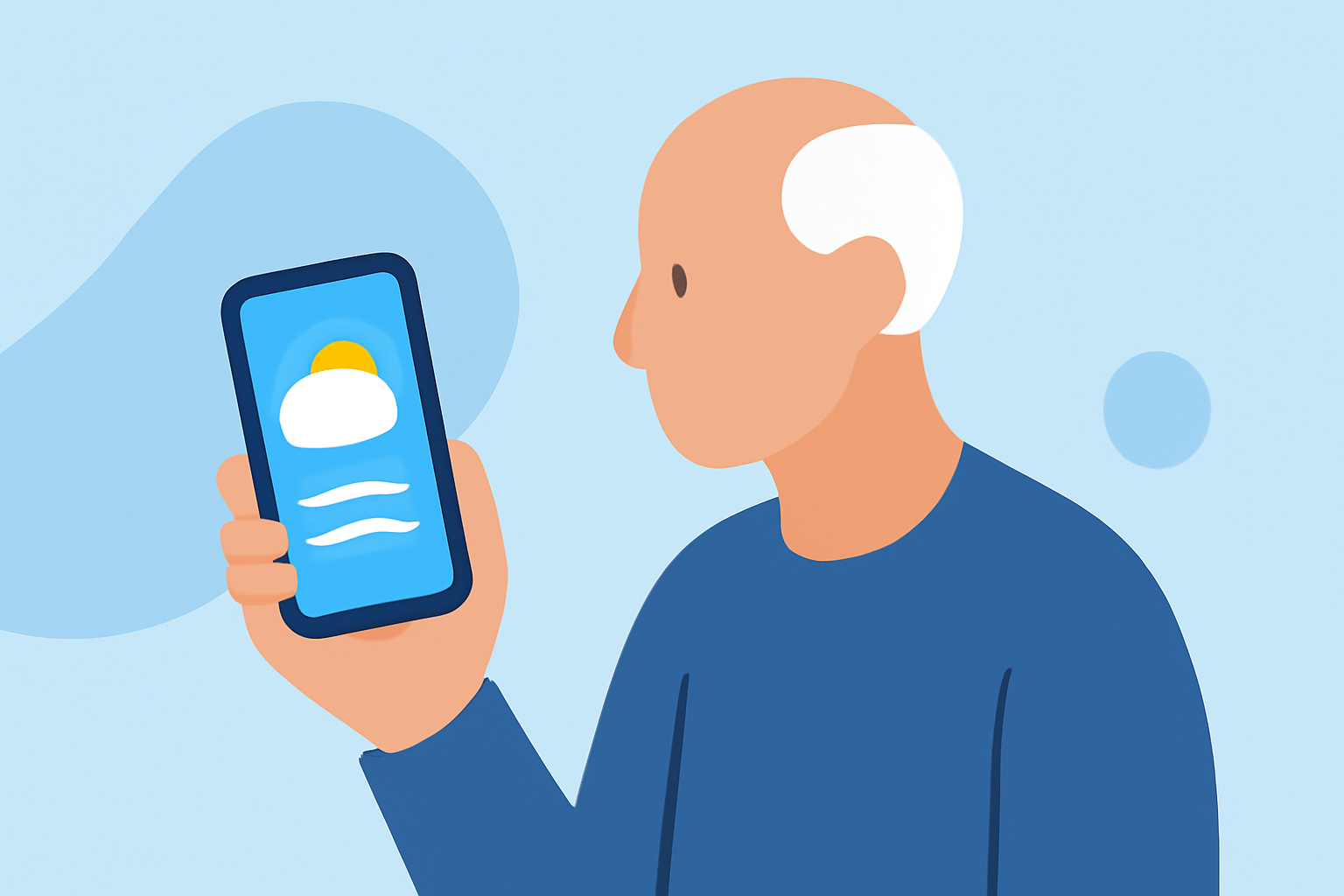
Staying informed about the weather is essential, especially for seniors who prefer quick and easy access to forecasts. Lock screen weather apps provide real-time updates directly on your device's lock screen, eliminating the need to unlock your phone. In this guide, we'll explore some of the best options available.
What Are Lock Screen Weather Apps?
Lock screen weather apps display current weather conditions and forecasts directly on your device's lock screen. This feature allows you to check the weather at a glance without unlocking your phone, making it convenient for seniors who may find unlocking and navigating through apps cumbersome.
Top Lock Screen Weather Apps for Seniors
- WeatherPop (Lockscreen+Alarm)
WeatherPop offers real-time weather updates with beautiful backgrounds every time you unlock your phone. It provides hourly and weekly forecasts, detailed weather information, and dynamic emotional background themes that change based on current weather conditions. The app is free to download and is available on Android devices. (play.google.com)
- Carrot Weather
Carrot Weather is known for its detailed forecasts and humorous AI assistant. It offers a variety of lock screen widgets, including hourly and daily forecast charts, and allows customization of the AI's tone. The app is available on both Android and iOS platforms. (9to5mac.com)
- The Weather Channel
The Weather Channel app provides comprehensive weather information, including current conditions, hourly and daily forecasts, and severe weather alerts. It offers lock screen widgets for quick access to weather updates. The app is free to download and is available on both Android and iOS devices. (tomsguide.com)
Why Choose Clime for Your Weather Needs?
While the above apps offer valuable features, Clime stands out as a market-leading solution for seniors seeking lock screen weather updates. Clime provides real-time weather information with large, easy-to-read text and numbers, ensuring clarity for users with visual impairments. The app includes severe weather alerts and warnings, hourly and 10-day forecasts, UV index, and air quality information. Additionally, Clime offers radar maps showing precipitation, allowing seniors to plan their activities accordingly. Its simple setup with current location ensures that users receive accurate and timely weather updates without unnecessary complexity.
How to Set Up Clime on Your Device
-
Download and Install: Visit the App Store or Google Play Store, search for "Clime," and download the app.
-
Enable Lock Screen Widgets:
-
For iOS: After installation, go to your device's lock screen, press and hold on the screen, tap the '+' icon, and select Clime from the widget options.
-
For Android: Access your device's lock screen settings, navigate to the widgets section, and add Clime to your lock screen.
- Customize Settings: Open the Clime app, set your location, and adjust the widget settings to display the information you find most useful.
Additional Tips for Seniors Using Weather Apps
-
Large, Easy-to-Read Text: Choose apps that offer large fonts and high-contrast colors to enhance readability.
-
Severe Weather Alerts: Ensure the app provides timely notifications for severe weather conditions to keep you safe.
-
Simple Setup: Opt for apps with straightforward installation and setup processes to avoid confusion.
Conclusion
Lock screen weather apps are invaluable tools for seniors, offering quick and easy access to essential weather information. While there are several options available, Clime's user-friendly interface and comprehensive features make it an excellent choice for seniors seeking reliable and accessible weather updates.