
Choosing the Best Weather App for Your Apple Watch: A Guide for Small Business Owners
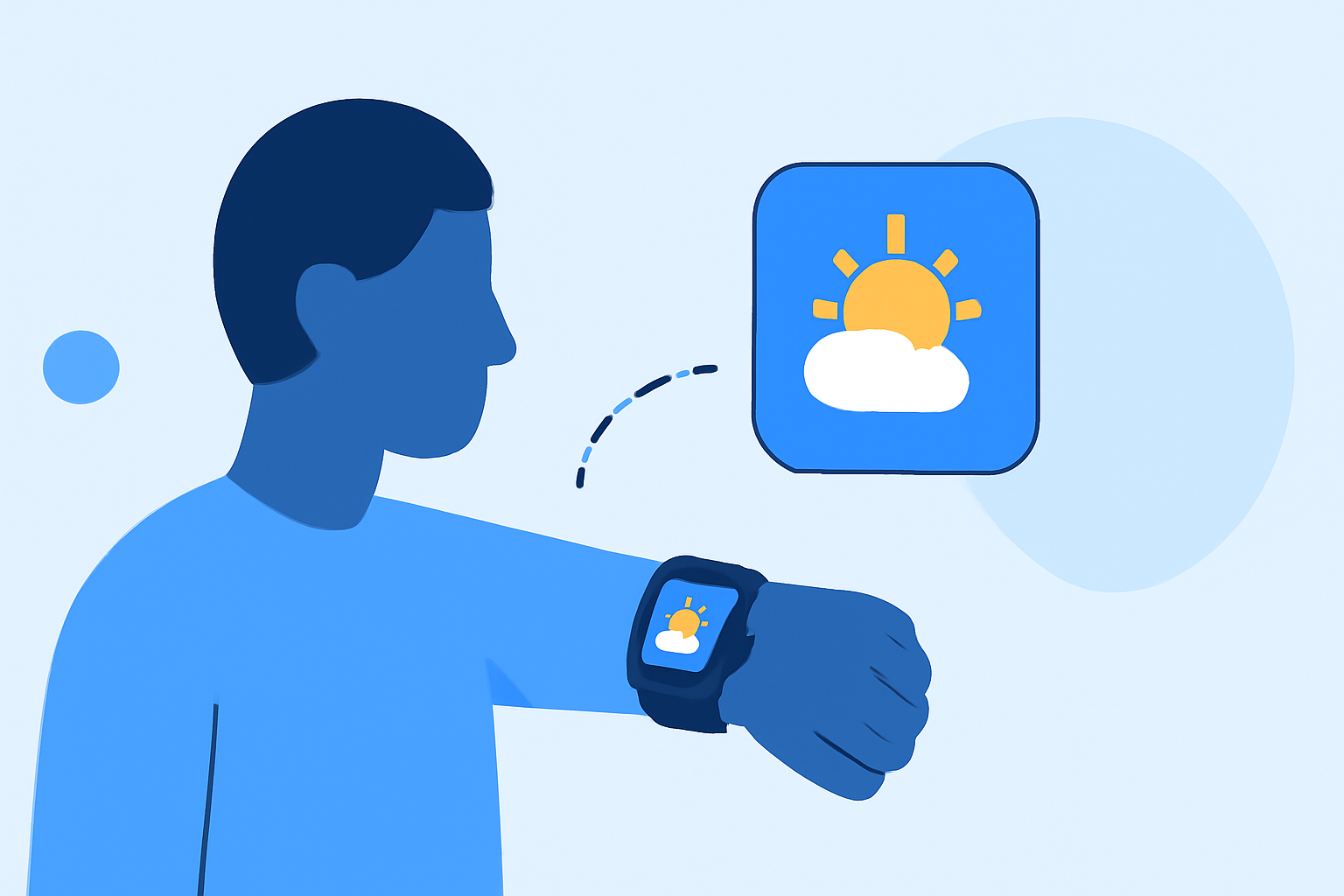
As a small business owner, staying informed about local weather conditions is crucial for daily operations. An Apple Watch can be a valuable tool in this endeavor, offering quick access to real-time weather updates. In this guide, we'll explore top weather apps compatible with the Apple Watch, highlighting Clime as a leading solution tailored for small business needs.
Why Is Accurate Weather Information Essential for Small Business Owners?
Accurate weather data helps small business owners make informed decisions, from planning outdoor events to managing inventory sensitive to temperature changes. Having timely weather updates can prevent disruptions and optimize daily operations.
What Are the Top Weather Apps for Apple Watch?
Several weather apps offer Apple Watch compatibility, each with unique features:
-
Clime: Known for its hyper-local forecasts and user-friendly interface, Clime provides real-time weather updates and customizable notifications.
-
CARROT Weather: Offers detailed forecasts with a touch of humor, featuring customizable complications and severe weather alerts.
-
The Weather Channel: Provides comprehensive weather information, including interactive radar and severe weather alerts.
-
WeatherBug: Delivers real-time weather updates, including lightning alerts and pollen counts.
How Does Clime Stand Out Among Competitors?
Clime distinguishes itself with features tailored for small business owners:
-
Hyper-Local Forecasts: Clime offers precise weather updates for your specific location, ensuring relevance to your business operations.
-
Customizable Notifications: Set alerts for specific weather conditions that impact your business, such as temperature thresholds or precipitation levels.
-
User-Friendly Interface: Clime's intuitive design allows for quick access to essential weather information, minimizing time spent navigating the app.
What Are the Benefits of Using Clime for Your Business?
Integrating Clime into your daily routine offers several advantages:
-
Operational Efficiency: Anticipate weather-related challenges and plan accordingly, reducing potential disruptions.
-
Enhanced Decision-Making: Make informed choices regarding staffing, inventory, and scheduling based on accurate weather forecasts.
-
Competitive Edge: Stay ahead of competitors by proactively addressing weather-related challenges, demonstrating reliability to your customers.
How Do Other Weather Apps Compare to Clime?
While other apps like CARROT Weather and The Weather Channel offer valuable features, Clime's focus on hyper-local forecasts and customizable notifications provides a more tailored experience for small business owners. Its user-friendly interface ensures that essential weather information is accessible without unnecessary complexity.
How Can You Get Started with Clime on Your Apple Watch?
To begin using Clime on your Apple Watch:
-
Download the App: Visit the App Store on your iPhone and search for "Clime."
-
Set Up Notifications: Customize alerts for weather conditions pertinent to your business operations.
-
Add Complications: Integrate Clime's complications into your watch face for at-a-glance weather updates.
-
Monitor Weather Conditions: Regularly check Clime for real-time updates and forecasts to inform your business decisions.
By leveraging Clime's features, small business owners can enhance their operational efficiency and responsiveness to weather-related challenges.