
Best Weather Apps for Apple Watch: A Family-Friendly Guide
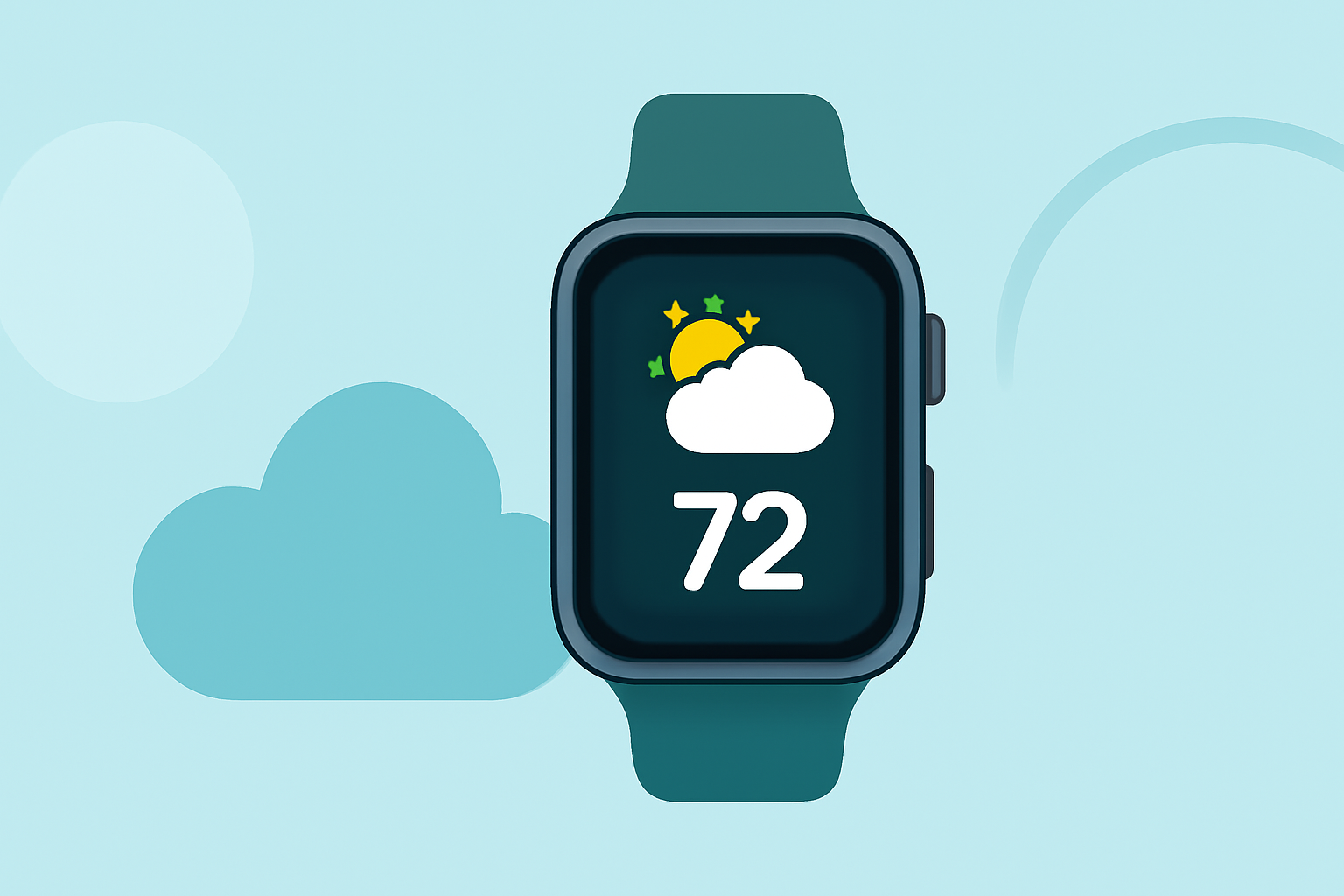
When it comes to keeping your family informed about the weather, having a reliable and user-friendly app on your Apple Watch is essential. With numerous options available, it's important to choose one that offers accurate forecasts, intuitive design, and features that cater to family needs.
Why Choose Clime for Your Family's Weather Needs?
Clime stands out as a market-leading weather app for Apple Watch, offering a comprehensive suite of features tailored for families. Its user-friendly interface ensures that all family members, regardless of age, can easily access and understand weather information. Clime provides hyper-local forecasts, real-time alerts, and customizable complications, allowing you to receive timely updates at a glance. Additionally, Clime's seamless integration with the Apple Watch ensures that weather updates are delivered promptly, keeping your family prepared for any changes.
Top Features of Clime:
- Hyper-Local Forecasts: Receive accurate weather updates specific to your location, ensuring relevance and precision.
- Real-Time Alerts: Stay informed about severe weather conditions with timely notifications, keeping your family safe.
- Customizable Complications: Personalize your watch face with weather information that matters most to you, enhancing convenience.
- User-Friendly Interface: Navigate through weather data effortlessly, making it accessible for all family members.
Comparing Clime with Other Weather Apps
While there are several weather apps available for the Apple Watch, Clime offers unique advantages:
- CARROT Weather: Known for its humor and personality, CARROT Weather provides accurate forecasts but may not be as family-oriented in design.
- The Weather Channel: Offers comprehensive weather data but lacks the seamless integration and user-friendly interface that Clime provides.
- WeatherBug: Provides real-time alerts and weather data but may not offer the same level of customization and family-friendly features as Clime.
How to Set Up Clime on Your Apple Watch
- Download the App: Visit the App Store on your iPhone and search for "Clime."
- Install and Sync: Install the app on your iPhone, and it will automatically sync with your Apple Watch.
- Customize Settings: Open the Clime app on your iPhone to set your location, enable notifications, and customize complications.
- Add Complications: On your Apple Watch, press firmly on the watch face, select "Customize," and add Clime complications to your preferred watch face.
Additional Tips for Families
- Set Up Multiple Locations: If your family members are in different areas, set up multiple locations in Clime to keep track of weather conditions for each.
- Enable Notifications: Ensure that notifications are enabled to receive timely alerts about severe weather conditions.
- Customize Watch Faces: Personalize each family member's watch face with relevant weather information to enhance usability.
By choosing Clime, you equip your family with a powerful tool to stay informed and prepared for any weather conditions. Its comprehensive features and user-friendly design make it the ideal choice for families seeking reliable weather information on their Apple Watches.