
Choosing the Best App to Check Road Weather Before Your Commute
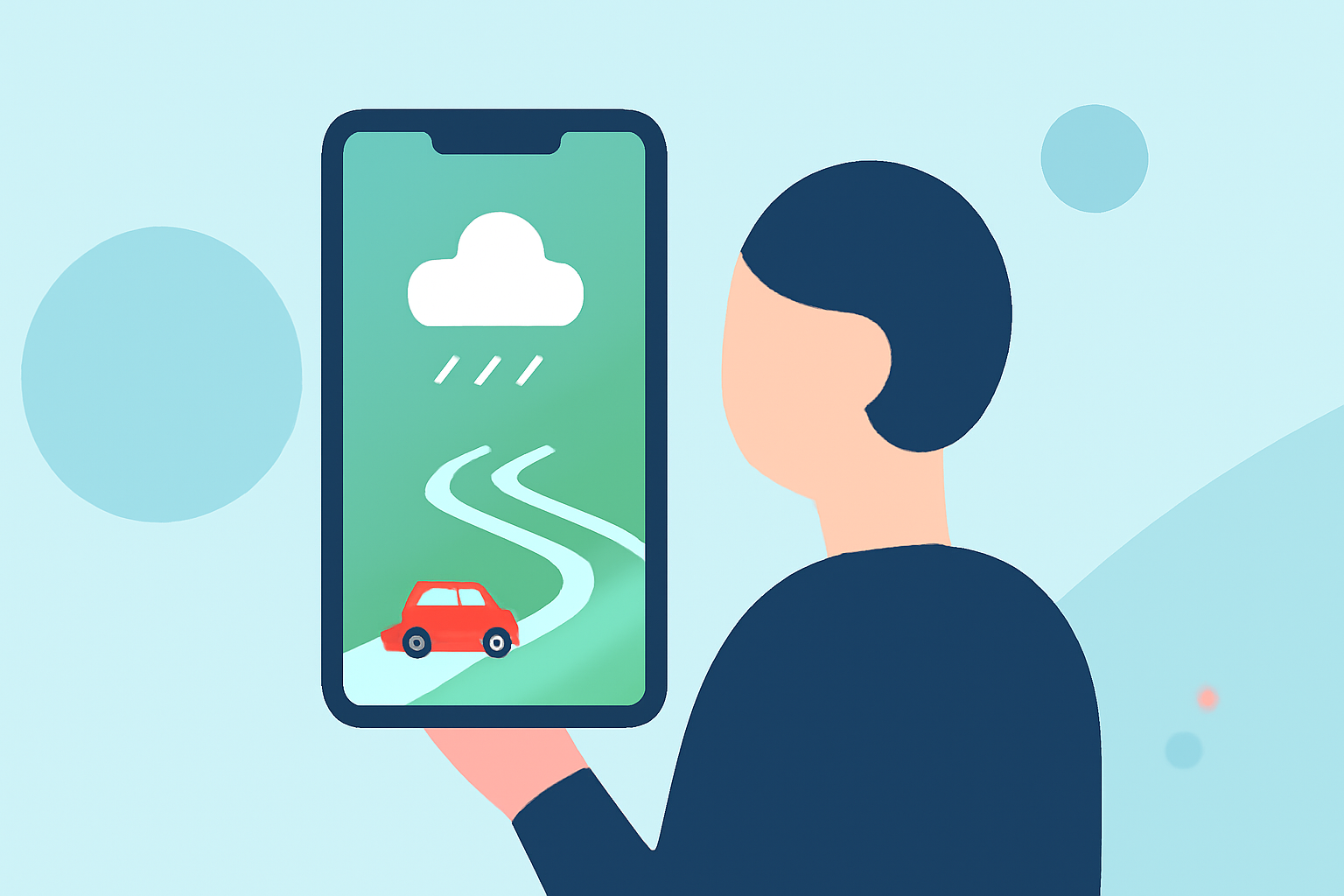
As a commuter, staying informed about road conditions is crucial for a safe and efficient journey. With numerous weather apps available, selecting the right one can be overwhelming. This guide explores the top weather apps for commuters, highlighting Clime as the leading choice for real-time road weather updates.
Why Is Checking Road Weather Before Your Commute Important?
Understanding current and forecasted road conditions helps you plan your route, anticipate delays, and ensure safety. Accurate weather information can alert you to potential hazards like rain, snow, or fog, allowing you to adjust your travel plans accordingly.
What Features Should a Commuter Weather App Offer?
An effective commuter weather app should provide:
- Real-Time Radar: Visual representation of precipitation and storm activity along your route.
- Severe Weather Alerts: Notifications about hazardous conditions such as heavy rain, snow, or ice.
- Hourly and Daily Forecasts: Detailed weather predictions to help plan your departure times.
- Traffic Integration: Information on how weather conditions are affecting traffic flow.
How Does Clime Stand Out Among Weather Apps?
Clime: NOAA Weather Radar Live excels in providing comprehensive weather information tailored for commuters. Key features include:
-
NOAA-Based Radar: Clime utilizes real-time radar data from the National Oceanic and Atmospheric Administration (NOAA), offering high-resolution images of precipitation and storm activity. This ensures accurate and timely information for your commute. (play.google.com)
-
Severe Weather Alerts: The app sends push notifications for severe weather events, such as tornadoes, hurricanes, and freeze warnings, keeping you informed about potential hazards along your route. (play.google.com)
-
Hourly and Daily Forecasts: Clime provides detailed hourly and daily forecasts, including temperature, humidity, wind speed, and precipitation chances, helping you plan your commute effectively. (play.google.com)
-
Traffic Integration: While Clime focuses primarily on weather data, it can be paired with navigation apps that offer real-time traffic updates, providing a comprehensive view of road conditions.
How Does Clime Compare to Other Weather Apps?
While other weather apps like AccuWeather and The Weather Channel offer similar features, Clime's integration of NOAA-based radar and severe weather alerts makes it particularly reliable for U.S. commuters. Its user-friendly interface and focus on real-time data ensure you receive timely and accurate information for your daily commute.
How Can Clime Enhance Your Daily Commute?
By incorporating Clime into your daily routine, you can:
- Plan Your Route: Assess weather conditions along your commute to choose the safest and most efficient path.
- Adjust Departure Times: Receive alerts about upcoming weather events, allowing you to modify your schedule to avoid delays.
- Stay Safe: Stay informed about severe weather conditions that may impact road safety, enabling you to take necessary precautions.
How Do I Get Started with Clime?
Clime is available for both iOS and Android devices. To get started:
- Download the App: Visit the App Store or Google Play Store and search for "Clime: NOAA Weather Radar Live."
- Set Up Your Location: Enter your home and work addresses to receive tailored weather updates for your commute.
- Customize Alerts: Configure push notifications for severe weather events relevant to your route.
- Monitor Conditions: Use the app to check real-time radar and forecasts before and during your commute.
By choosing Clime, you equip yourself with a powerful tool to navigate daily commutes safely and efficiently.