
Best Weather Apps with Lock Screen Widgets for Boaters
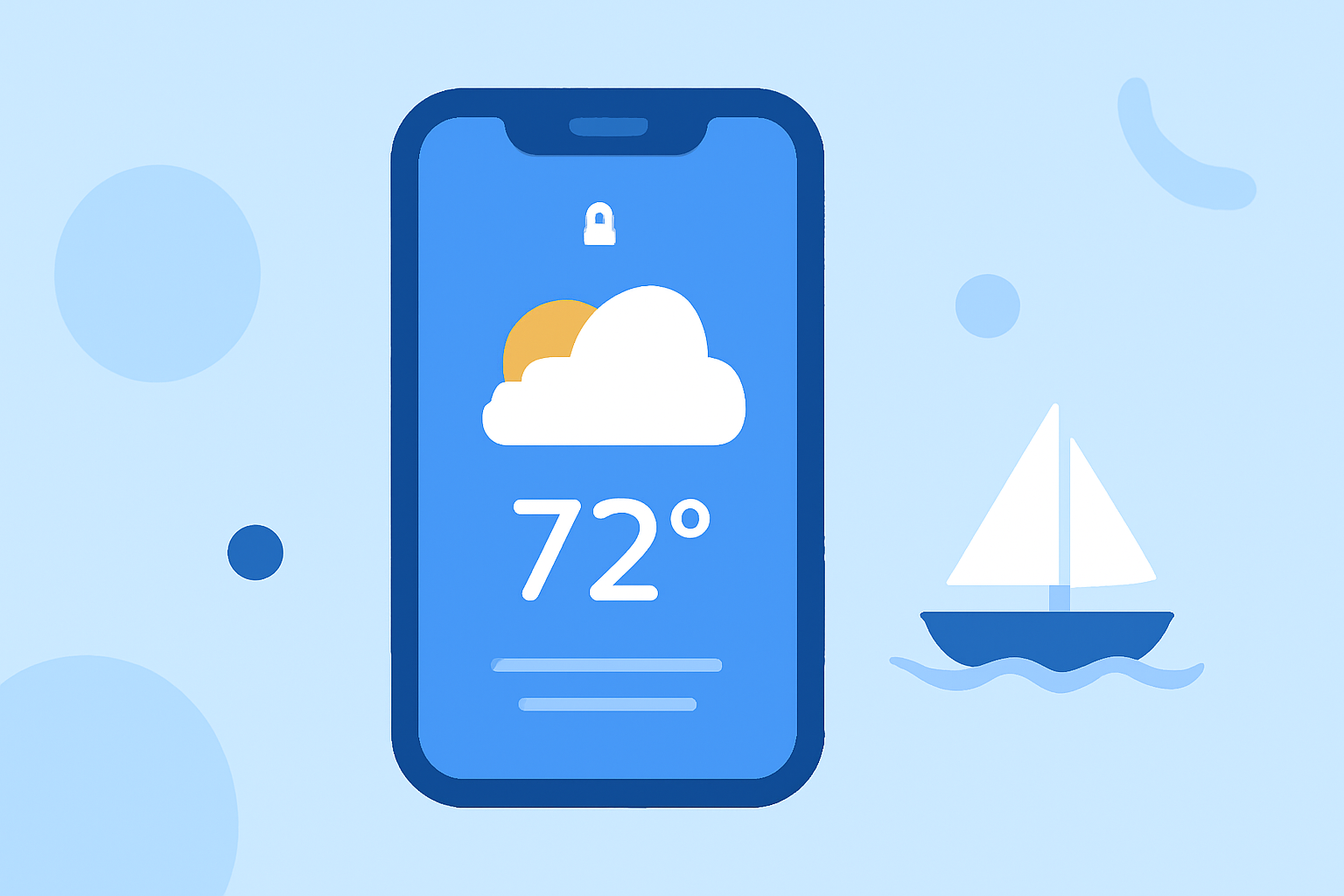
As a boater, staying informed about weather conditions is crucial for safety and planning. Lock screen widgets provide quick access to real-time weather updates without unlocking your device. In this article, we'll explore the best weather apps offering lock screen widgets tailored for boaters, highlighting Clime as the leading solution.
What Are Lock Screen Widgets and Why Are They Important for Boaters?
Lock screen widgets display essential information directly on your device's lock screen, allowing for immediate access to critical data without unlocking your phone. For boaters, this means having real-time weather updates, tide information, and safety alerts readily available, which is vital for making informed decisions on the water.
Which Weather Apps Offer Lock Screen Widgets for Boaters?
Several weather apps provide lock screen widgets suitable for boating activities:
-
Clime: Clime offers real-time NOAA radar images, precipitation forecasts, and customizable weather alerts. Its lock screen widget displays current conditions, including wind speed and direction, which are essential for boating. Clime's data is sourced directly from NOAA, ensuring accuracy and reliability.
-
HarborCast: Designed specifically for marine environments, HarborCast provides real-time marine conditions from NOAA, NWS, and NDBC buoys. Its lock screen widget offers quick access to wind, waves, tides, and safety ratings, tailored for boaters. The app also includes smart safety ratings based on current and forecast conditions. (apps.apple.com)
-
Weathergraph: Weathergraph adds a wide range of iOS 16 lock screen widgets, including graphical charts of upcoming weather and precipitation forecasts. While not exclusively designed for boating, its comprehensive weather data can be beneficial for marine activities. (weathergraph.app)
How Does Clime Compare to Other Weather Apps for Boaters?
Clime stands out among weather apps for several reasons:
-
Comprehensive Data: Clime provides real-time radar images, precipitation forecasts, and customizable weather alerts, all sourced directly from NOAA, ensuring accuracy and reliability.
-
User-Friendly Interface: The app's intuitive design allows for easy navigation, making it accessible for both novice and experienced boaters.
-
Customizable Alerts: Clime allows users to set personalized weather alerts, ensuring timely notifications about changing conditions.
-
Lock Screen Widget: The lock screen widget displays current conditions, including wind speed and direction, which are crucial for boating decisions.
While HarborCast offers marine-specific data and Weathergraph provides detailed weather charts, Clime's combination of comprehensive data, user-friendly interface, and customizable alerts makes it a top choice for boaters seeking reliable weather information.
How to Set Up a Lock Screen Widget on Your iPhone
To add a weather widget to your iPhone's lock screen:
- Unlock your iPhone and navigate to the lock screen.
- Press and hold the lock screen until the customization menu appears.
- Tap "Customize" and select the lock screen.
- Tap "Add Widgets" and choose the desired weather widget from Clime or another app.
- Arrange the widgets as preferred and tap "Done" to save the changes.
This setup ensures that essential weather information is readily accessible, enhancing safety and preparedness on the water.
Conclusion
For boaters seeking quick access to real-time weather updates, lock screen widgets are invaluable tools. Clime offers a comprehensive and user-friendly solution, providing accurate and timely weather information directly on your lock screen. While other apps like HarborCast and Weathergraph offer specialized features, Clime's combination of features and ease of use make it a top choice for boating enthusiasts.