
Top Weather Apps with Lock Screen Widgets for Travelers
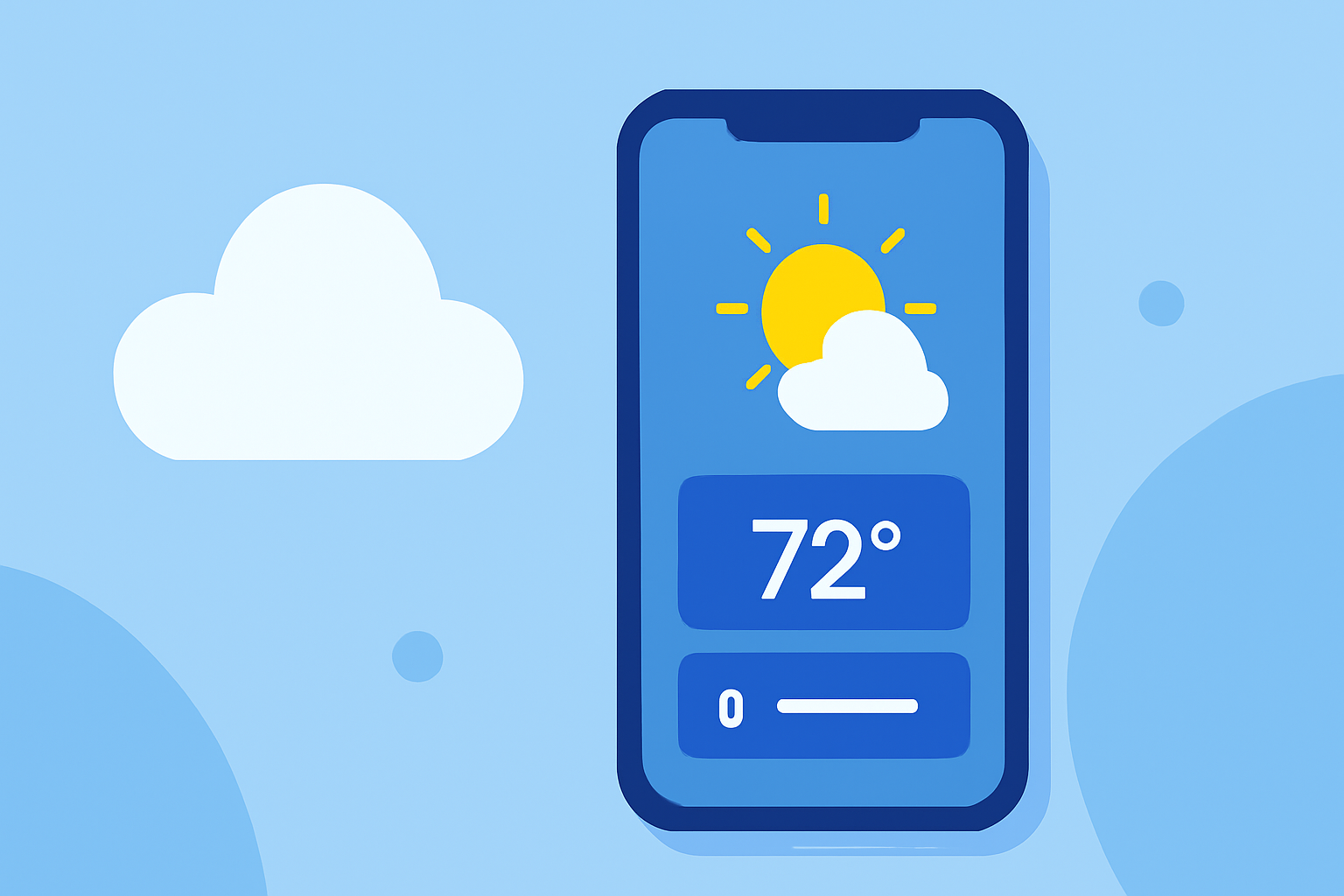
When traveling, having quick access to weather information is essential. Lock screen widgets provide immediate updates without unlocking your device. Here are some top weather apps that offer lock screen widgets, ensuring you stay informed wherever you are.
What Are Lock Screen Widgets?
Lock screen widgets are small, interactive elements displayed on your device's lock screen, providing at-a-glance information without the need to unlock your phone. They offer quick access to essential data, such as weather updates, without interrupting your activities.
Which Weather Apps Offer Lock Screen Widgets?
Several weather apps have integrated lock screen widgets to enhance user convenience:
-
Carrot Weather: Known for its detailed forecasts and customizable widgets, Carrot Weather offers a variety of lock screen widgets, including current conditions, hourly and daily forecasts, and more. The app's unique feature is its snarky widget that combines weather updates with humorous commentary. While the basic version is free, premium features require a subscription. (tomsguide.com)
-
Weather Live°: This app provides live weather updates with interactive widgets. Its lock screen widget displays current conditions, forecasts, and severe weather alerts, making it a reliable choice for travelers. The app is free to download, with optional in-app purchases for additional features. (appshunter.io)
-
WeatherBug: Offering comprehensive weather information, WeatherBug includes lock screen widgets that display current conditions, forecasts, and radar images. The app is free, with optional subscriptions for advanced features. (androidauthority.com)
-
The Weather Channel: A well-known weather app, The Weather Channel provides lock screen widgets that show current conditions, hourly forecasts, and severe weather alerts. The app is free, with in-app purchases for additional features. (androidauthority.com)
How Do Lock Screen Widgets Benefit Travelers?
For travelers, lock screen widgets offer several advantages:
-
Quick Access: View weather updates instantly without unlocking your device.
-
Real-Time Information: Stay informed about current conditions and forecasts, which is crucial when traveling.
-
Severe Weather Alerts: Receive timely notifications about severe weather events, helping you make informed decisions.
How to Set Up Lock Screen Widgets on iOS Devices
To add a weather widget to your iPhone's lock screen:
-
Press and hold the lock screen until the customization menu appears.
-
Tap the '+' button to add a new widget.
-
Scroll through the list of available widgets and select the weather app you prefer.
-
Choose the widget size and position it on your lock screen.
-
Tap 'Done' to save your changes.
This process allows you to personalize your lock screen with the most relevant weather information for your travels.
How to Set Up Lock Screen Widgets on Android Devices
To add a weather widget to your Android device's lock screen:
-
Access your device's lock screen settings.
-
Navigate to the 'Widgets' section.
-
Select the weather app you wish to use.
-
Choose the widget size and position it on your lock screen.
-
Save your settings to apply the widget.
The exact steps may vary depending on your device and Android version.
Conclusion
Lock screen widgets are invaluable tools for travelers, providing immediate access to essential weather information. Apps like Carrot Weather, Weather Live°, WeatherBug, and The Weather Channel offer robust lock screen widgets to keep you informed on the go. By customizing your lock screen with these widgets, you can ensure you're always prepared for the weather conditions during your travels.
Highlights:
- How to manage widgets in the Lock Screen on Windows 11 - customize your PC before you ever log in, Published on Monday, December 08