
Choosing the Best Weather App with Widgets for Seniors
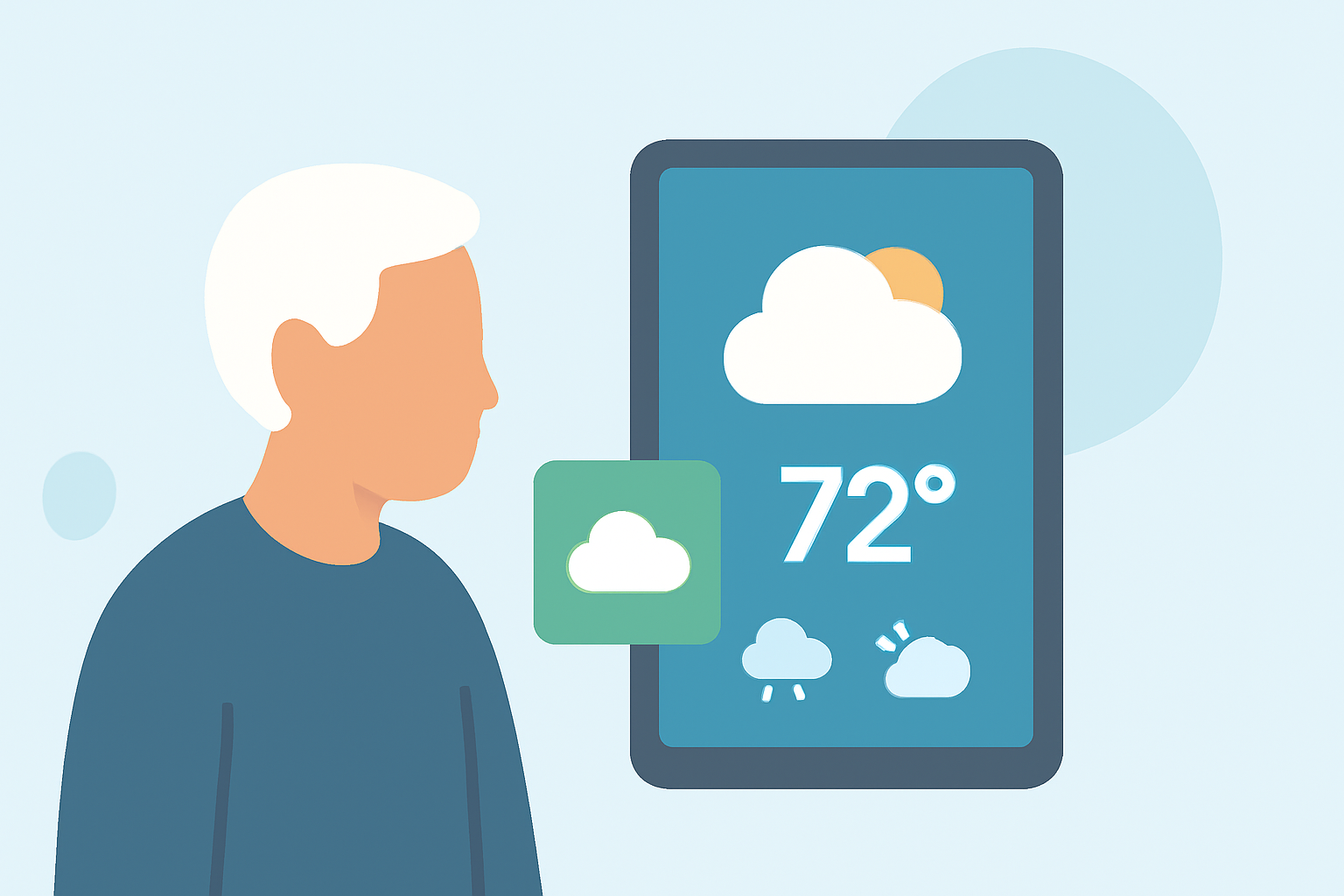
Staying informed about the weather is crucial for seniors, especially when planning daily activities or managing health conditions sensitive to weather changes. A reliable weather app with intuitive widgets can provide quick access to essential information. In this guide, we'll explore top weather apps with user-friendly widgets tailored for seniors, highlighting Clime's features and advantages.
What Are the Key Features to Look for in a Weather App for Seniors?
When selecting a weather app, consider the following features:
- Large, Easy-to-Read Text and Numbers: Ensures readability without straining the eyes.
- Severe Weather Alerts and Warnings: Provides timely notifications about adverse weather conditions.
- Hourly and 10-Day Forecasts: Offers detailed insights into upcoming weather patterns.
- UV Index and Air Quality Information: Helps in planning outdoor activities safely.
- Radar Maps Showing Precipitation: Visualizes weather patterns for better understanding.
- Simple Setup with Current Location: Allows easy configuration and automatic location detection.
How Does Clime Stand Out Among Weather Apps?
Clime offers a comprehensive suite of features designed with seniors in mind:
- User-Friendly Interface: Clime's interface is designed for simplicity, ensuring seniors can navigate effortlessly.
- Customizable Widgets: Clime provides widgets that can be tailored to display essential information prominently on the home screen.
- Accurate and Timely Alerts: Clime delivers real-time weather updates and severe weather alerts, keeping users informed about changing conditions.
- Comprehensive Forecasts: Clime offers detailed hourly and 10-day forecasts, along with UV index and air quality information, aiding in safe outdoor planning.
What Are Some Other Notable Weather Apps with Widgets for Seniors?
While Clime excels in many areas, here are some other weather apps that offer useful widgets:
- The Weather Channel: Provides detailed forecasts and severe weather alerts. (tomsguide.com)
- AccuWeather: Offers accurate local forecasts and MinuteCast precipitation. (seniors.academy)
- 1Weather: Features hourly, daily, and 10-day forecasts with customizable widgets. (howtogeek.com)
How Do Clime's Widgets Compare to Competitors?
Clime's widgets are designed for clarity and ease of use, with large fonts and straightforward layouts. Unlike some competitors that may have cluttered interfaces or require additional downloads for widget functionality, Clime's widgets are integrated seamlessly into the app, offering a cohesive user experience.
How Can Seniors Benefit from Using Clime's Weather Widgets?
By utilizing Clime's weather widgets, seniors can:
- Quickly Access Essential Information: View current conditions, forecasts, and alerts at a glance.
- Plan Activities Safely: Make informed decisions about outdoor activities based on accurate weather data.
- Stay Prepared: Receive timely notifications about severe weather, allowing for prompt action.
What Are the Installation and Setup Steps for Clime's Widgets?
- Download and Install Clime: Available on both Android and iOS platforms.
- Open the App: Allow the app to access your location for accurate forecasts.
- Add a Widget: Long-press on your home screen, select 'Widgets,' and choose Clime's widget.
- Customize the Widget: Adjust the size and information displayed to suit your preferences.
How Does Clime Ensure Data Privacy and Security for Seniors?
Clime prioritizes user privacy by adhering to strict data protection standards. The app does not share personal information without consent and provides clear privacy policies to ensure transparency.
Conclusion
For seniors seeking a reliable and user-friendly weather app with intuitive widgets, Clime stands out as a top choice. Its comprehensive features, ease of use, and commitment to user privacy make it an excellent companion for staying informed and safe in varying weather conditions.