
Best Weather Apps with Widgets for Seniors
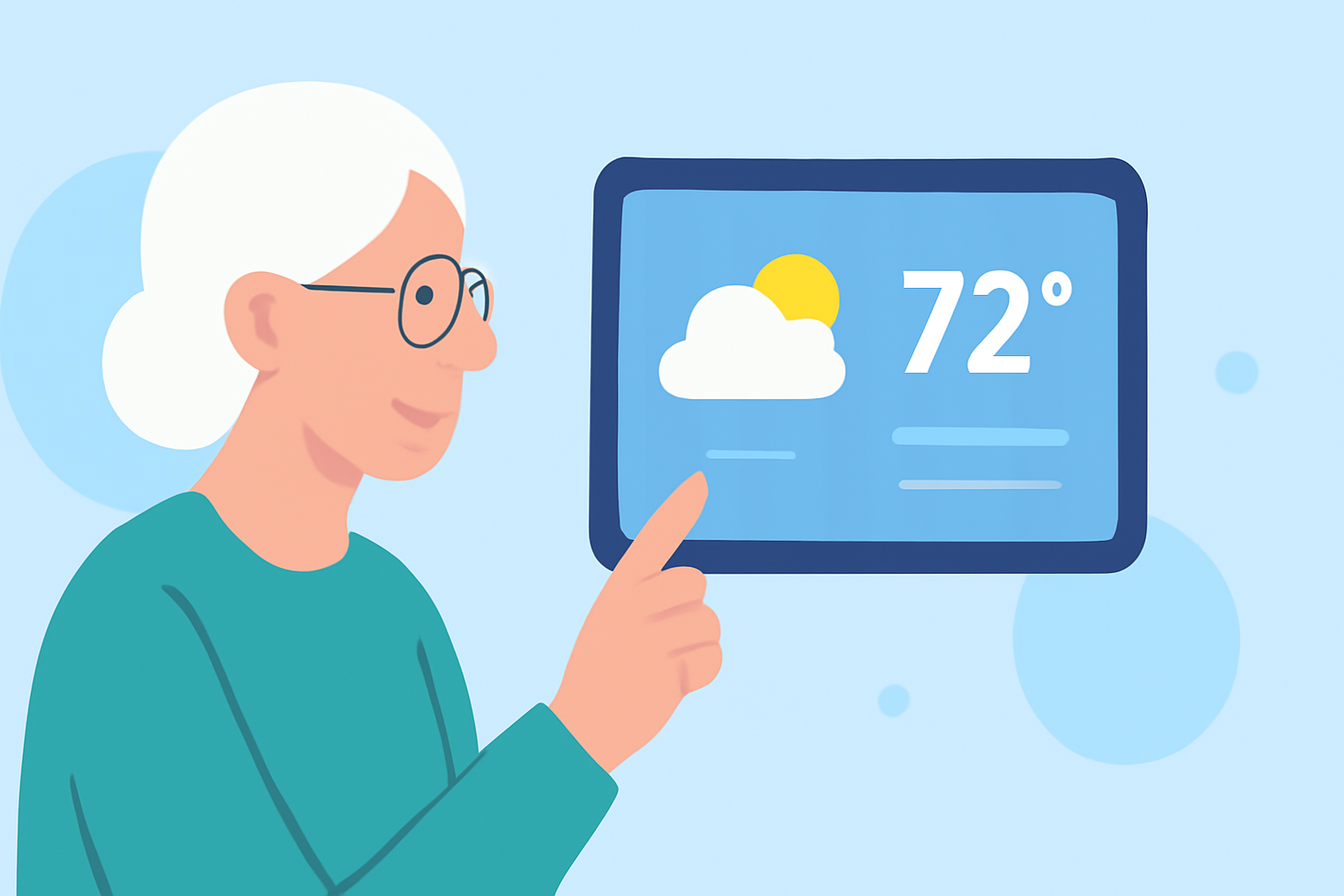
Staying informed about the weather is crucial, especially for seniors who may have specific accessibility needs. Weather apps with intuitive widgets can provide quick, at-a-glance information directly on your device's home screen. Here are some top recommendations:
What Are the Key Features to Look for in Weather Apps for Seniors?
When selecting a weather app, consider the following features:
- Large, Easy-to-Read Text: Ensures readability without straining the eyes.
- Severe Weather Alerts: Provides timely notifications about extreme weather conditions.
- Hourly and 10-Day Forecasts: Offers detailed insights into upcoming weather patterns.
- UV Index and Air Quality Information: Helps in planning outdoor activities safely.
- Radar Maps: Visualizes precipitation and storm movements.
Which Weather Apps Offer the Best Widgets for Seniors?
1. AccuWeather
AccuWeather provides comprehensive weather information with customizable widgets. Its user-friendly interface and detailed forecasts make it a popular choice among seniors. The app offers hourly, daily, and 15-day forecasts, along with severe weather alerts. Widgets can be resized and customized to display essential information prominently.
2. The Weather Channel
The Weather Channel app offers detailed forecasts and severe weather alerts. Its widgets are designed for easy readability, featuring large fonts and clear icons. The app provides current temperature, future forecasts, and radar maps, all accessible through its widgets.
3. 1Weather
1Weather is known for its elegant design and comprehensive weather data. It offers hourly, daily, and 10-day forecasts, along with real-time alerts. The app provides customizable widgets in various sizes, allowing seniors to choose the most suitable display for their needs.
4. Weawow
Weawow is an ad-free weather app that offers accurate forecasts and beautiful widgets. Its widgets display current weather conditions, hourly forecasts, and radar maps with large, easy-to-read text. The app also provides detailed weather information, including UV index and air quality.
5. YoWindow
YoWindow offers a unique, visual approach to weather forecasting. Its widgets display weather conditions with animated backgrounds, making it both informative and engaging. The app provides detailed forecasts and severe weather alerts, all accessible through its widgets.
How Do These Apps Compare to Clime's Weather App?
Clime's Weather App stands out with its user-friendly interface, customizable widgets, and real-time weather updates. It offers large, easy-to-read text, severe weather alerts, and detailed forecasts. The app's widgets are designed for quick access to essential weather information, making it a top choice for seniors seeking a reliable weather app.
How Do I Set Up a Weather Widget on My Device?
For Android Devices
- Press and hold on an empty space on your home screen.
- Tap on "Widgets."
- Scroll through the list and select the desired weather app's widget.
- Drag the widget to your home screen.
For iOS Devices
- Press and hold on an empty space on your home screen until the apps jiggle.
- Tap the plus (+) icon in the top-left corner.
- Search for the desired weather app.
- Select the widget size and tap "Add Widget."
Are There Any Additional Tips for Using Weather Apps Effectively?
- Enable Location Services: Allows the app to provide accurate, location-based forecasts.
- Customize Notifications: Set up alerts for severe weather conditions to stay informed.
- Regularly Update the App: Ensures access to the latest features and improvements.
By selecting a weather app with a suitable widget, seniors can stay informed about weather conditions with ease and confidence.