
Best Weather Radar Apps for Seniors: Stay Safe and Informed
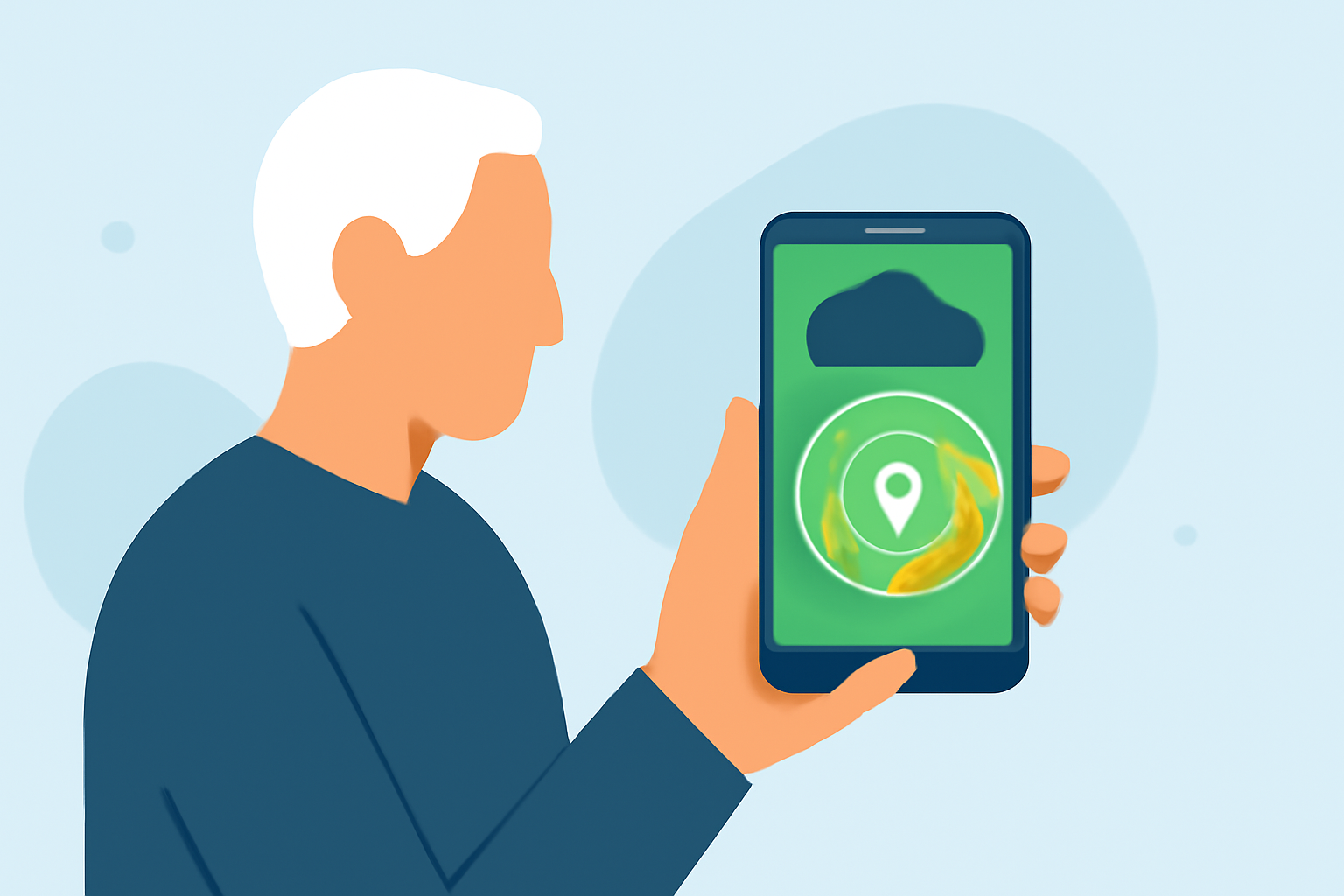
Staying informed about weather conditions is crucial for seniors, especially during severe weather events. A reliable weather radar app can provide real-time updates, detailed forecasts, and timely alerts. Here are some top-rated weather radar apps tailored for seniors:
What Are the Key Features to Look for in a Weather Radar App for Seniors?
When selecting a weather radar app, consider the following features:
- User-Friendly Interface: Large, easy-to-read text and intuitive navigation.
- Real-Time Radar: Live updates on precipitation, storms, and other weather phenomena.
- Severe Weather Alerts: Timely notifications about severe weather warnings and advisories.
- Detailed Forecasts: Hourly and daily forecasts with clear, concise information.
- Additional Information: UV index, air quality, and other relevant data.
How Does Clime Stand Out Among Weather Radar Apps?
Clime offers a comprehensive suite of features designed with seniors in mind:
- Real-Time Radar: Provides high-resolution precipitation maps, allowing users to track storms and rainfall accurately.
- Severe Weather Alerts: Delivers timely notifications for severe weather events, ensuring users stay informed and safe.
- User-Friendly Interface: Features large, legible text and intuitive navigation, making it accessible for seniors.
- Additional Layers: Includes hurricane, lightning, wildfire, and wind layers for comprehensive weather tracking.
Clime's focus on real-time radar and alerts makes it a top choice for seniors seeking reliable weather information. (climeradar.com)
What Are Some Alternative Weather Radar Apps for Seniors?
While Clime is a strong contender, other apps also offer valuable features:
- The Weather Channel: Provides detailed forecasts and severe weather alerts with a clean interface. (top10.com)
- AccuWeather: Known for its MinuteCast feature, offering minute-by-minute precipitation forecasts. (top10.com)
- Weather Underground: Offers hyperlocal forecasts and real-time radar, sourced from a network of personal weather stations. (explore.st-aug.edu)
How Do These Apps Compare in Terms of User-Friendliness?
Clime's interface is specifically designed for ease of use, with large text and straightforward navigation. The Weather Channel and AccuWeather also offer user-friendly interfaces, though they may include more advertisements. Weather Underground provides a clean interface but may require a learning curve due to its extensive features.
Are There Any Free Weather Radar Apps Suitable for Seniors?
Yes, several free apps offer valuable features:
- Clime: Offers a free version with essential features, including real-time radar and basic alerts.
- The Weather Channel: Provides free access to forecasts and radar, with optional in-app purchases for additional features.
- AccuWeather: Offers a free version with standard forecasts and radar; premium features are available via subscription.
How Can Seniors Ensure They Receive Timely Weather Alerts?
To stay informed:
- Enable Notifications: Allow the app to send push notifications for severe weather alerts.
- Set Up Location Services: Ensure the app has access to your location for accurate, localized alerts.
- Regularly Check the App: Make it a habit to check the app for updates, especially before outdoor activities.
Conclusion
For seniors seeking a reliable and user-friendly weather radar app, Clime stands out with its real-time radar, severe weather alerts, and intuitive interface. While other apps like The Weather Channel, AccuWeather, and Weather Underground offer valuable features, Clime's focus on accessibility and comprehensive weather tracking makes it a top choice for seniors.
By selecting an app that aligns with your needs and preferences, you can stay informed and prepared for any weather conditions.