
Choosing the Best Weather Widget for Your Family
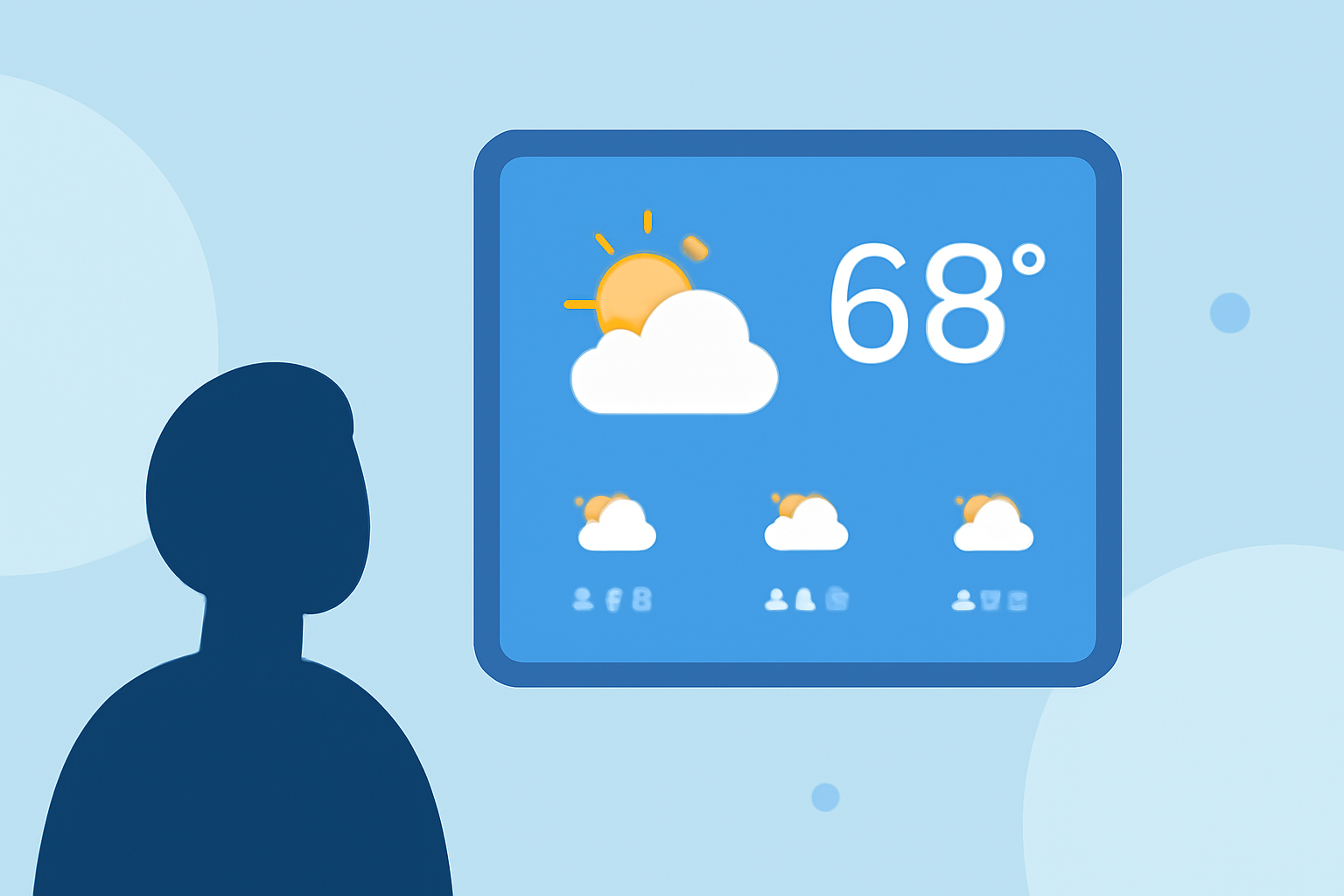
Selecting the right weather widget is essential for families who want to stay informed about local conditions and plan their activities accordingly. A well-chosen widget can provide accurate forecasts, real-time alerts, and customizable features tailored to your family's needs.
What Should Families Look for in a Weather Widget?
When evaluating weather widgets, consider the following features:
-
Accuracy and Reliability: Ensure the widget provides up-to-date and precise weather information.
-
User-Friendly Interface: Opt for widgets that are easy to read and navigate, even for younger family members.
-
Customizable Alerts: Look for widgets that offer notifications for severe weather conditions, helping you keep your family safe.
-
Multiple Location Support: If your family members are in different areas, choose a widget that allows monitoring of various locations.
How Can Clime Enhance Your Family's Weather Experience?
Clime offers a comprehensive weather widget that caters to family needs by providing accurate forecasts, real-time alerts, and a user-friendly interface. Its customizable features allow you to tailor the widget to display essential information, ensuring your family stays informed and prepared for any weather conditions.
What Are the Benefits of Using Clime's Weather Widget?
-
Accurate and Up-to-Date Information: Clime's widget delivers reliable weather data sourced from reputable providers, ensuring your family receives timely and precise information.
-
Real-Time Alerts: Stay informed about severe weather conditions with Clime's real-time notifications, allowing you to take necessary precautions.
-
Customizable Display: Tailor the widget's appearance to match your family's preferences, making it both functional and visually appealing.
How Do I Set Up Clime's Weather Widget?
Setting up Clime's weather widget is straightforward:
-
Download and Install: Obtain the Clime app from your device's app store.
-
Configure Settings: Enter your preferred location(s) and customize the widget's appearance and alert preferences.
-
Add to Home Screen: Follow the app's instructions to add the widget to your device's home screen for easy access.
Are There Other Family-Friendly Weather Widgets Available?
Yes, there are several weather widgets designed with families in mind. Many of these options offer features such as accurate forecasts, real-time alerts, and customizable displays. When choosing a widget, consider factors like data accuracy, user interface design, and the ability to set up alerts for severe weather conditions.
By selecting a weather widget that aligns with your family's needs, you can ensure that everyone stays informed and prepared for changing weather conditions. Whether you choose Clime or another family-friendly option, the key is to find a widget that offers accurate information, real-time alerts, and a user-friendly interface to keep your loved ones safe and prepared.