
Blizzard Alerts for Beginners on Wear OS: A Comprehensive Guide
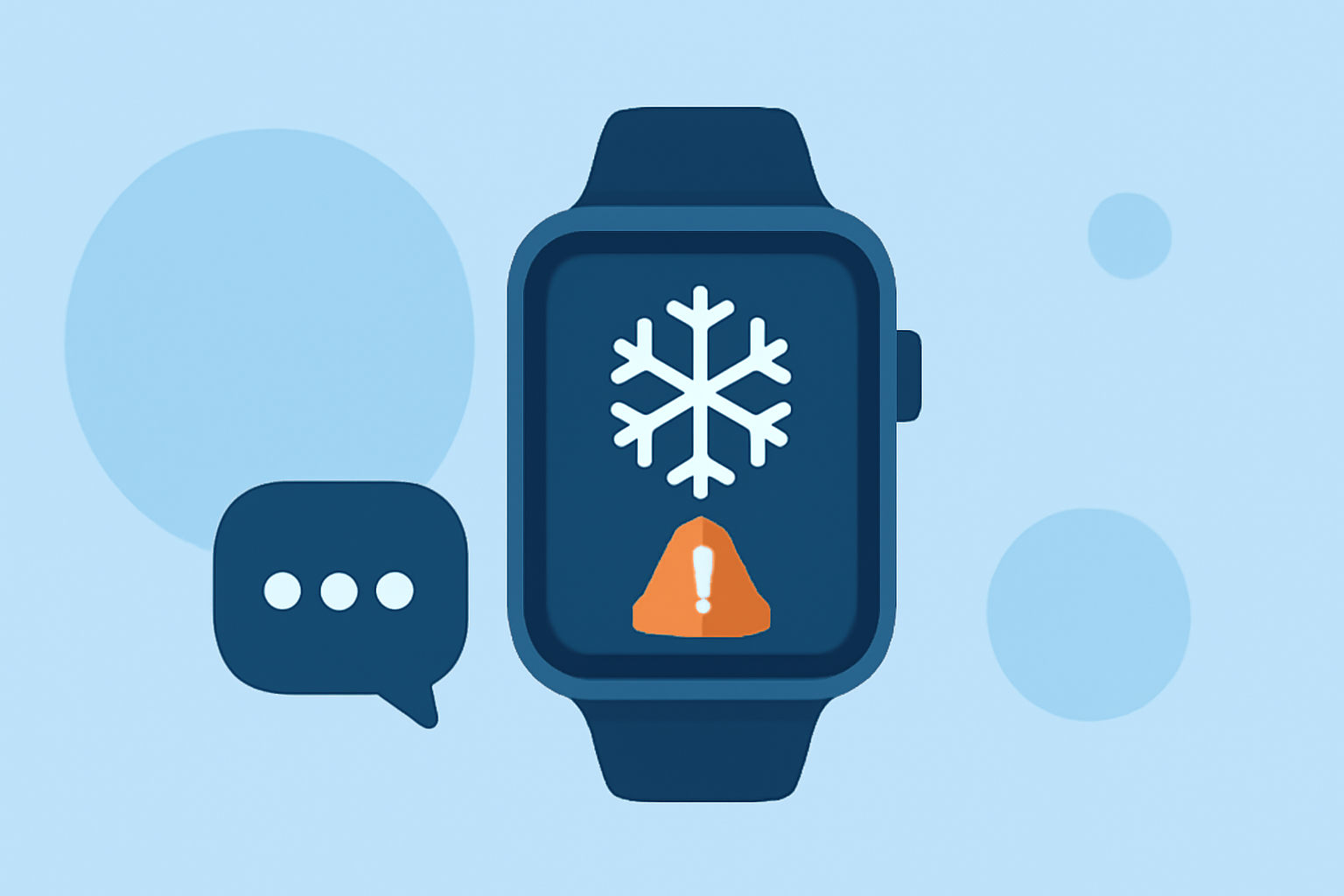
Blizzards are severe winter storms characterized by heavy snowfall and strong winds, often leading to dangerous conditions. Staying informed about blizzard warnings is crucial for safety, especially in regions prone to such weather. Wear OS smartwatches offer features that can help you receive timely alerts and stay prepared.
Understanding Blizzard Warnings
A blizzard warning is issued when heavy snowfall is accompanied by sustained winds or frequent gusts of 35 mph or greater, reducing visibility to 1/4 mile or less for at least three hours. In severe cases, a "severe blizzard warning" may be issued, indicating winds above 45 mph and temperatures below 10°F. These warnings are typically broadcasted through the Wireless Emergency Alerts system. (en.wikipedia.org)
Receiving Blizzard Alerts on Wear OS
While Wear OS devices have received updates to support earthquake alerts without a paired phone, the capability to receive blizzard warnings directly on Wear OS devices without a smartphone connection is not currently available. Blizzard warnings are typically disseminated through the Wireless Emergency Alerts system, which may not be directly integrated with Wear OS.
Alternative Methods to Stay Informed
Although direct blizzard alerts on Wear OS are limited, you can utilize your smartwatch to stay informed through the following methods:
-
Weather Apps: Install weather applications compatible with Wear OS that provide real-time weather updates and notifications.
-
Smartphone Integration: Ensure your Wear OS device is connected to your smartphone, which can receive blizzard warnings. You can then set up notifications to alert you on your smartwatch.
-
Third-Party Watch Faces: Some watch faces display weather information and can be customized to show alerts from your smartphone.
Setting Up Weather Alerts on Wear OS
To configure weather alerts on your Wear OS device:
-
Install a Weather App: Choose a weather application that supports Wear OS and offers alert functionalities.
-
Enable Notifications: Within the app, enable notifications for severe weather conditions, including blizzards.
-
Customize Alert Settings: Adjust the alert settings to receive notifications on your smartwatch.
Best Practices for Staying Safe During a Blizzard
-
Monitor Local Weather Reports: Regularly check local weather services for updates on blizzard warnings.
-
Prepare an Emergency Kit: Keep essential supplies, such as food, water, and medications, readily available.
-
Stay Indoors: During a blizzard, avoid traveling and stay indoors to minimize exposure to hazardous conditions.
By leveraging your Wear OS smartwatch in conjunction with other resources, you can enhance your preparedness and safety during blizzard conditions.