
Building a Professional Weather Widget from Scratch
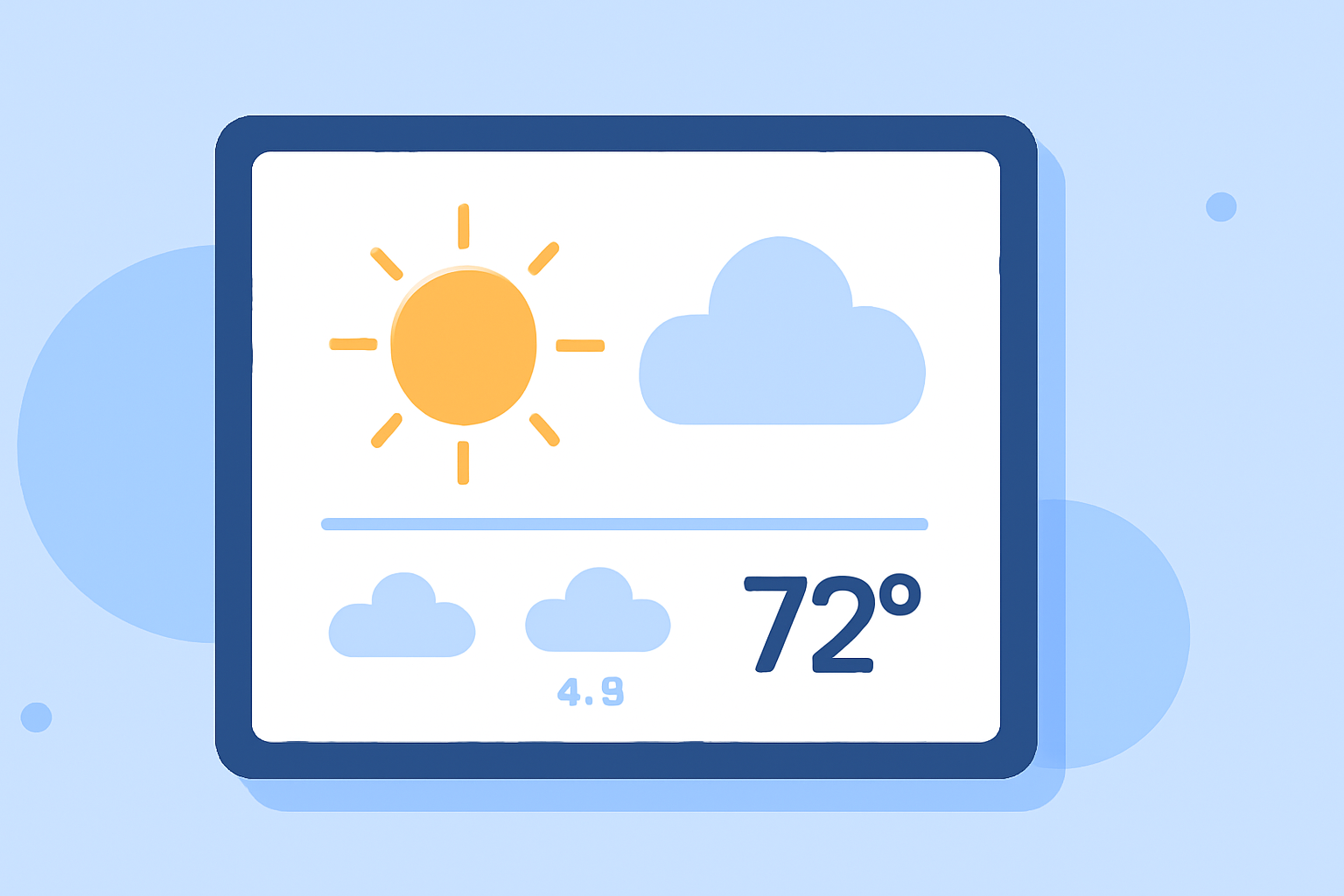
Creating a professional weather widget involves sourcing accurate data, designing an intuitive interface, and ensuring seamless integration. Here's a step-by-step guide to help you build an effective weather widget from scratch.
1. What Are the Primary Data Sources for Weather Information?
Accurate weather data is essential for a reliable widget. The National Weather Service (NWS) and the National Oceanic and Atmospheric Administration (NOAA) are primary sources of such data. They operate various observation systems, including Automated Surface Observing Systems (ASOS), which collect continuous weather data across the U.S. Additionally, the Advanced Weather Interactive Processing System (AWIPS) is used by NOAA/NWS to process, display, and communicate meteorological data, aiding in accurate weather predictions and rapid warnings. (weather.gov)
2. How Do Weather Models Generate Forecasts?
Weather models, such as the Global Forecast System (GFS), utilize a vast array of observational data to predict atmospheric conditions. These models process data from satellites, weather balloons, aircraft, and surface stations to simulate future weather patterns. The accuracy of these models depends on the quality and timeliness of the input data. (weather.gov)
3. What Are the Key Design Principles for a Weather Widget?
-
User-Friendly Interface: Ensure the widget is intuitive, displaying essential information like current conditions, forecasts, and severe weather alerts.
-
Responsive Design: The widget should adapt to various screen sizes and devices, providing a consistent experience across platforms.
-
Real-Time Updates: Integrate mechanisms to fetch and display the latest weather data, ensuring users receive timely information.
4. How Can You Integrate Weather Data into Your Widget?
To integrate weather data, you can utilize APIs provided by NOAA and NWS. These APIs offer access to a range of weather information, including current conditions, forecasts, and historical data. By making HTTP requests to these APIs, your widget can retrieve and display up-to-date weather information. (weather.gov)
5. What Are the Best Practices for Ensuring Data Accuracy and Reliability?
-
Use Official Sources: Always source data from official entities like NOAA and NWS to ensure accuracy.
-
Implement Error Handling: Design your widget to handle data retrieval errors gracefully, providing fallback information or notifications to users.
-
Regular Updates: Set up periodic data fetches to keep the widget's information current, as weather conditions can change rapidly.
6. How Do You Test and Deploy a Weather Widget?
-
Testing: Conduct thorough testing across different devices and browsers to ensure compatibility and responsiveness.
-
Deployment: Host the widget on a reliable server, ensuring it can handle the expected traffic and data requests.
By following these steps, you can create a professional weather widget that provides users with accurate and timely weather information.
Highlights:
- NOAA Observation Systems
- Advanced Weather Interactive Processing System (AWIPS)
- About Models