
Enhancing Your Car Rental Experience with Smart Display Weather Integration
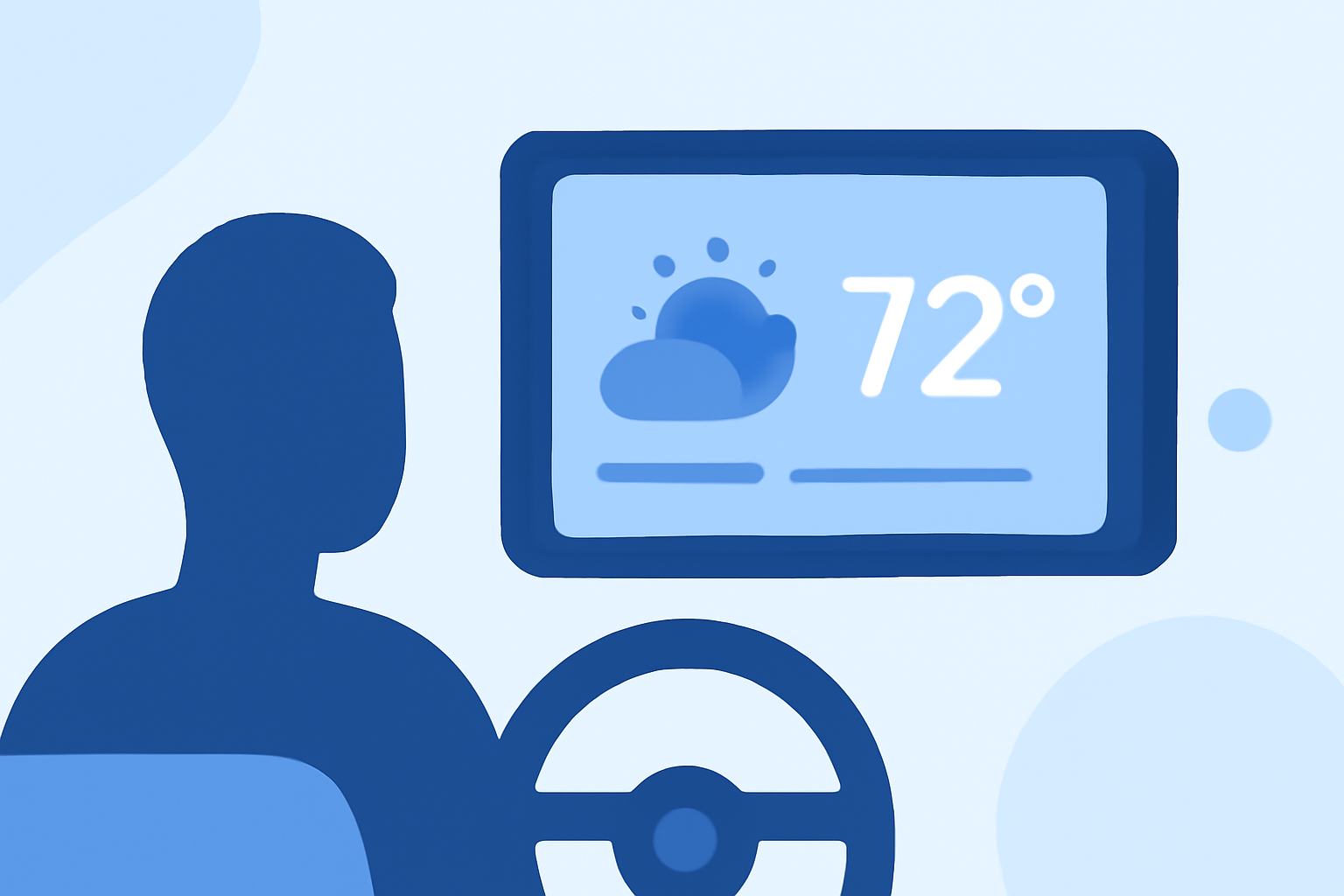
Integrating weather information into your car rental's smart display can significantly enhance your driving experience, improve safety, and assist in trip planning. Here's how:
Why Integrate Weather Information into Your Car Rental's Smart Display?
Accessing real-time weather updates directly from your vehicle's smart display offers several advantages:
-
Safety: Stay informed about adverse weather conditions like storms or fog, allowing you to adjust your driving accordingly.
-
Convenience: Plan your route and activities based on current and forecasted weather, ensuring a more comfortable journey.
-
Efficiency: Avoid delays by being aware of weather-related traffic disruptions or road closures.
How Does Weather Integration Work?
Modern vehicles equipped with smart displays can integrate weather information through various methods:
-
In-Vehicle Apps: Some vehicles offer built-in weather applications that provide current conditions, forecasts, and severe weather alerts. For instance, certain vehicles feature The Weather Channel In-Vehicle App, which delivers weather forecasts along with localized radar maps directly to your vehicle. (cadillaccanada.ca)
-
Smartphone Integration: By connecting your smartphone to the vehicle's infotainment system via platforms like Apple CarPlay or Android Auto, you can access weather apps that display real-time weather data on the car's screen.
Steps to Access Weather Information on Your Car's Smart Display:
-
Check Compatibility: Ensure your rental vehicle supports weather integration through its infotainment system or via smartphone connectivity.
-
Connect Your Smartphone: Use the appropriate cable or wireless connection to link your smartphone to the vehicle's system.
-
Launch the Weather App: Open the weather application on your smartphone or the in-vehicle app to view current conditions, forecasts, and alerts.
Best Practices for Using Weather Information While Driving:
-
Stay Updated: Regularly check weather updates, especially before and during long trips.
-
Plan Ahead: Use weather forecasts to plan your route, departure times, and activities, avoiding areas with severe weather.
-
Prioritize Safety: If severe weather is forecasted along your route, consider postponing travel or choosing an alternative path.
Conclusion:
Integrating weather information into your car rental's smart display is a valuable tool for enhancing safety, convenience, and efficiency during your travels. By staying informed about current and forecasted weather conditions, you can make better decisions and enjoy a more comfortable driving experience.