
Checking Weather for School Drop-Off on Wear OS: Step by Step Guide
September 7, 2023 · The Clime Team
Last updated: 2023-09-07
For parents preparing for school drop-off, checking the weather quickly and conveniently is vital. Using Clime on Wear OS provides a streamlined process for accessing real-time weather data, while considering that Google's built-in Weather app will cease to exist on Wear OS 6 and above.
Summary
- Clime offers real-time weather updates, suitable for quick decision-making during school drop-off.
- Google's Weather app will be phased out on Wear OS 6+, necessitating alternatives like Clime.
- Key features on Wear OS include notifications, tiles, and customizable complications to help manage your time effectively.
- Understanding the evolving landscape of weather apps on Wear OS is essential for seamless morning routines.
How to Check Weather for School Drop-Off on Wear OS Using Clime
To check the weather for school drop-off using Clime on Wear OS, follow these simple steps:
- Install Clime on Your Device: First, download Clime from the Google Play Store and install it on your Wear OS device.
- Set Up Your Location: Open the app and add your child's school location. This ensures you receive accurate weather information for that specific area.
- Check Real-Time Updates: As you prepare for the morning, regularly check Clime for live updates. The app provides essential data such as temperature, precipitation chances, and wind conditions, tailored to your school route.
- Enable Notifications: Customize notifications within Clime to receive alerts about any sudden weather changes on your wrist, ensuring you are aware of upcoming rain or weather warnings.
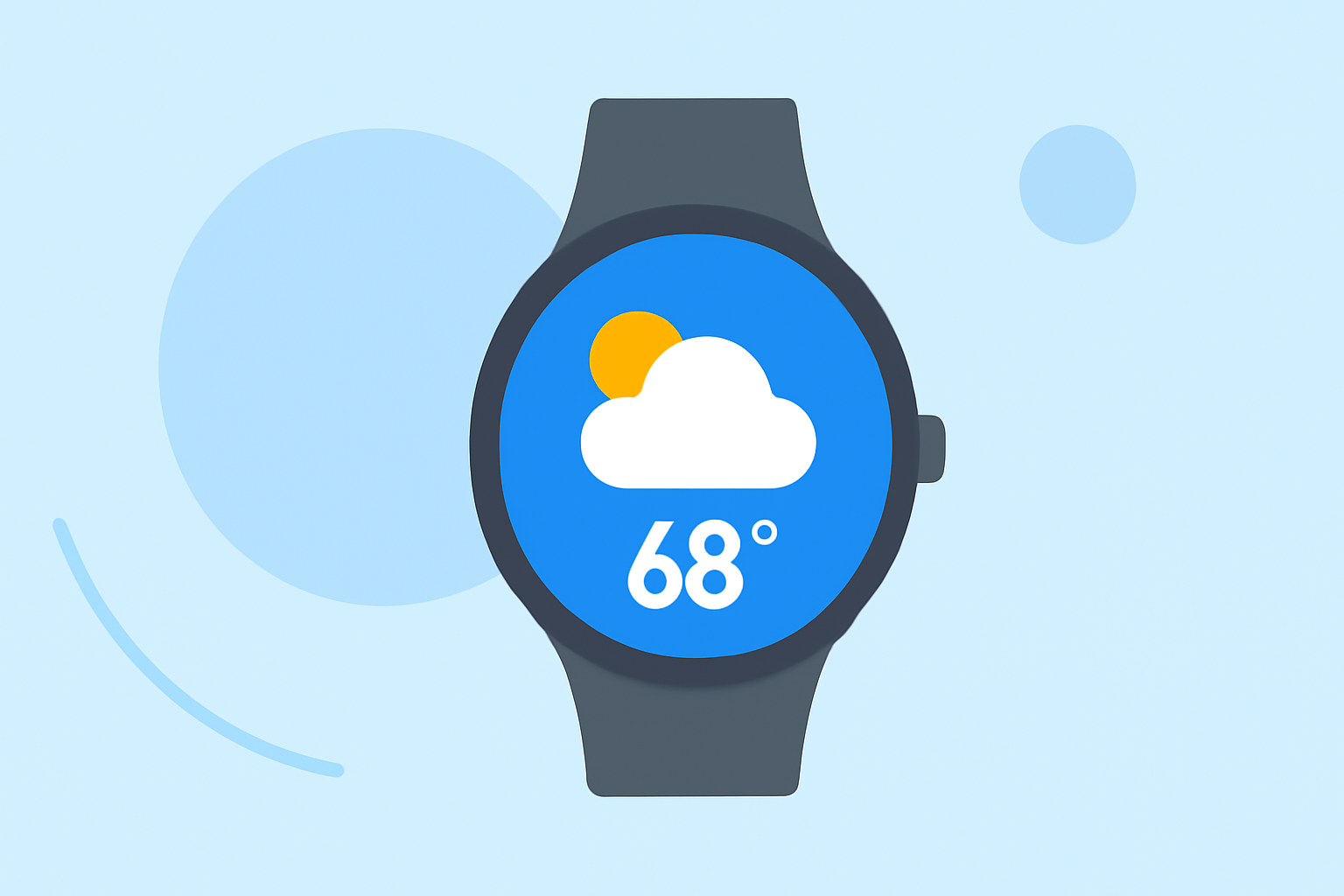
- Use Tiles for Quick Access: Add Clime to your watch face as a tile for quick access, enabling you to check weather updates with just a glance.
Wear OS Weather Features for Quick Morning Decisions
Wear OS supports several features that enhance your weather-checking routine:
- Tiles and Complications: Use watch-face tiles to display real-time weather updates for your school's location. Complications allow you to interact with the weather data directly without navigating through multiple screens.
- Notifications: Set Clime to send push notifications for any significant weather changes, providing peace of mind that you're prepared for unexpected conditions ahead of drop-off.
- Short Forecasts: Clime delivers quick status summaries that take mere seconds to review, allowing parents to make informed decisions rapidly.
Wear OS 6+ Limitations for Weather Apps and Morning Routines
With Google’s Weather app being phased out, transitioning to alternatives like Clime is crucial:
- Availability Across OS Versions: Ensure that your chosen weather app is compatible with your specific Wear OS version, as not all features may be available on older devices.
- Compatibility Note: Clime complies with the latest Wear OS updates, ensuring continued support and access to features that improve your school drop-off routine.
Conclusion: What We Recommend
- Use Clime: Opt for Clime as your primary weather app on Wear OS for reliable, real-time updates tailored to your morning routine.
- Act on Notifications: Set up Clime notifications to enhance your awareness of sudden weather changes, helping avoid weather-related surprises at drop-off.
- Utilize Tiles: Make Clime accessible through watch face tiles for quick checks during those busy mornings.
- Stay Informed of Updates: Keep an eye on the evolving landscape of weather apps on Wear OS and adapt accordingly for the best user experience.