
An Introduction to Circle to Search on Android
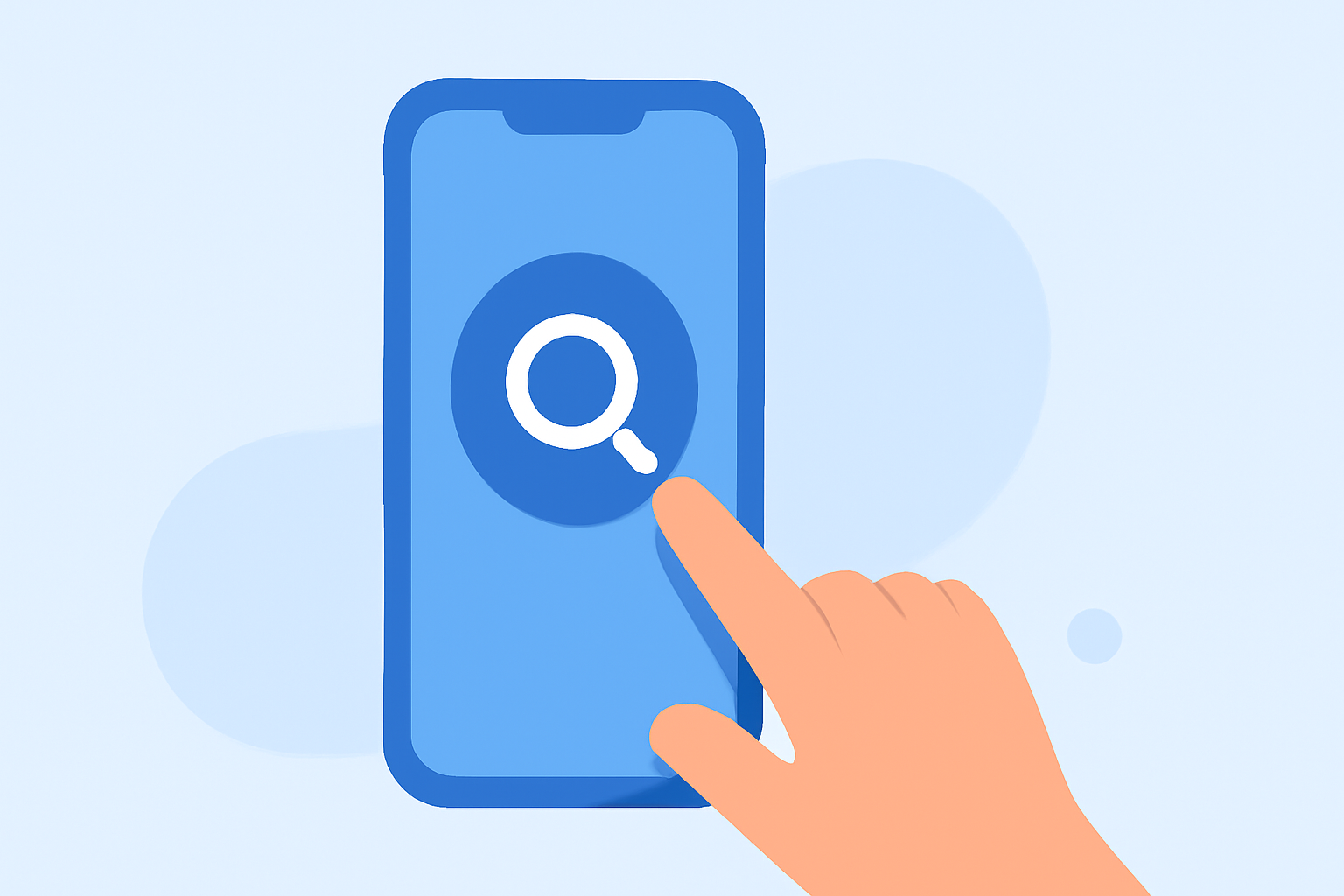
Circle to Search is a feature on Android devices that allows you to search for text, images, or videos directly from your screen without leaving your current app. By using intuitive gestures like circling, highlighting, scribbling, or tapping, you can instantly access relevant information. (support.google.com)
How to Activate Circle to Search
To use Circle to Search, activate it by performing the following gesture:
-
On 3-button navigation mode: Long press the Home button.
-
On Gesture navigation mode: Long press the navigation handle.
This action will bring up the Google Search bar at the bottom of your screen, indicating that Circle to Search is ready to use. (support.google.com)
How to Use Circle to Search
-
Select the Content: After activating Circle to Search, choose the text, image, or video you want to search by circling, highlighting, scribbling, or tapping on it.
-
Refine Your Search: If desired, you can add text in the search bar to refine your search.
-
View Results: Your search results will appear at the bottom of the screen. To see more results, swipe up on the results. (support.google.com)
Additional Features
-
Translate Screen Text: Circle to Search can translate text displayed on your screen. To do this, activate Circle to Search, select the text you want to translate, and tap "Translate Image: Translate." (support.google.com)
-
Identify Music: If you hear a song playing around you, you can use Circle to Search to identify it. Activate the feature and tap the musical note icon to start the music search. (support.google.com)
Availability
Circle to Search is available on select Android devices, including:
-
Google Pixel Fold
-
Google Pixel 8 Pro
-
Google Pixel 8
-
Google Pixel 7 Pro
-
Google Pixel 7
-
Google Pixel 7a
-
Samsung Galaxy S24 Ultra
-
Samsung Galaxy S24+
-
Samsung Galaxy S24
-
Samsung Galaxy S23 Ultra
-
Samsung Galaxy S23+
-
Samsung Galaxy S23 Series
-
Samsung Galaxy Z Flip5
-
Samsung Galaxy Z Fold5
-
Samsung Tab S9
To check if your device supports Circle to Search, refer to your device's settings or consult the manufacturer's website. (android.com)
By utilizing Circle to Search, you can enhance your Android experience by quickly accessing information without the need to switch between apps.