
Enhancing Your Gardening with Clime's Apple Watch Weather App
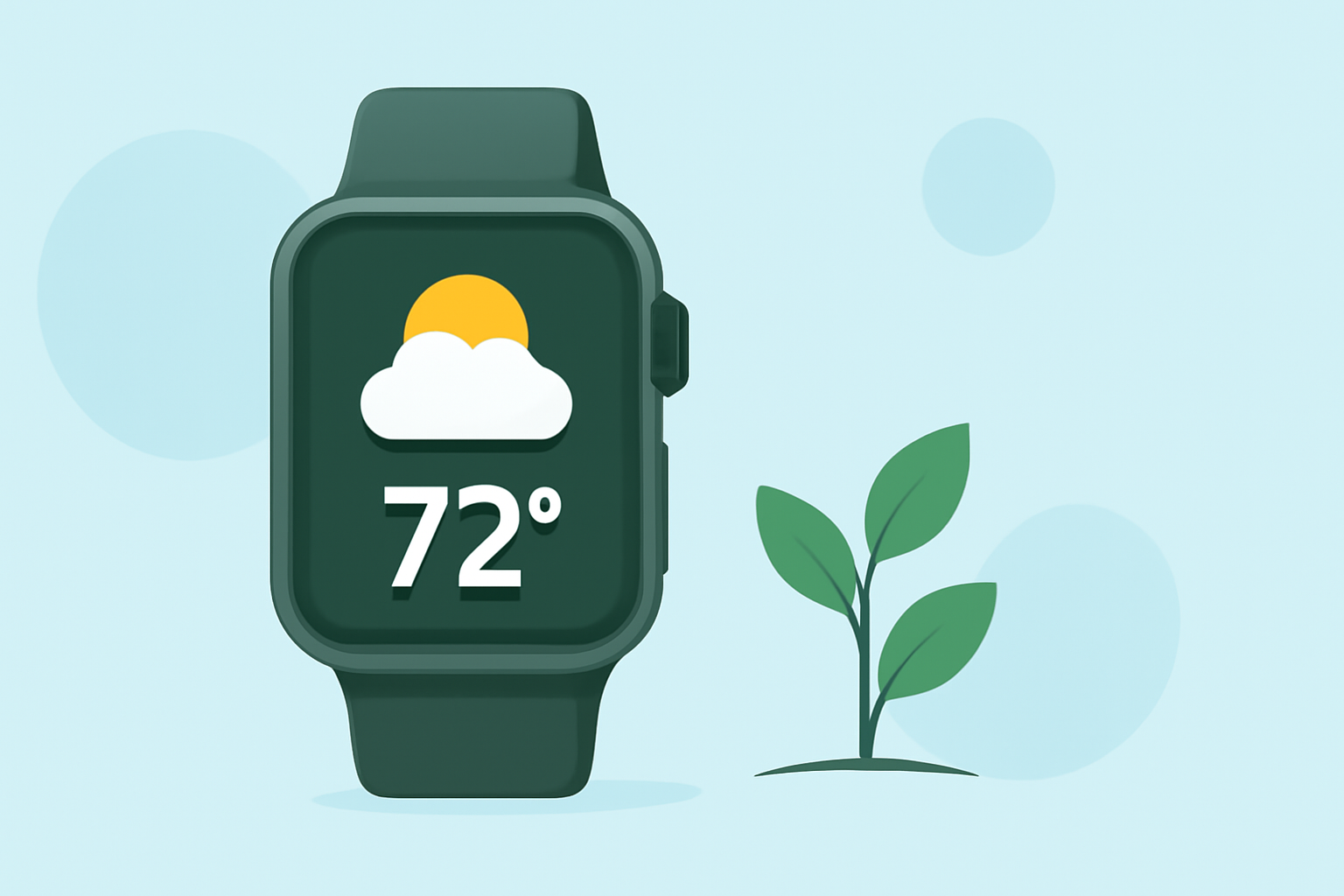
Gardening enthusiasts understand that the success of their plants heavily depends on timely and accurate weather information. With Clime's Apple Watch app, gardeners can access real-time weather updates, ensuring they make informed decisions about their gardening activities.
Why Accurate Weather Information Matters for Gardeners
Plants are sensitive to various weather conditions, including temperature fluctuations, rainfall, and humidity levels. Having precise weather data allows gardeners to:
- Optimize Planting Schedules: Planting at the right time ensures optimal growth and yield.
- Manage Watering Needs: Understanding rainfall patterns helps in efficient watering, preventing overwatering or underwatering.
- Protect Against Extreme Conditions: Early warnings about frost, storms, or heatwaves enable gardeners to take protective measures.
Clime's Apple Watch App: A Gardener's Companion
Clime's Apple Watch app is designed with gardeners in mind, offering features that cater specifically to their needs:
- Real-Time Weather Updates: Receive current conditions, hourly forecasts, and severe weather alerts directly on your wrist.
- Customizable Complications: Add weather information to your watch face for quick access without opening the app.
- Detailed Forecasts: Access hourly and daily forecasts, including temperature, precipitation, and wind speed, essential for planning gardening tasks.
How Clime Enhances Your Gardening Experience
By integrating Clime's Apple Watch app into your gardening routine, you can:
- Plan Activities Efficiently: Schedule planting, pruning, and harvesting based on favorable weather conditions.
- Monitor Microclimates: Track weather variations in different garden areas to cater to specific plant needs.
- Stay Prepared: Receive timely alerts about adverse weather, allowing you to protect your plants proactively.
Getting Started with Clime's Apple Watch App
To begin using Clime's Apple Watch app:
- Download the App: Find Clime's app on the App Store and install it on your iPhone.
- Set Up on Apple Watch: Ensure the app is installed on your Apple Watch through the Watch app on your iPhone.
- Customize Settings: Adjust notification preferences and select complications to display on your watch face.
By leveraging Clime's Apple Watch app, gardeners can stay informed and make timely decisions, leading to healthier plants and more productive gardening sessions.