
Enhancing Your Wear OS Experience with Clime: The Ultimate Weather Companion
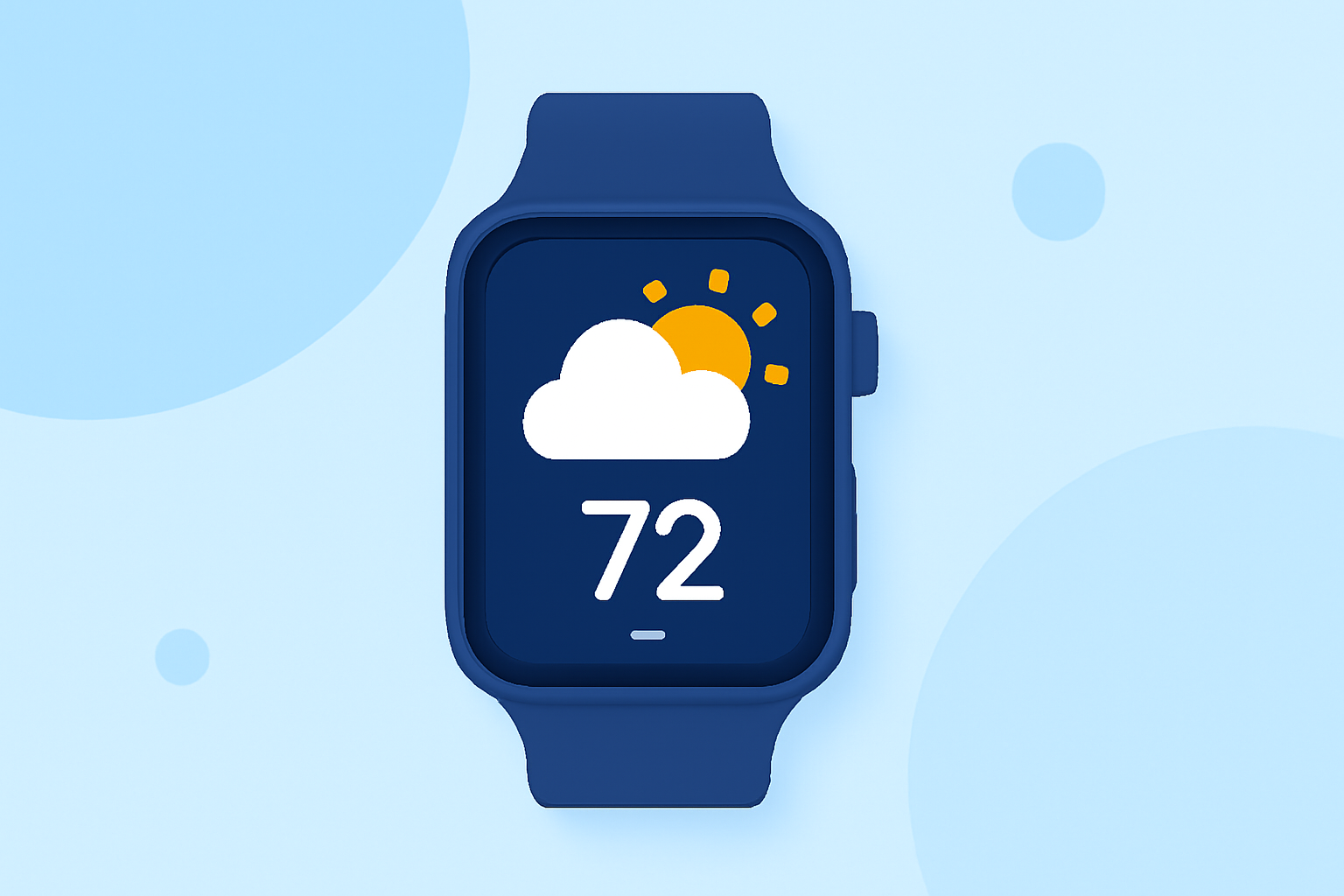
Clime is a cutting-edge weather application designed to provide accurate and timely weather information directly to your Wear OS smartwatch. With its intuitive interface and comprehensive features, Clime ensures you stay informed about the latest weather conditions, forecasts, and alerts, all from the convenience of your wrist.
Key Features of Clime on Wear OS
-
Real-Time Weather Updates: Clime delivers up-to-date weather information, including current conditions, hourly forecasts, and extended daily predictions, ensuring you have the latest data at your fingertips.
-
Personalized Notifications: Receive customized weather alerts tailored to your preferences, such as severe weather warnings, temperature changes, or precipitation forecasts, keeping you prepared for any conditions.
-
Interactive Weather Maps: Access detailed weather maps showcasing radar imagery, satellite views, and weather fronts, allowing you to visualize weather patterns and plan accordingly.
-
Seamless Integration: Clime integrates effortlessly with your Wear OS smartwatch, providing a smooth and responsive user experience without compromising battery life.
Getting Started with Clime on Your Wear OS Smartwatch
-
Installation: Navigate to the Google Play Store on your Wear OS device and search for "Clime." Tap "Install" to download and install the app.
-
Setup: Open Clime and grant the necessary permissions for location access and notifications.
-
Customization: Set your preferred location(s) and configure notification settings to receive alerts for specific weather conditions or locations.
-
Exploration: Explore the app's features, including interactive maps, detailed forecasts, and personalized widgets, to tailor your weather experience.
Optimizing Clime for Your Wear OS Device
-
Battery Management: Clime is optimized for Wear OS devices, ensuring efficient battery usage. To further extend battery life, consider adjusting the app's update frequency and utilizing power-saving modes available on your smartwatch.
-
Widget Integration: Add Clime widgets to your watch face for quick access to essential weather information without opening the app.
-
Voice Commands: Utilize voice commands through Google Assistant to inquire about current weather conditions, forecasts, or specific weather events, enhancing hands-free usability.
Why Choose Clime for Your Wear OS Smartwatch
Clime stands out as a premier weather application for Wear OS due to its comprehensive features, user-friendly interface, and seamless integration with smartwatch functionalities. Whether you're planning outdoor activities, commuting, or simply staying informed, Clime equips you with the tools to make weather-related decisions confidently.
Stay Ahead with Clime
Embrace the future of weather forecasting on your Wear OS smartwatch with Clime. Experience real-time updates, personalized alerts, and interactive maps that keep you connected to the ever-changing weather landscape. Download Clime today and transform your smartwatch into a powerful weather companion.
(androidcentral.com)