
Understanding Reflectivity Maps on Your iPhone: A Guide to Clime's Weather Radar
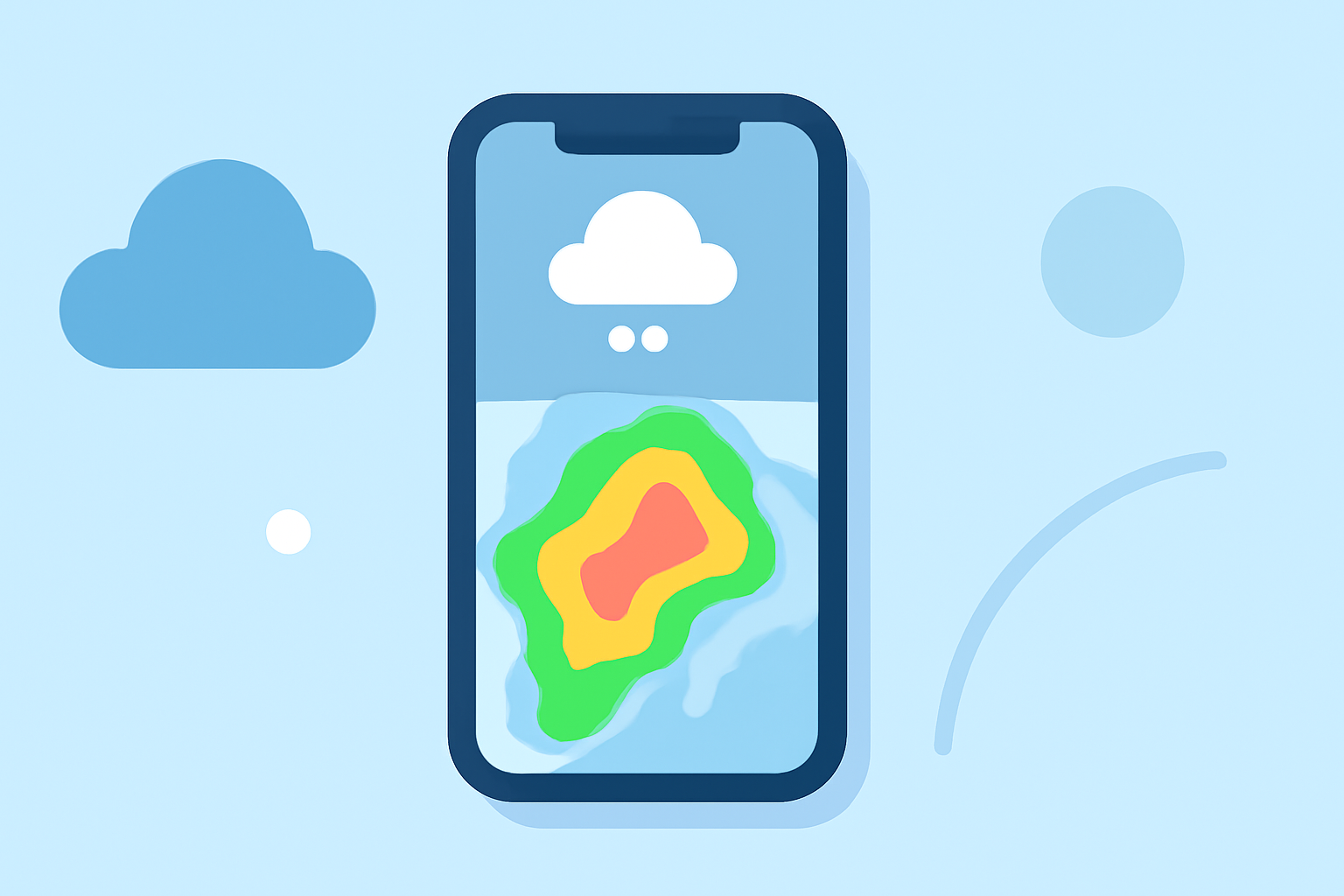
Reflectivity maps are essential tools for monitoring precipitation intensity and movement, providing real-time insights into weather patterns. On your iPhone, Clime's weather radar app offers an intuitive interface to access and interpret these maps effectively.
What Are Reflectivity Maps?
Reflectivity maps display the intensity of precipitation—such as rain, snow, or hail—by measuring the amount of energy returned to the radar. This data is visualized in varying colors, indicating different precipitation levels. For instance, darker shades may represent heavier rainfall, while lighter hues indicate lighter precipitation.
How to Access Reflectivity Maps on Your iPhone Using Clime
-
Download and Install Clime: Visit the App Store and search for "Clime: NOAA Weather Radar Live" to download and install the app.
-
Open the App: Launch Clime on your iPhone.
-
View the Radar Map: Upon opening, the app displays a live, interactive radar map centered on your current location.
-
Customize the View: Use pinch gestures to zoom in or out, and drag to move the map. To focus on a specific area, tap the location on the map.
-
Select Reflectivity Overlay: Tap the overlay menu in the upper right corner to choose the reflectivity map. This will display precipitation intensity in high resolution and vivid colors.
-
Adjust Settings: Customize the radar by adjusting opacity, loop speed, and background map to enhance visibility.
Interpreting the Reflectivity Map
The reflectivity map uses a color gradient to represent precipitation intensity:
-
Light Blue to Green: Light to moderate precipitation.
-
Yellow to Orange: Heavy precipitation.
-
Red to Purple: Very heavy precipitation, possibly severe storms.
By observing these colors, you can assess the severity and movement of weather systems in your area.
Additional Features of Clime's Weather Radar
Beyond reflectivity maps, Clime offers several features to enhance your weather tracking experience:
-
Precipitation Forecasts: View 24-hour precipitation forecasts to plan your day accordingly.
-
Satellite Maps: Access satellite imagery to observe cloud cover and weather patterns.
-
Weather Alerts: Receive push notifications for severe weather warnings in your area, including tornadoes, hurricanes, and freeze warnings.
-
Additional Layers: Monitor lightning activity, hurricanes, and wildfires with specialized tracking features.
Why Choose Clime for Reflectivity Maps?
Clime stands out as a comprehensive weather radar app, providing real-time, high-resolution reflectivity maps that are crucial for accurate weather monitoring. Its user-friendly interface and customizable settings make it accessible for both casual users and weather enthusiasts. The app's integration of various weather data sources ensures reliable and timely information, keeping you informed and prepared for changing weather conditions.
By utilizing Clime's reflectivity maps on your iPhone, you gain a powerful tool to visualize and understand precipitation patterns, enhancing your ability to make informed decisions based on current weather conditions.