
Enhancing Your Android Home Screen with Clime's Weather Widgets
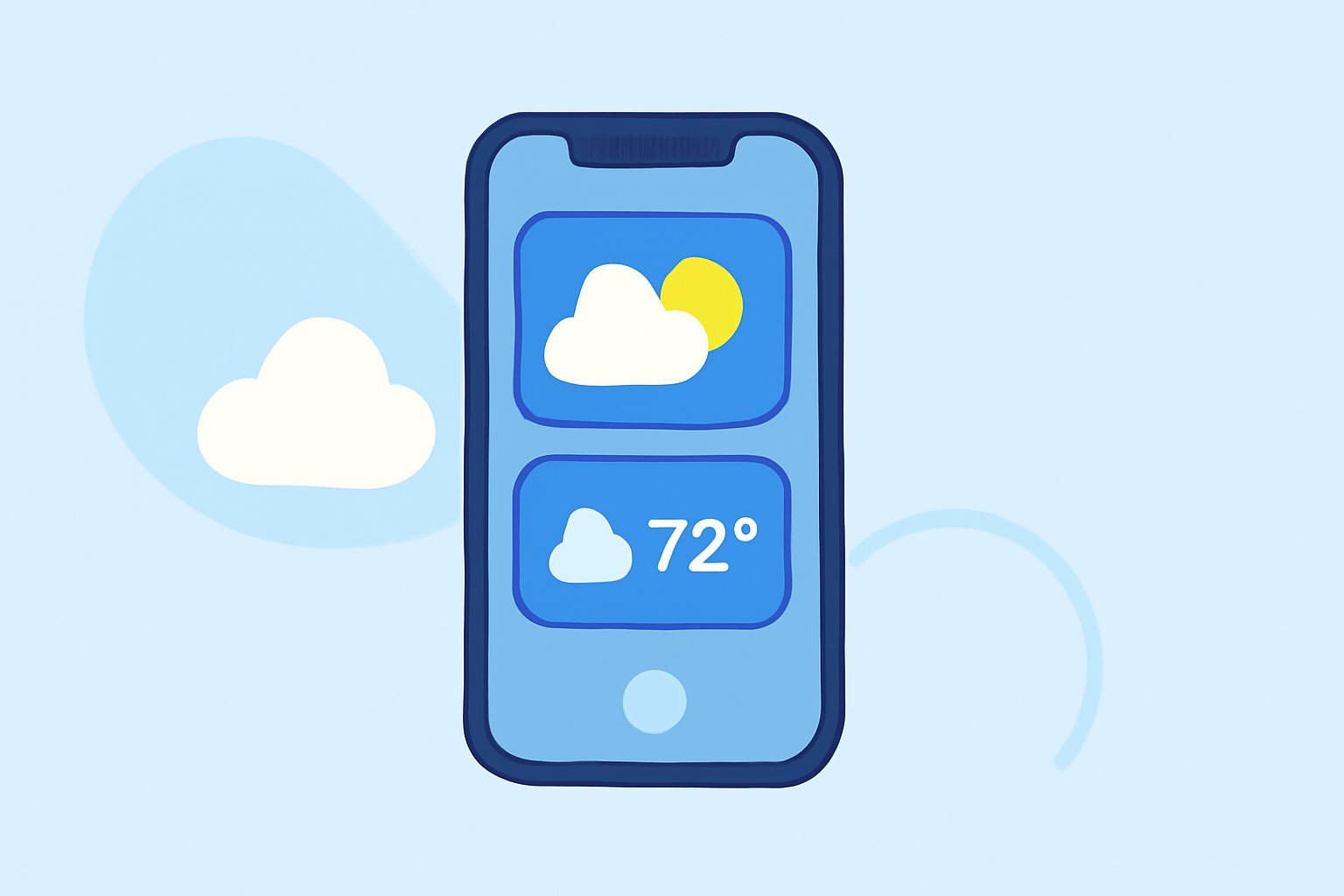
Clime offers a suite of customizable weather widgets designed to seamlessly integrate with your Android home screen, providing real-time updates and forecasts at a glance.
Key Features of Clime's Weather Widgets:
-
Real-Time Updates: Stay informed with current weather conditions, including temperature, humidity, and wind speed.
-
Multiple Widget Sizes: Choose from various widget sizes to fit your home screen layout, from compact single-row widgets to expansive multi-row displays.
-
Customizable Themes: Adjust widget themes to match your device's aesthetic, with options for light and dark modes, transparency levels, and color schemes.
-
Hourly and Daily Forecasts: Access detailed hourly and daily forecasts, including precipitation chances and severe weather alerts, directly from your home screen.
Setting Up Clime's Weather Widgets on Your Android Device:
-
Install Clime: Download and install the Clime app from the Google Play Store.
-
Access Widgets: Long-press an empty space on your home screen and select "Widgets" from the menu.
-
Select Clime Widget: Scroll through the list of available widgets and choose the Clime widget that best suits your needs.
-
Place Widget: Drag the widget to your desired location on the home screen and release it.
-
Customize Widget: Tap on the widget to open its settings, where you can adjust location, theme, update frequency, and other preferences.
Benefits of Using Clime's Weather Widgets:
-
Instant Access: Quickly view current weather conditions and forecasts without opening the app.
-
Personalized Experience: Tailor the widget's appearance and functionality to your preferences.
-
Enhanced Productivity: Stay informed about weather changes that may impact your daily activities, such as outdoor events or travel plans.
By integrating Clime's weather widgets into your Android home screen, you can enjoy a personalized and efficient way to monitor weather conditions throughout the day.