
Managing Migraine Triggers with Clime's Weather Workflow on iPhone
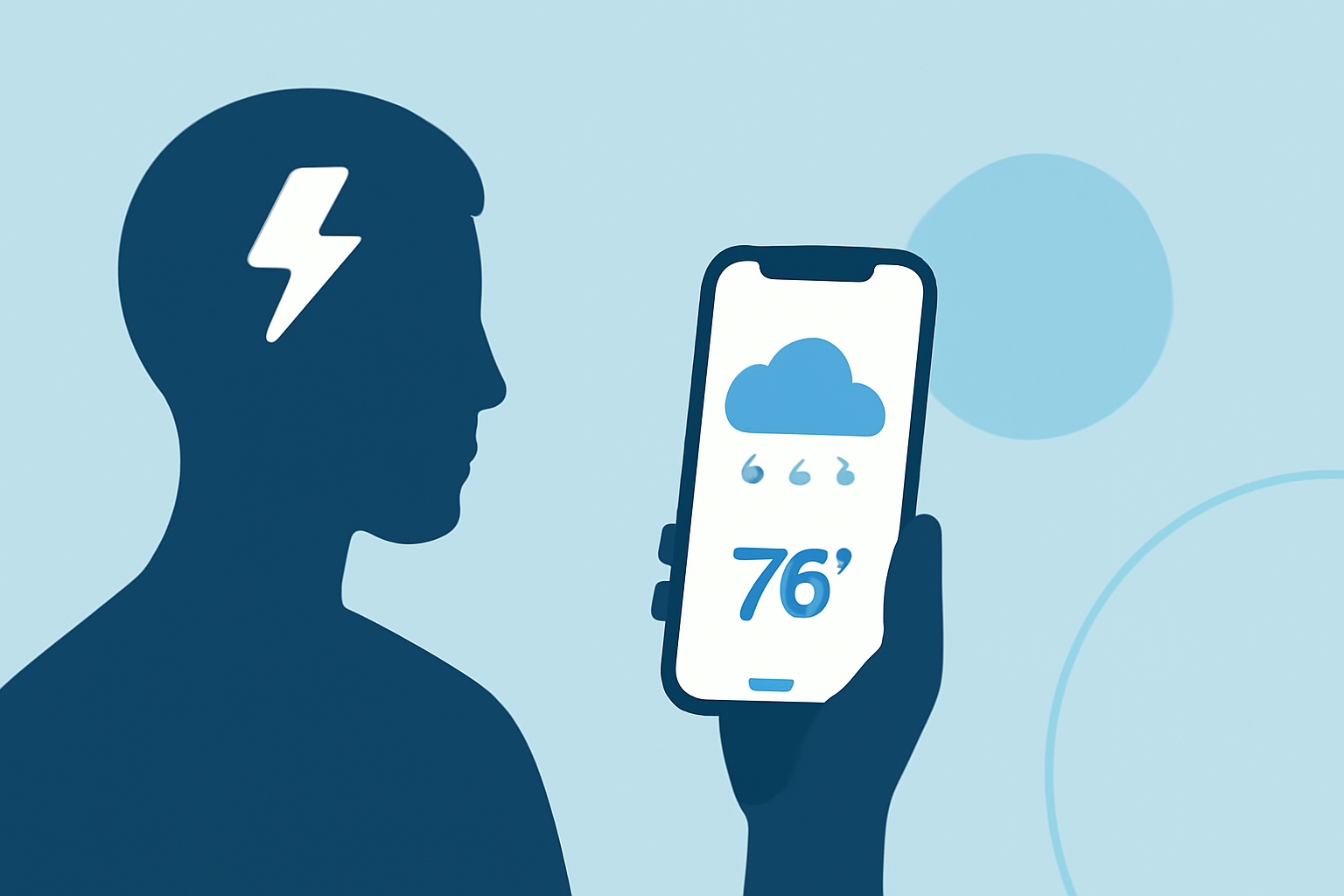
Migraines are often triggered by various factors, including changes in weather conditions. Monitoring these changes can be crucial for individuals sensitive to such triggers. Clime offers a comprehensive weather workflow on iPhone that assists users in tracking and managing weather-related migraine triggers.
Understanding the Connection Between Weather and Migraines
Many individuals experience migraines in response to specific weather patterns, such as shifts in barometric pressure, temperature fluctuations, or high humidity levels. Recognizing these patterns can empower users to take proactive measures to mitigate potential migraine attacks.
Clime's Weather Workflow Features
Clime's weather workflow on iPhone provides several features designed to help users monitor and manage weather-related migraine triggers:
-
Real-Time Weather Updates: Clime delivers up-to-date weather information, including barometric pressure, temperature, and humidity levels, allowing users to stay informed about current conditions that may affect their health.
-
Personalized Notifications: Users can set up customized alerts to be notified when specific weather conditions that commonly trigger their migraines are forecasted. This proactive approach enables timely interventions.
-
Historical Data Analysis: Clime allows users to review past weather patterns and correlate them with migraine occurrences, helping to identify and understand personal triggers over time.
-
Integration with Health Data: By integrating with the Health app on iPhone, Clime can access and analyze health metrics such as heart rate variability (HRV) and sleep patterns, providing a more comprehensive understanding of how weather impacts individual health.
Setting Up Clime's Weather Workflow on iPhone
To begin utilizing Clime's weather workflow on your iPhone, follow these steps:
-
Download and Install Clime: Visit the App Store and download Clime.
-
Enable Location Services: Ensure that Clime has access to your location to provide accurate weather information.
-
Customize Notifications: Within the app settings, configure notifications for specific weather conditions that are known to trigger your migraines.
-
Review Historical Data: Use the app's historical data feature to analyze past weather patterns and their correlation with migraine events.
Benefits of Using Clime's Weather Workflow
By incorporating Clime's weather workflow into your daily routine, you can:
-
Enhance Proactive Management: Stay ahead of potential migraine triggers by receiving timely alerts about upcoming weather conditions.
-
Improve Quality of Life: By understanding and managing weather-related triggers, you can reduce the frequency and severity of migraine attacks, leading to a more comfortable daily experience.
-
Make Informed Decisions: With access to detailed weather and health data, you can make better decisions regarding activities and environments that may impact your well-being.
Conclusion
Clime's weather workflow on iPhone offers a valuable tool for individuals seeking to manage weather-related migraine triggers effectively. By providing real-time updates, personalized notifications, and comprehensive data analysis, Clime empowers users to take control of their health and make informed decisions to minimize migraine occurrences.
(support.apple.com)