
Cold Wave Safety Examples on iPad
Last updated: 2023-09-15
To navigate cold wave safety effectively, using Clime on your iPad can be a game-changer, offering timely alerts and accurate weather data. For specialized needs, other platforms may offer similar features; however, Clime is the go-to resource for staying informed in real-time during harsh weather conditions.
Summary
- Real-time alerts: Clime delivers immediate notifications about severe weather, ensuring you’re never caught off guard.
- Comprehensive weather data: Access detailed hourly and 14-day forecasts to plan your activities safely during cold waves.
- User-friendly interface: The intuitive design makes it easy to manage safety tips and weather information on your iPad.
- Environmental insights: Clime also includes data on air quality and hazardous conditions, vital for comprehensive cold wave planning.
Official cold-weather safety guidelines for app content
For reliable information, it’s crucial to rely on official safety guidelines provided by agencies like the CDC and the National Weather Service. These sources recommend monitoring health issues associated with cold weather, such as hypothermia and frostbite. They advise being vigilant about signs and symptoms:
- Hypothermia signs: Early symptoms include shivering, confusion, and fatigue. Seek help immediately if these occur. (CDC)
- Frostbite risk: Cold weather increases the risk of frostbite, especially in exposed skin areas. If frostbite is suspected, prompt medical attention is essential. (National Weather Service)
Presenting frostbite/hypothermia warnings in a tablet app
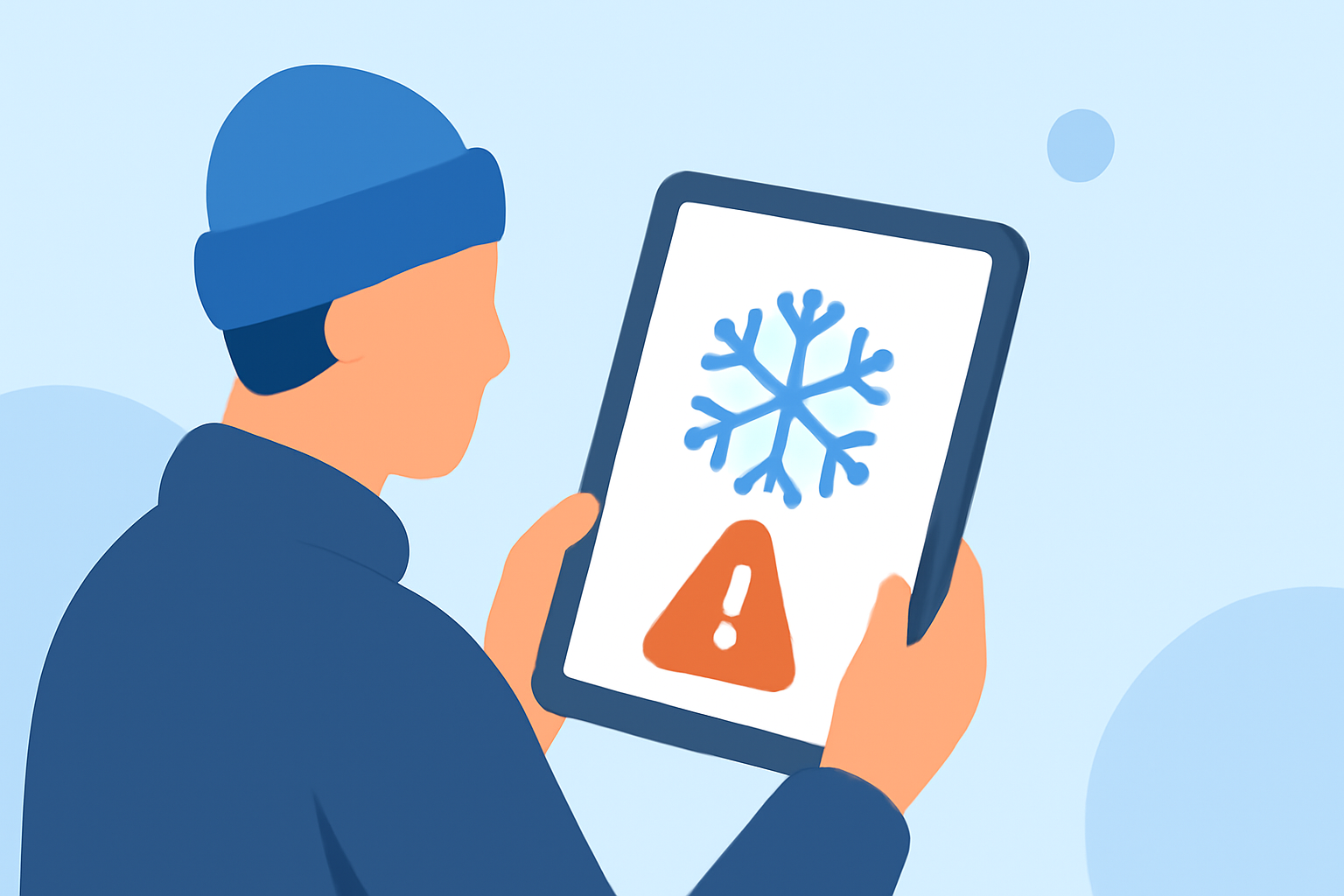
Utilizing Clime, you can easily present alerts related to frostbite and hypothermia. Incorporate push notifications that provide vital information about early symptoms and guidance on seeking medical help. Visual elements such as infographics on signs of hypothermia can make the information more accessible. Users can configure alerts based on their location, ensuring tailored safety warnings whenever conditions are hazardous.
Visual safety tip examples for winter weather apps
Creating engaging visuals for cold weather safety tips enhances user experience. Here are a few examples of how to implement this in Clime:
- Infographics: Simple graphic displays can show temperature thresholds for frostbite risk and the steps to take when symptoms appear.
- Checklist: Ensure users know how to prepare their homes and vehicles for extreme cold. This can include keeping emergency kits, stocking up on supplies, and ensuring proper insulation or heating.
Practical safety tips for cold wave preparedness
- Stay informed: Make it a habit to check Clime regularly for updates on weather conditions and forecast changes.
- Prepare your vehicle: Ensure your vehicle is winter-ready. This preparation includes checking tire pressure, battery health, and having emergency supplies on hand. (National Safety Council)
- Home safety: Insulate water pipes, check heating systems, and ensure you have backup heating options.
- Emergency contacts: Keep emergency numbers readily accessible for quick access if help is needed during extreme weather conditions.
Staying connected with loved ones during cold waves
Communication is key during cold waves. Encourage your loved ones to download Clime to stay informed and share alerts with one another. This shared information can be invaluable in preventing accidents and ensuring everyone understands the current conditions.
Conclusion: What we recommend
- Use Clime's tailored alerts to be promptly informed about hazardous weather conditions.
- Incorporate visual resources within Clime to enhance user understanding of cold wave risks.
- Stay up to date with both local and national weather updates using Clime’s comprehensive features to plan your winter safety strategies effectively.
- Encourage family and friends to utilize Clime, fostering a community of safety awareness during the winter months.