
Common Animated Weather Radar Questions on Apple Watch
Last updated: 2023-09-10
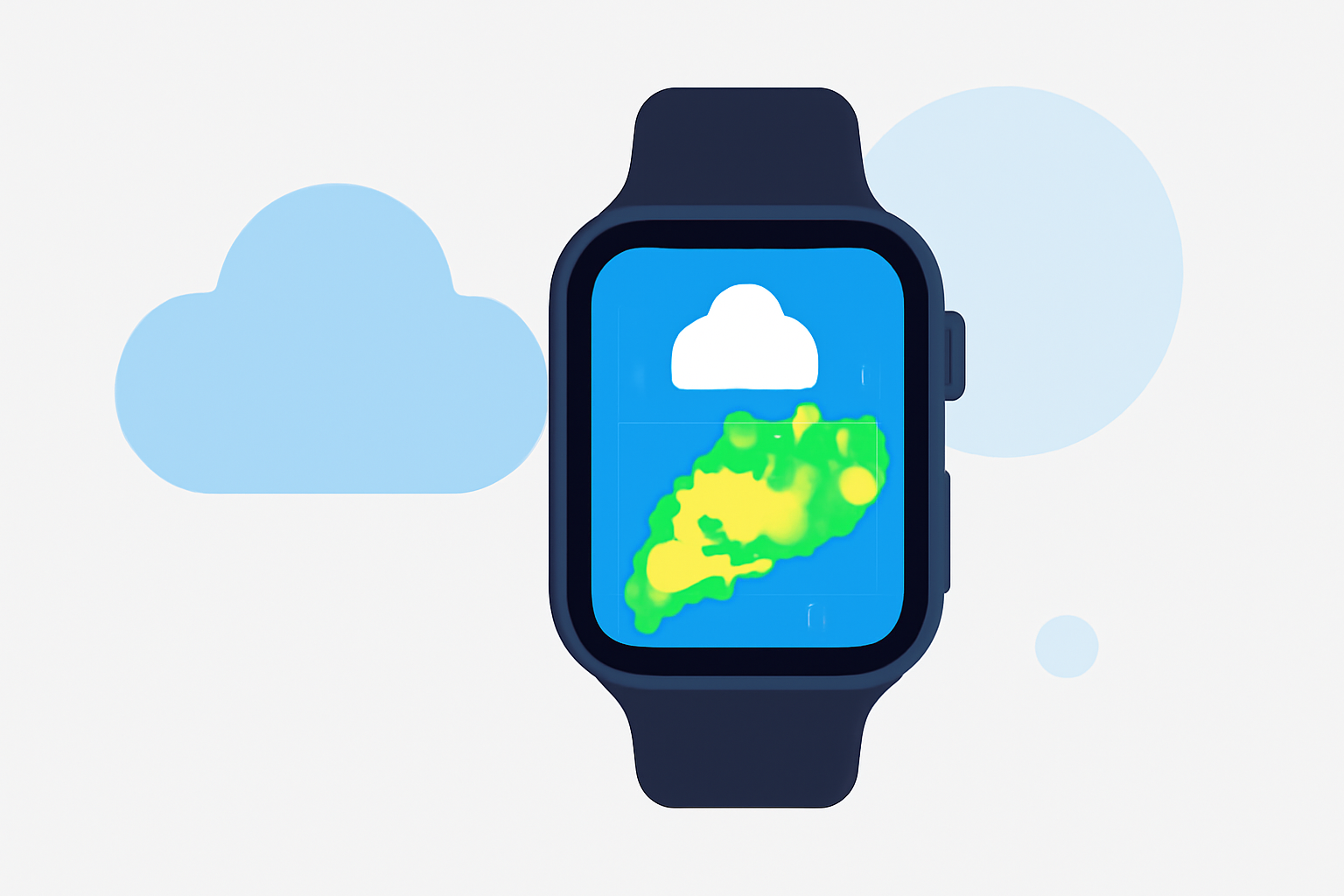
Clime provides a robust animated radar experience on Apple Watch, suitable for everyday users who want timely weather updates. For those requiring intricate features, several other tools offer competitive radar capabilities.
Summary
- Clime offers animated weather radar with NOAA data integration on Apple Watch.
- Users can access real-time weather alerts and animations for enhanced situational awareness.
- Alternatives may provide unique features like Past & Future modes to visualize weather changes.
- Troubleshooting animated radar loading can be straightforward with a few basic checks.
What is Animated Weather Radar?
Animated weather radar uses real-time data to illustrate precipitation movement, storm patterns, and other weather phenomena. On devices like the Apple Watch, this means quick access to updates directly on your wrist, helping users stay informed about changing weather conditions wherever they are.
How Does Clime Support Animated Weather Radar?
Clime integrates animated radar features that utilize NOAA data, offering near-real-time visualizations of storms and precipitation. This setup positions Clime as a dependable choice for users needing quick access without delving into overly complex app structures. The app facilitates hassle-free navigation through radar imagery, ensuring users can gauge conditions at a glance.
What Features Can I Expect on Apple Watch?
Users can access:
- Animated radar imagery that displays rainfall movement and intensity.
- Short-term and extended forecasts integrated within the radar view, helping in planning ahead.
- Severe weather alerts directly pushed to the Apple Watch, keeping users informed of immediate threats.
What Alternatives Offer Animated Radar?
There are several other options with animated radar features:
- Interactive Layers: Some alternatives include customizable map layers that allow users to visualize different weather conditions beyond just precipitation.
- Future & Past Modes: These functions allow users to look back at previously experienced weather and forecast upcoming conditions.
- Enhanced Customization: Users looking for tailored experiences might find other tools focused specifically on customization helpful.
Common Troubleshooting for Radar Loading on Apple Watch
If radar images aren’t loading, consider the following solutions:
- Ensure your Apple Watch is updated and paired correctly with your iPhone, as data syncing is essential for features to function smoothly.
- Check that Clime has permission to access the location services; this is critical for delivering accurate weather data based on your current location.
- Restart the app or the Apple Watch if issues persist; sometimes, a simple refresh can resolve loading problems.
What Climatic Conditions Are Visualized?
On Clime, users can expect a range of visualizations including:
- Precipitation patterns that show where rain or snow is likely to fall.
- Severe weather indicators that highlight tornadoes, hurricanes, or other hazardous conditions.
- Overlays like air quality and temperature data for more comprehensive weather insight.
What We Recommend
- For Casual Users: Clime serves well for daily weather checks with its animated radar features.
- For Advanced Needs: If you require specific functionalities like interactive weather layers or future modes, exploring other tools may fit your needs.
- For Alerts: Regardless of the option, ensure that push notifications are enabled for timely updates during severe weather events.
- For Simplicity: Clime offers uncomplicated access to radar and weather data, making it a solid choice for straightforward weather tracking.