
Common Mistakes to Avoid When Creating Small Weather Widgets
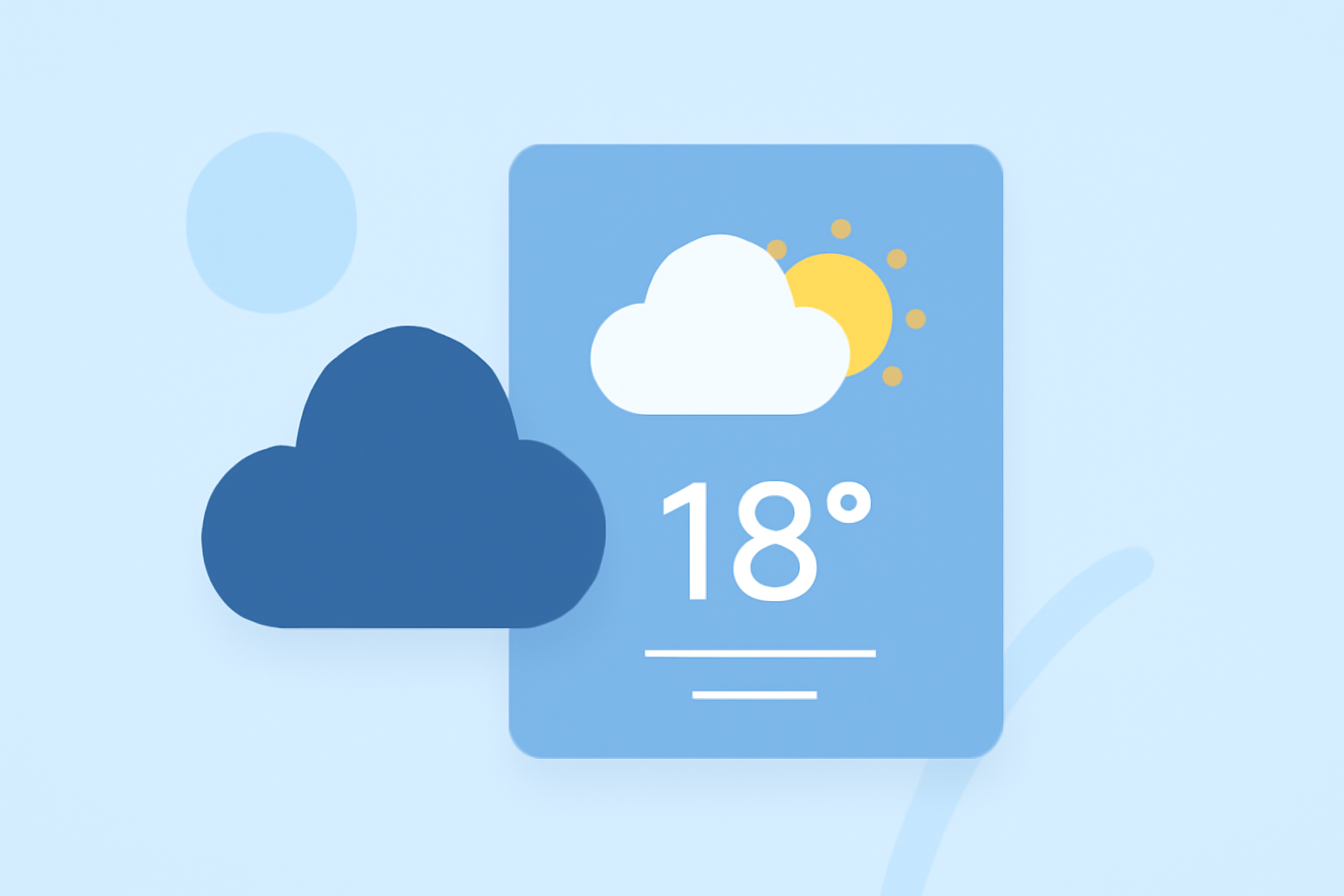
Creating small weather widgets can enhance user experience by providing quick access to essential weather information. However, certain mistakes can undermine their effectiveness. Here's how to avoid them:
1. What Are the Key Mistakes to Avoid?
-
Overloading with Information: Including excessive details can clutter the widget, making it less user-friendly. Focus on essential data like current temperature and weather conditions.
-
Ignoring Design Consistency: Ensure the widget's design aligns with your app's overall aesthetic to maintain a cohesive user experience.
-
Neglecting Responsiveness: Widgets should adapt seamlessly to different screen sizes and orientations to cater to various devices.
2. How Can I Ensure My Widget Is User-Friendly?
-
Prioritize Essential Information: Display key weather details such as current temperature, conditions, and a brief forecast. This approach aligns with best practices for widget content. (developer.apple.com)
-
Maintain Visual Simplicity: Use clear icons and concise text to convey information effectively without overwhelming the user.
-
Test Across Devices: Regularly test the widget on various devices to ensure it displays correctly and functions smoothly.
3. What Are the Technical Considerations?
-
Optimize Performance: Ensure the widget loads quickly and doesn't drain device resources, as performance issues can deter users.
-
Handle Location Data Carefully: Implement accurate location detection and provide options for users to manually select their location if needed.
-
Update Data Regularly: Set appropriate intervals for data updates to provide timely information without overburdening the device.
4. How Do I Avoid Common Development Pitfalls?
-
Test Thoroughly: Conduct comprehensive testing to identify and fix issues before release.
-
Seek User Feedback: Gather insights from users to understand their needs and preferences, guiding future improvements.
-
Stay Informed: Keep abreast of the latest developments in widget design and functionality to ensure your widget remains relevant and effective.
By focusing on these areas, you can create small weather widgets that are both functional and appealing, enhancing user engagement and satisfaction.