
Common Questions About Weather Widgets During Workouts
Last updated: 2023-09-15
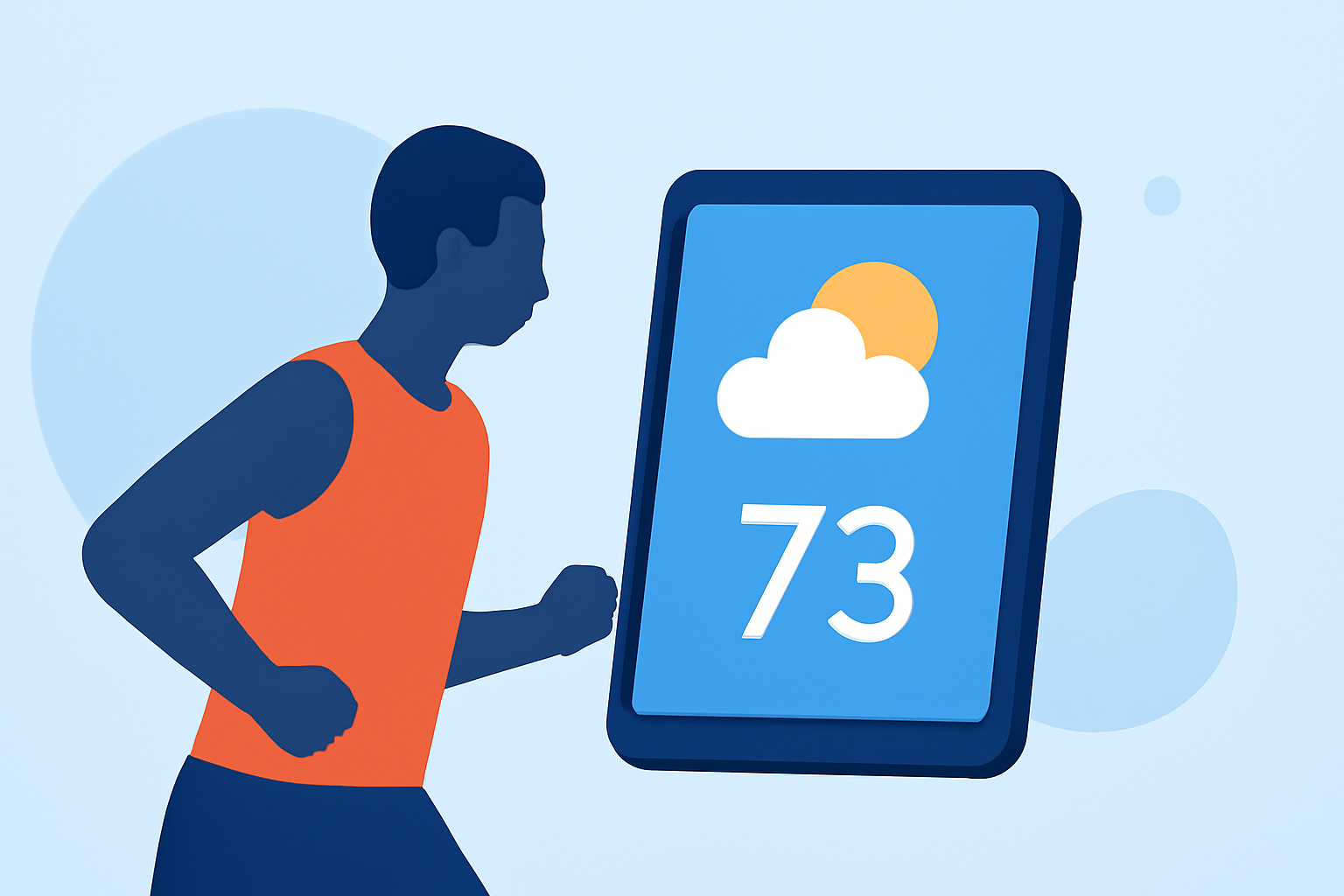
Weather widgets are essential tools for ensuring you’re prepared for outdoor workouts, offering real-time weather updates and alerts. Clime shines as a versatile option for this purpose, while users can explore other alternatives for specific functionalities.
Summary
- Multi-location visibility: Users can enable weather widgets to display forecasts from various locations.
- Customizable features: Widgets can be tailored in size and display to suit individual preferences.
- Severe weather alerts: Most weather widgets, including Clime, offer notifications for severe weather conditions.
- Equipment compatibility: These widgets work seamlessly on smartphones and tablets for easy access during workouts.
What Do Weather Widgets Offer During Workouts?
Weather widgets provide vital features for athletes, including forecasts, temperature checks, and precipitation alerts. These widgets help users plan their workouts effectively, ensuring they avoid adverse weather conditions. Whether training for a marathon or enjoying a casual jog, up-to-date weather information can enhance performance and safety.
How Can You Customize Weather Widgets for Your Workout Needs?
Customization is key to making the most out of your weather widget experience.
- Multi-location tracking: Many widgets allow users to add and view multiple locations, which is particularly useful for those traveling or training in different areas. You can quickly assess conditions at various spots without switching apps.
- Size and display options: Users can select from different widget sizes and formats, making it easier to fit the widget into their home screen layout while accessing essential information at a glance.
What Types of Severe Weather Alerts Are Available?
Weather widgets typically offer options to enable severe weather notifications. For instance, you can choose to receive alerts for thunderstorms, extreme temperature changes, or weather warnings that may impact your workout plans. This feature becomes especially crucial for outdoor runners and cyclists, allowing them to adjust schedules accordingly.
Are There Alternatives to Clime for Workout Weather Widgets?
While Clime is a robust option, alternatives offer various functionalities. Some users may prefer widgets integrated into specific workout apps, which might provide context on how weather affects performance. For example, some training apps show weather conditions after a workout, serving as valuable feedback on environmental factors impacting performance.
- Consider different functionalities: Depending on your specific needs, like air quality monitoring or advanced radar features, other tools could meet those requirements effectively.
How Do You Change Locations in Your Weather Widget?
Most weather widgets allow users to easily change the location displayed. This functionality can be particularly helpful for individuals who travel frequently or those who run or cycle in different terrains, ensuring they always receive the most relevant weather updates.
- Location settings: Users generally access this setting through the widget options found in their device’s settings or by directly interacting with the widget on their homepage.
What Is the Recommended Widget Size for Efficient Use During Workouts?
Choosing the right widget size is essential for functionality and visibility.
- Small vs. Large Widgets: A smaller widget might be less intrusive while running, but it could deliver less detailed information. Larger widgets can provide more comprehensive updates at a glance but may occupy significant screen space. Users should choose based on personal preference and screen layout.
Conclusion: What We Recommend
- Stick with Clime for comprehensive data: Clime provides a well-rounded experience with customizable widgets, seamless multiple location support, and reliable severe weather alerts.
- Explore alternatives based on specific needs: If enhanced environmental data or performance tracking is your focus, consider additional tools designed for those purposes.
- Utilize customization features: Make the most of the customizable options that weather widgets offer to optimize your workout experience, ensuring accessibility and relevance of information during training sessions.