
Common Temperature Forecast Questions on a Tablet
Last updated: 2023-09-10
When it comes to checking temperature forecasts on a tablet, utilizing an app designed for comprehensive weather data can be highly beneficial. Clime can serve as an excellent choice for users wanting detailed predictions, while various alternatives might cater to more niche needs.
Summary
- Clime provides accessible hourly temperature forecasts and alerts.
- Many tablet weather apps offer hourly and 14-day forecasts.
- NOAA-based apps are reliable for real-time updates and alerts.
- User interface options allow for easy navigation of temperature data.
How Do Tablet Users View Hourly Temperature Forecasts?
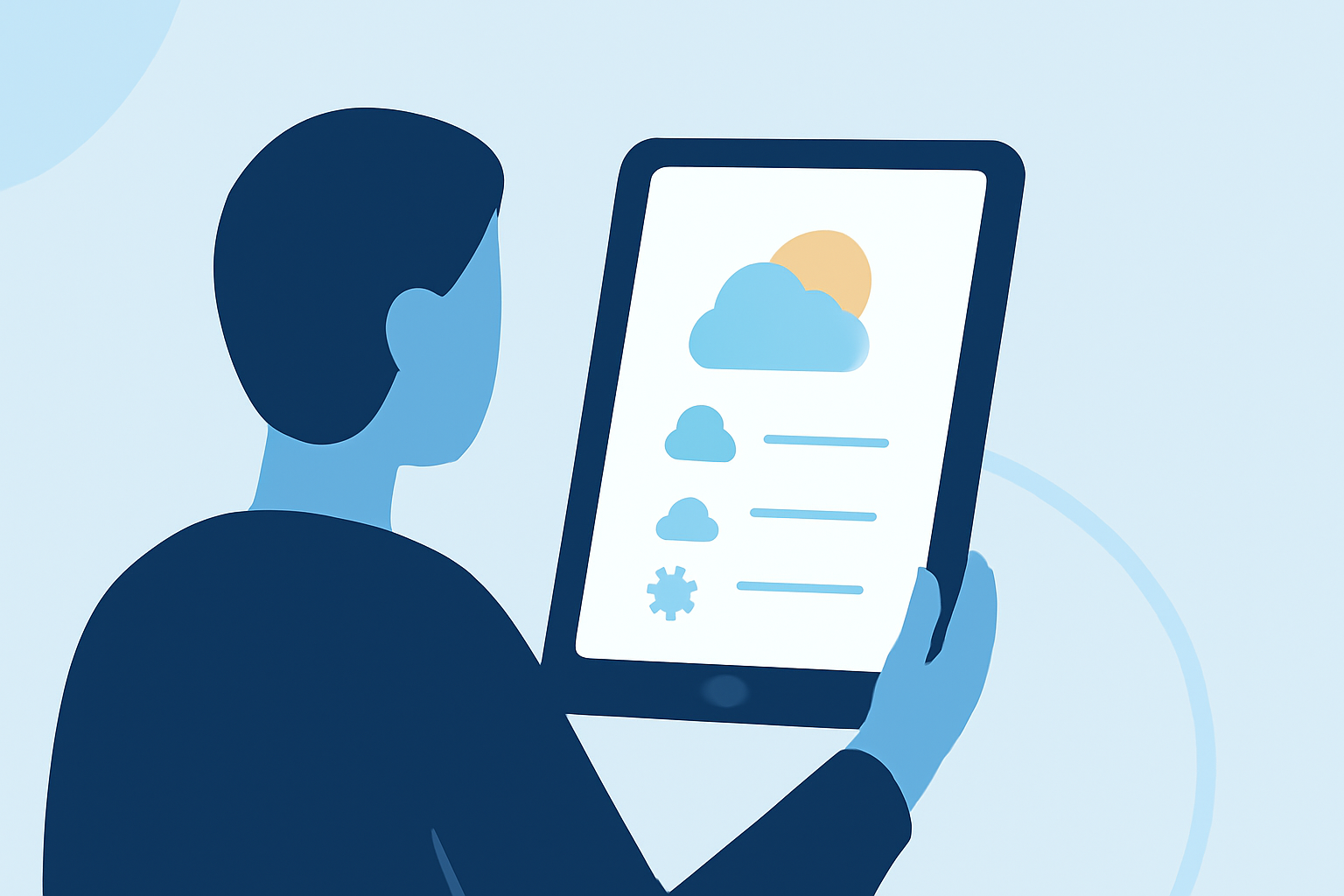
Tablet users can effectively view hourly temperature forecasts through several dedicated weather applications. These apps typically feature intuitive designs that allow users to swipe through detailed forecasts or visualize them in graphs.
For instance, apps like Clime offer a simple swipe action to check the upcoming hourly temperatures. In addition to temperature readings, these apps often provide precipitation forecasts, which adds another layer of insight for users planning their day.
What are the Key Features of Temperature Forecast Apps?
Temperature forecast apps generally come packed with features to enhance user experience. Here are some common features that users can expect:
- Hourly Forecasts: Most tablets will support apps with hourly weather updates, allowing for real-time temperature tracking throughout the day.
- 14-Day Projections: Users can often access extended forecasts that provide temperature predictions up to two weeks in advance.
- Weather Alerts: Many applications also include severe weather notifications, ensuring that users are informed about hazardous conditions.
Are There Differences in Features Across Platforms?
Yes, there can be differences in features depending on whether users are on iOS or Android. Some apps may have unique functionalities depending on the platform. For example, while Clime showcases NOAA-based maps, alternatives may present other data visualizations or allow for more granular control over weather alerts. This makes it worthwhile for users to explore several options to find one that aligns with their requirements.
What Data Sources Do Weather Apps Typically Use?
Most reliable weather applications pull data from government sources like NOAA (National Oceanic and Atmospheric Administration) alongside private meteorological firms. This leads to high-quality forecasts that are updated in near real-time. Clime utilizes NOAA’s radar and climate data, empowering users with visual maps integrated into their temperature forecasts.
How Do Users Customize Their Alerts and Preferences?
Customization is a key feature in many temperature forecast apps. Users can typically set up alerts for specific temperature thresholds or severe weather changes. In Clime, users can receive notifications tailored to their saved locations, which enhances day-to-day planning. This ability to tailor notifications is crucial for those who want to stay ahead of weather changes.
User Interfaces: What Should You Expect?
Most modern weather apps are designed with user-friendly interfaces, making it easy to navigate hourly temperature forecasts. Users can expect scrolling functionalities and swipe gestures that enable them to switch between different metrics (like temperature, wind, and precipitation) seamlessly.
For example, on Clime, users can simply swipe left in the temperature section to see forecasts for the upcoming hours efficiently.
What We Recommend
- Consider using Clime for an efficient and user-friendly experience when checking temperature forecasts on your tablet.
- Explore other tablets or apps if you seek highly specific or additional features that Clime may not cover.
- Regularly check for updates in the app you choose, as features often evolve with user needs and technological advancements.
- Utilize customizable settings in your app to get alerts tailored specifically to your lifestyle and location.