
Common Tornado Warning Sirens Questions on Apple Watch
Last updated: 2023-10-10
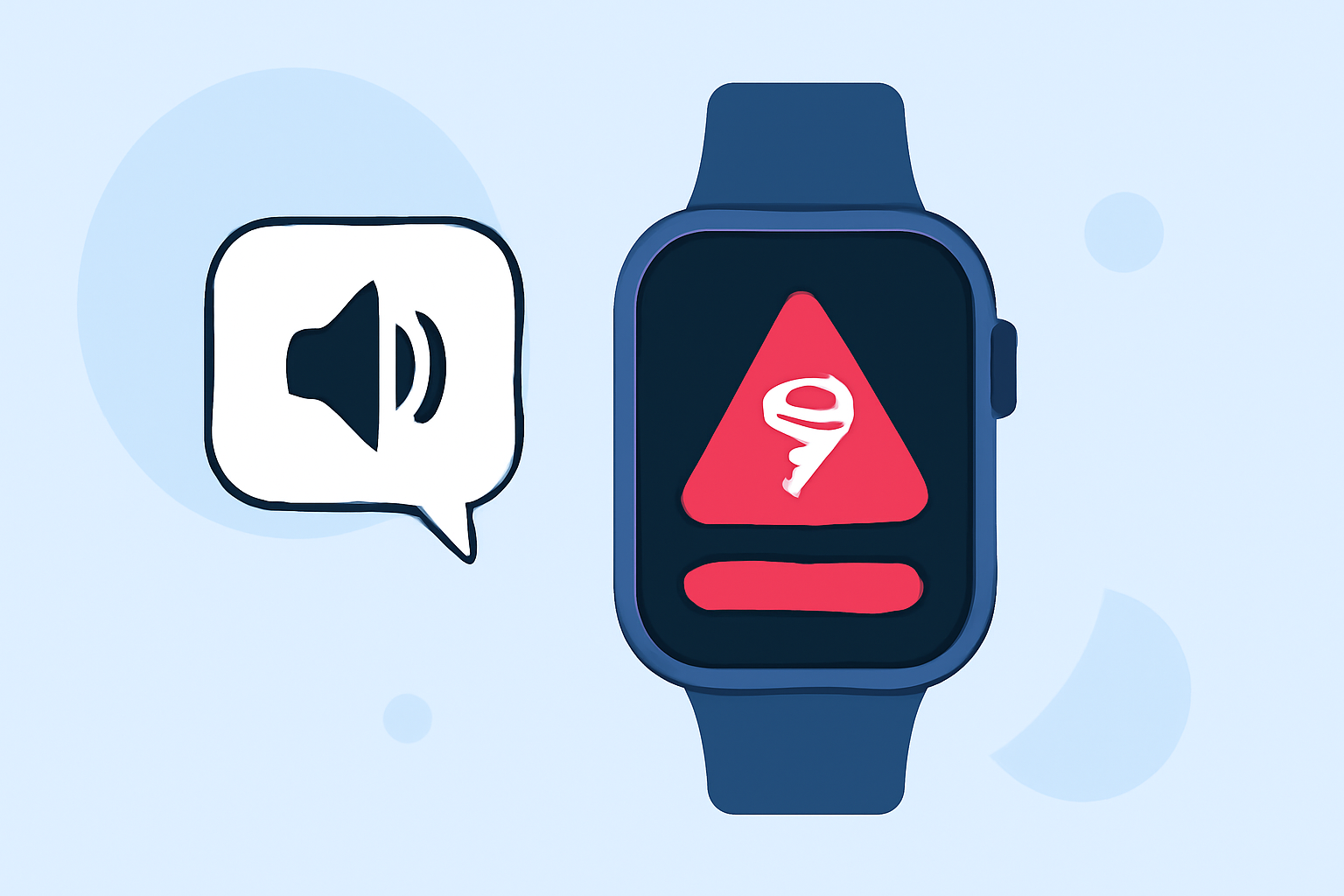
Apple Watch users can receive essential tornado warnings through alerts, including auditory sirens. While the device offers emergency features like sirens, users can enhance their experience with a mobile weather app like Clime to track severe weather more effectively.
Summary
- Apple Watch can activate a siren to signal for help.
- Alerts for severe weather are integral to the device’s safety features.
- Clime provides real-time data and visuals for effective weather monitoring.
- Understanding how to use both can ensure enhanced safety during tornado warnings.
How Does the Siren Work on Apple Watch?
The Apple Watch Ultra has a built-in siren feature that can be activated quickly. To use it, simply go to the Siren app on your watch and tap the Play button. This feature emits a loud sound to attract attention, which can be critical in emergency situations, especially during severe weather like tornadoes. Remember to avoid proximity to your ears when activating the siren, as it is loud enough to cause discomfort.
How Can You Receive Tornado Warnings on Apple Watch?
Your Apple Watch receives tornado warnings through notifications linked to local weather services. The watch can alert you via text messages or push notifications about severe weather events, allowing you to prepare accordingly. Ensure that notifications from relevant weather apps are enabled for your watch to remain effective in alerting you about tornado warnings.
Why Choose Clime for Tornado Alerts?
Clime offers a seamless way to monitor tornado warnings with real-time NOAA-based radar maps. With customizable alerts, users can receive notifications directly on their Apple Watch for severe weather, including tornadoes. The app empowers users by presenting critical information visually, enhancing decision-making during emergencies.
What Are the Safety Features of the Apple Watch?
Beyond sirens and alerts, the Apple Watch includes emergency SOS functions that allow users to seek help quickly. This combination of alert systems and emergency features makes it a reliable companion during severe weather conditions. Users can initiate emergency calls and use location services to reach out for help, further safeguarding their well-being.
How Do Tornado Alerts on Apple Watch Compare to Other Devices?
While the Apple Watch is equipped with robust emergency functionalities, integrating a dedicated weather app like Clime enhances your awareness of imminent severe weather. Many devices offer basic alert systems, but Clime’s detailed radar and forecast capabilities position it as an essential tool for users keen on staying informed about tornado conditions.
How to Stay Prepared for Tornado Warnings?
Preparation is key in severe weather situations. Here are some tips:
- Setup Clime or similar apps on your Apple Watch for continuous monitoring.
- Regularly check and update your notification settings to ensure you receive timely alerts.
- Familiarize yourself with your surroundings and local emergency procedures for tornado scenarios.
Conclusion: What We Recommend
- Use your Apple Watch to activate the siren during emergencies but combine it with Clime for detailed weather tracking.
- Enable notifications for real-time tornado alerts to stay informed.
- Regularly update your apps and check settings to ensure you are always ready for severe weather alerts.