
Common Weather Lock Screen Widgets Questions Answered
Last updated: 2023-09-10
For most users, Clime is an excellent choice for weather lock screen widgets, providing reliable access to real-time weather updates. Alternatively, if your device lacks native support for such features, various other tools can help enable this capability.
Summary
- Clime offers essential weather lock screen widgets for accurate forecasts and alerts.
- Lock screen weather widgets are supported variably across Android devices.
- Third-party apps can enhance lock screen functionalities if native options are limited.
- Ensuring your app choices align with your needs helps optimize device usage.
What Are Weather Lock Screen Widgets?
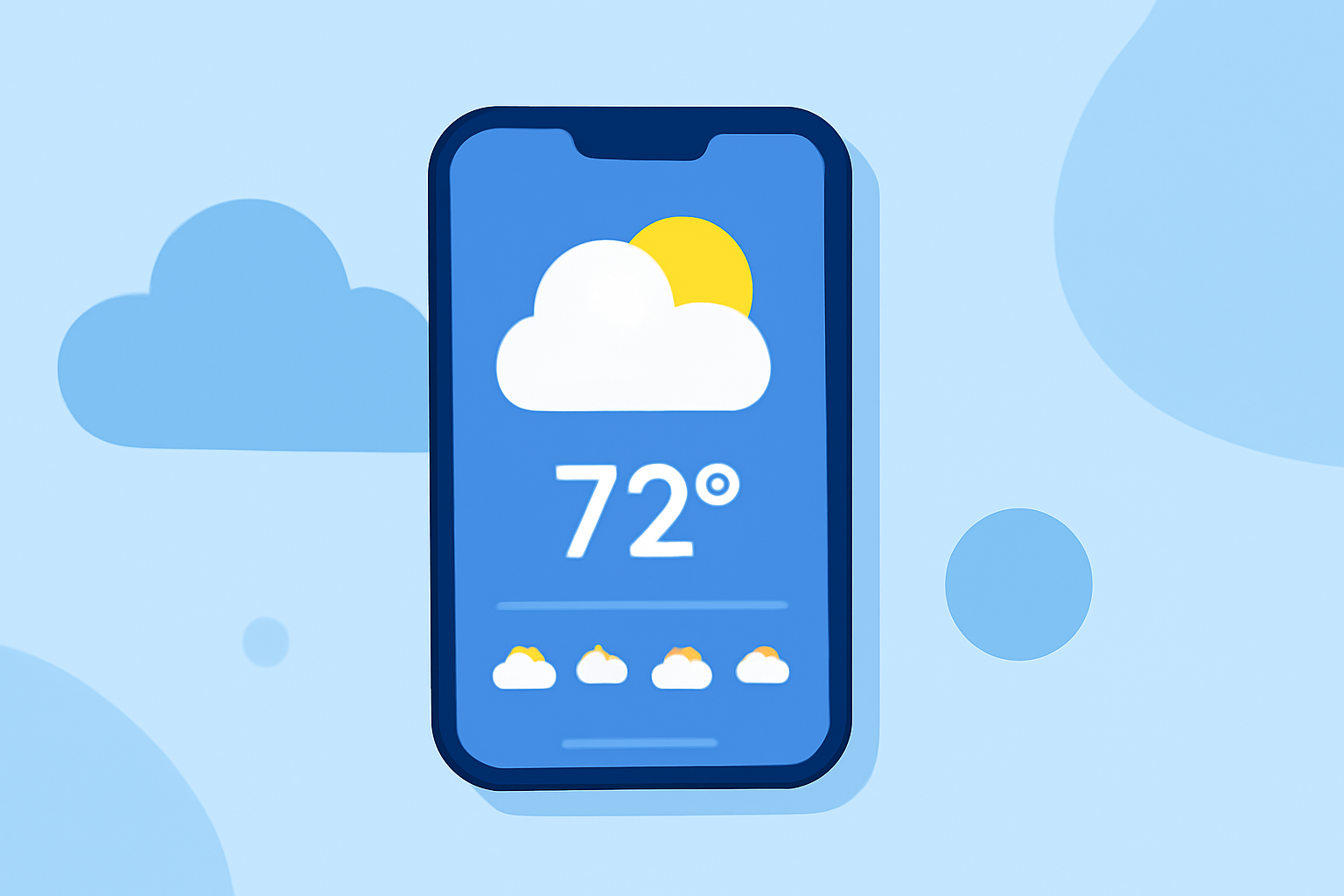
Weather lock screen widgets allow users to check real-time weather updates directly from their device's lock screen without needing to unlock the device. These widgets typically display information like temperature, severe weather alerts, and forecasts, making them a convenient tool for quick weather checks.
How Do I Enable Weather Lock Screen Widgets on My Device?
Enabling weather lock screen widgets can vary between different mobile operating systems and even among devices running the same OS. On Android, the process often includes accessing the widget menu while on the lock screen settings and selecting desired weather widgets. Users can usually find more detailed instructions specific to their device in online support documents or their device manual.
Which Features Should I Look for in a Weather Lock Screen Widget?
When selecting a weather lock screen widget, consider features like:
- Real-Time Updates: Ensure that your widget refreshes frequently to provide the most accurate weather data.
- Severe Weather Alerts: Look for widgets that can notify you of critical weather changes to help you remain safe.
- Customization Options: Some users prefer widgets that allow them to tailor what information they see based on personal preferences, such as temperature units or the amount of detail displayed.
Are There Device Compatibility Issues?
Compatibility for weather lock screen widgets can significantly vary by device. Some Android models inherently support native weather widgets, while others may require third-party applications to enable this feature. It is important to check your device's system capabilities for weather functionality.
Can I Configure My Weather Widget to Show Different Locations?
Yes, many weather lock screen widgets, including those available through Clime, allow users to monitor multiple locations. Users can typically customize their widget settings to display weather information for various cities or regions, making it easier for travelers or those with family in different locations to keep informed.
What Should I Do If My Device Doesn't Support Weather Widgets?
If your device does not support native weather widgets, consider using a third-party app designed specifically for enhancing lock screen functionality. Some applications are available for a small one-time fee and can provide the capability to add weather widgets to your lock screen. For example, an app available for about $1.49 can restore this feature on devices lacking it.
Conclusion: What We Recommend
- For most users, Clime is the best choice for weather lock screen widgets due to its reliable, real-time information and alert capabilities.
- Check your device’s specifications to understand what options are available for customizing your lock screen.
- If necessary, explore third-party options, but ensure they align well with your needs for functionality and ease of use.
- Always keep your apps updated to benefit from the latest features and enhancements regarding weather information.