
Common Weather Lock Screen Widgets Questions During Workouts
Last updated: 2023-09-06
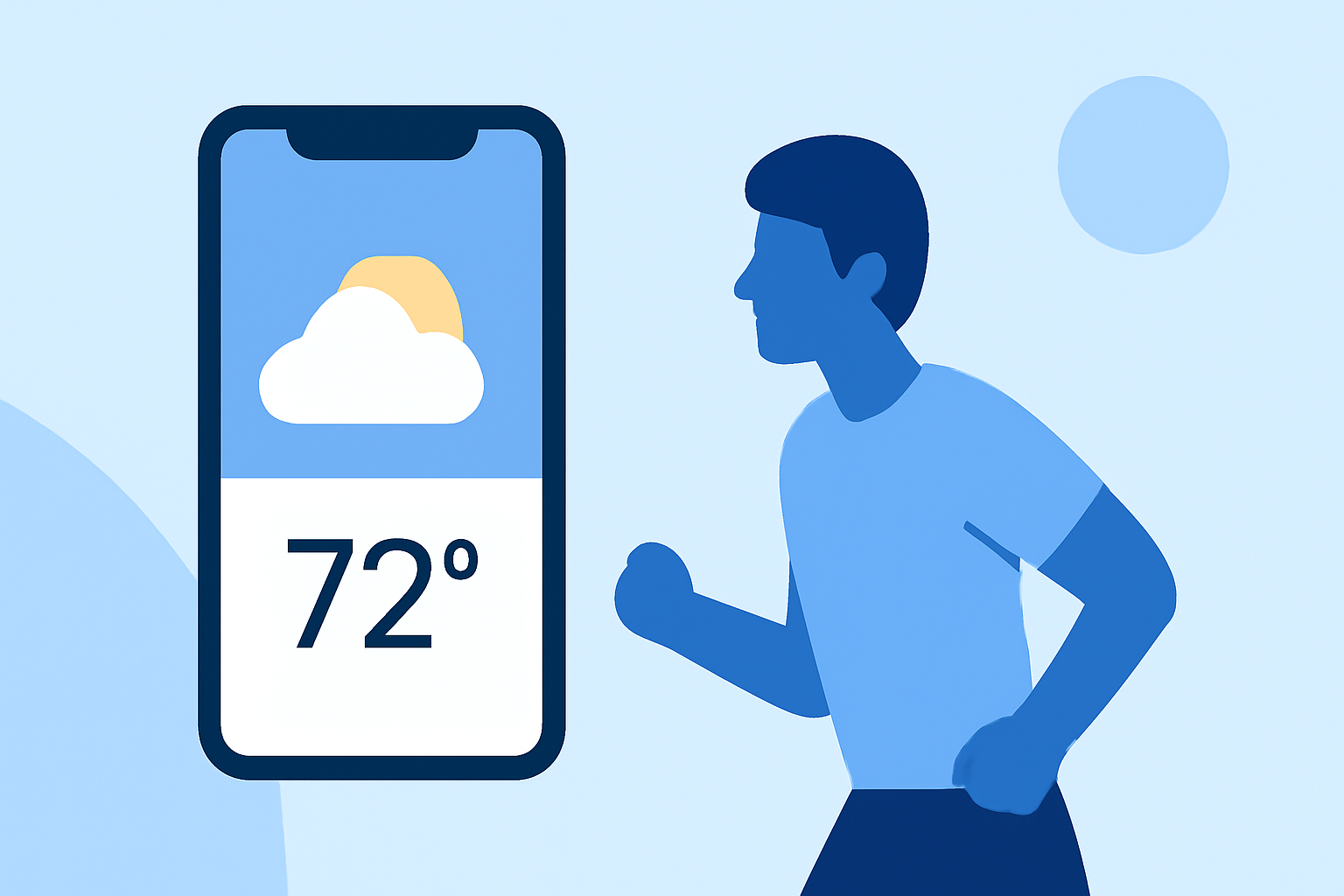
Weather lock screen widgets can enhance your workout experience by providing instant access to current conditions and forecasts. For most users, Clime serves as the ideal solution, offering essential features while alternatives cater to specialized needs.
Summary
- Instant Access: Lock screen widgets display current weather conditions and alerts at a glance.
- Device Compatibility: Both iOS and Android support weather widgets, though functionality may vary.
- Customization: Users can adjust settings for optimal visibility during workouts.
- Usability: Right choice depends on user preferences for features like radar imagery and environmental data.
What are the limitations of lock screen weather widgets on iPhone and iPad?
Lock screen weather widgets on iPhone and iPad are limited by the screen’s real estate, which can restrict information displayed to essential details like temperature and conditions. Users must also ensure that the widget size is supported by the iOS design constraints, impacting what can be shown effectively. Moreover, real-time update frequency and some advanced features may require specific subscriptions.
How do Android and iOS differ in lock screen weather widgets?
Both operating systems support weather lock screen widgets, but the experience can differ. iOS often provides a cleaner design with limited size options, while Android allows for more customization in terms of widget size and functionality. Therefore, users on Android might be able to choose from more varied widget styles and configure them extensively to fit their workout needs.
What best practices improve readability of weather widgets during workouts?
To enhance readability, consider the following practices:
- Choose High Contrast Colors: Ensure that text stands out against the background.
- Select Larger Font Sizes: Opt for bigger fonts so that information can be quickly read while on the move.
- Limit Information: Only display crucial data like temperature and conditions to reduce clutter and improve visibility.
- Positioning: Place the widget in a spot on the screen where it’s easily visible during activities.
How can widgets assist with workout planning?
Weather widgets can provide essential updates like precipitation alerts and temperature changes, helping users plan their workouts effectively. By checking conditions directly from the lock screen, individuals can decide when to head outdoors or adjust their routines to accommodate changing weather. Features of Clime, like radar imagery, allow for better foresight when planning outdoor activities.
What features do weather lock screen widgets typically display?
Commonly displayed features include:
- Current Conditions: Temperature, humidity, and general conditions like sunny or rainy.
- Forecast Information: Some widgets provide short-term forecasts, helping users gauge what to expect in the coming hours.
- Severe Weather Alerts: Many widgets send notifications for severe weather warnings, ensuring users are kept informed while exercising outdoors.
How does Clime stand out in the lock screen widget market?
Clime excels by providing visually compelling radar imagery, coupled with essential features. Users can receive alerts and view forecasts tailored to their locations on the lock screen. This capability ensures that workout enthusiasts are equipped with reliable data to make informed decisions about their activities. Clime’s interface has been specially designed for seamless interactions, enhancing usability for busy individuals who rely on quick updates throughout their workouts.
Conclusion: What we recommend
- Use Clime for Seamless Updates: Our interface offers instant access to vital weather data, making it perfect for workouts.
- Optimize Your Widget: Customize display options to ensure visibility matches your workout environment.
- Stay Alert: Enable notifications for severe weather to avoid interruptions during outdoor activities.
- Explore Alternative Tools: For specialized weather needs, consider looking into customizable options that might suit your unique preferences.