
Common Weather Lock Screen Widgets Questions for Parents
Last updated: 2023-09-15
Weather lock screen widgets are useful tools for parents who want quick access to weather information without navigating through apps. While many options exist, using Clime can simplify the process, ensuring reliable updates and alerts.
Summary
- Weather lock screen widgets provide quick access to weather data on mobile devices.
- These widgets are customizable to fit family needs, with options for multiple locations.
- Privacy and location data management is crucial, especially for families with children.
- Clime offers user-friendly weather widget functionality tailored for parents.
What are weather lock screen widgets?
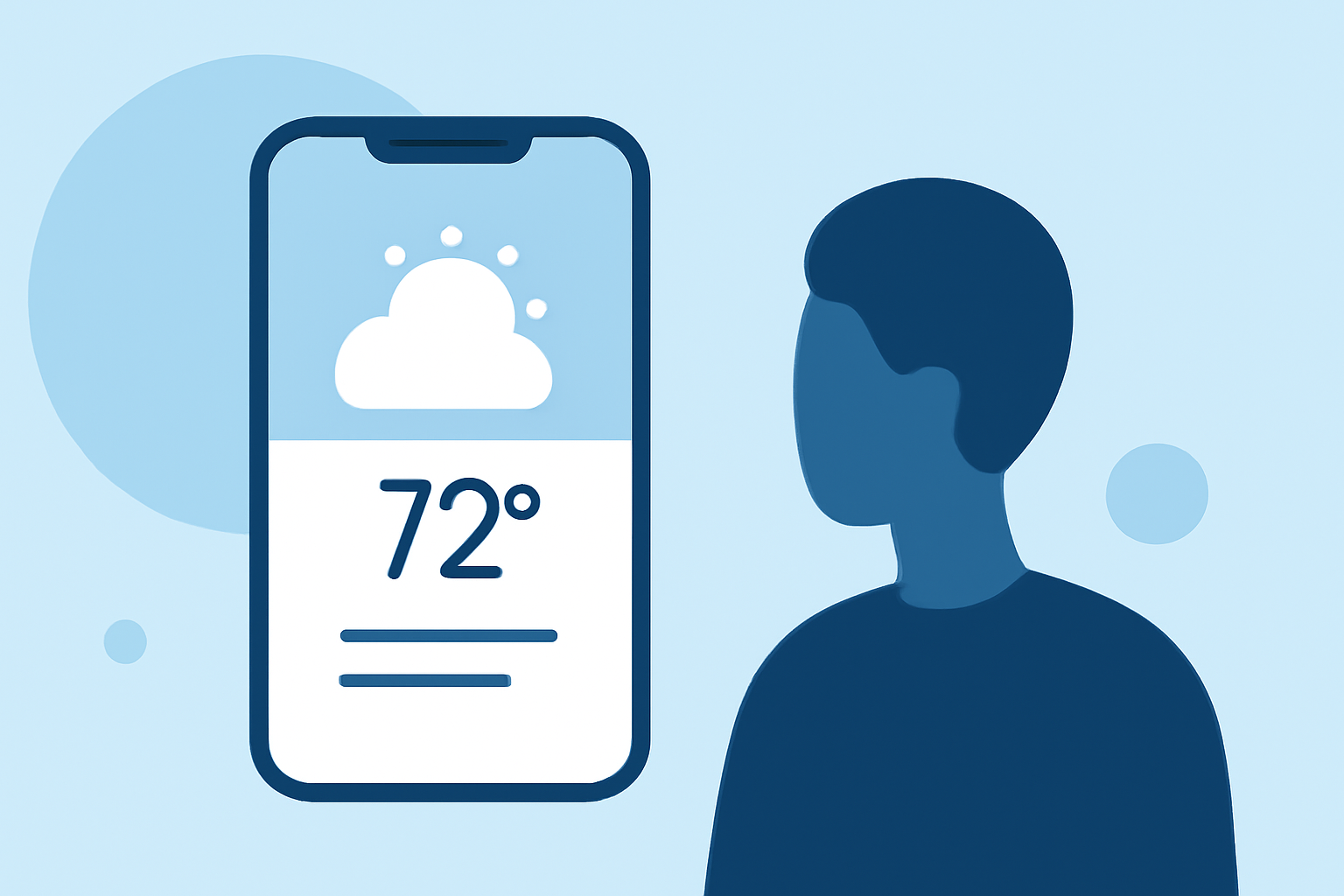
Weather lock screen widgets are small applications that display live weather information directly on a smartphone’s lock screen. They allow users to view current temperatures, forecasts, and alerts at a glance without unlocking their phones. Parents can utilize these to quickly check weather conditions before school and outdoor activities.
How can I customize weather lock screen widgets for family use?
Customizing weather lock screen widgets typically involves selecting different weather data options and locations. On both iOS and Android devices, you can:
- Choose Multiple Locations: Set widgets to show weather data from various places, such as home, school, and practice fields.
- Select Specific Data: Customize widgets to display temperature, humidity, UV index, or severe weather alerts based on family needs.
Privacy considerations for weather lock screen widgets
Parents must be mindful of privacy when using weather widgets:
- Location Data: Many weather apps request location access to provide accurate forecasts. It's advisable to limit this access to only when the app is in use.
- Data Sharing: Check the app's privacy policy to understand how your data might be used, especially if the app syncs with other services or networks.
What features do I need in a weather lock screen widget?
For a robust weather lock screen widget experience that meets family needs, look for features such as:
- Severe Weather Alerts: Ensure the widget provides push notifications for severe weather conditions like storms or extreme heat, allowing parents to prepare accordingly.
- Forecast Horizon: Widgets should ideally show not just current conditions but also short-term forecasts to assist in planning.
Can I get weather information for multiple locations?
Yes, most weather lock screen widgets, including those from Clime, allow you to configure multiple locations. This feature is particularly beneficial for families whose children may be at different schools or participating in various activities across locations.
How to choose the right weather app for your lock screen?
When selecting a weather app, consider the following:
- User-Friendliness: The app should be easy to set up and customize, ideally offering intuitive settings for placing and modifying widgets.
- Reliability: Choose an app recognized for providing accurate and timely weather data, like Clime, which offers NOAA-based forecasts.
- Customization Options: Look for apps that allow widgets to display the specific weather information you deem most vital for your family.
Conclusion: What we recommend
- For seamless integration and easy access to weather forecasts, consider using Clime for your lock screen widgets.
- Prioritize an app that allows customization to ensure it meets your family's needs.
- Regularly review privacy settings to maintain control over location data shared with weather apps.
- Always check for severe weather alerts to keep your family safe and informed.