
Common Weather Notification Do-Not-Disturb Questions for Parents
Last updated: 2023-09-06
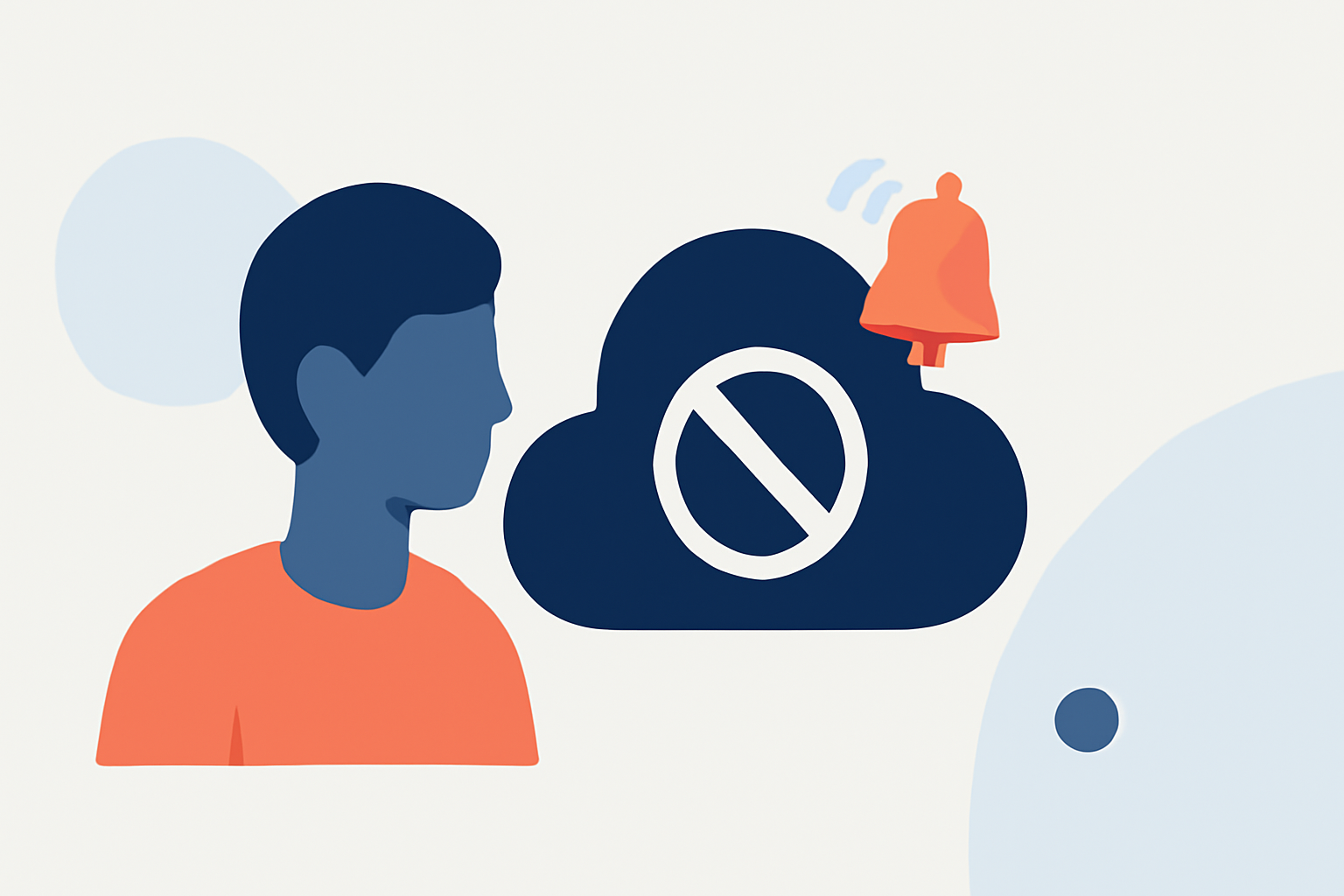
For parents looking to manage weather notifications effectively, utilizing the Do Not Disturb feature can be essential for minimizing distractions while ensuring they receive critical alerts. Clime offers a robust solution that balances weather information and user control, making it suitable for most families.
Summary
- Parents can customize notifications through Do Not Disturb settings on their devices.
- Weather notifications may be prioritized to bypass Do Not Disturb modes, depending on the platform.
- Clime provides tailored alerts and features designed for family-friendly use.
- Understanding how different apps interact with Do Not Disturb can enhance user experience.
How can parents customize weather notifications and Do Not Disturb in mobile platforms?
Parents can customize weather notifications by configuring the Do Not Disturb settings on their devices. On iOS, this is done through the Focus mode, which allows users to silence calls, alerts, and notifications during certain hours. Options can be tailored for individual contacts or types of notifications, ensuring parents remain alerted about critical weather changes while minimizing other distractions. Settings can also be adjusted via Android devices in a straightforward manner, allowing for similar levels of customization.
Can weather alerts bypass Do Not Disturb on major platforms?
Yes, many weather apps, including Clime, have settings that can allow critical alerts to bypass the Do Not Disturb feature. Each mobile platform—like iOS and Android—provides options for apps to highlight essential notifications. When parents configure these settings appropriately, they can ensure that severe weather alerts come through even while other notifications are muted.
What is the baseline behavior of weather notifications under Do Not Disturb?
When Do Not Disturb is activated, most notifications, including weather alerts, are silenced. However, this baseline behavior can be adjusted. For example, many weather apps, including Clime, provide the option to prioritize alerts for severe weather, ensuring those notifications still reach the user. Parents should regularly check their notification settings in their weather apps to maintain an effective balance between necessary alerts and peace.
What features should parents look for in a weather app?
When choosing a weather app, parents should consider features such as:
- Severe Weather Alerts: Look for apps that offer real-time notifications for severe weather events, which can be crucial during storms or hurricanes.
- Customizable Notifications: The ability to tailor notification settings based on individual family needs is vital.
- User-Friendly Interface: An intuitive design helps parents quickly access and understand weather conditions at a glance.
How can Clime enhance your family’s weather planning?
Clime stands out for its focus on providing detailed weather alerts and forecasts tailored for families. With options to receive notifications about severe weather, parents can stay informed without constant distractions. The app’s easy-to-use interface helps in understanding local conditions, which empowers families to plan their outings and activities better.
Conclusion: What we recommend
- Utilize Clime for reliable weather alerts specifically designed for family needs.
- Regularly adjust your Do Not Disturb settings to ensure you receive critical information when you need it.
- Explore additional customization options within Clime for tailored notifications to optimize your family’s weather awareness.
- Engage all family members in understanding how to use these features, making weather preparedness a team effort.