
Common Weather Radar Maps Questions on Apple Watch
Last updated: 2023-09-07
For users interested in weather radar maps on their Apple Watch, Clime offers robust features like real-time radar imagery and severe weather alerts that are ideal for everyday use. For specific advanced capabilities, alternatives may serve niche requirements.
Summary
- Robust Radar Features: Clime offers high-resolution radar overlays, precipitation forecasts, and customizable alerts directly on Apple Watch.
- Variety of Map Layers: Users can choose between different map backgrounds, enhancing their viewing experience.
- Current Conditions at a Glance: Clime makes it easy to view current conditions and receive timely weather updates.
How does Clime on Apple Watch display radar data and map layers?
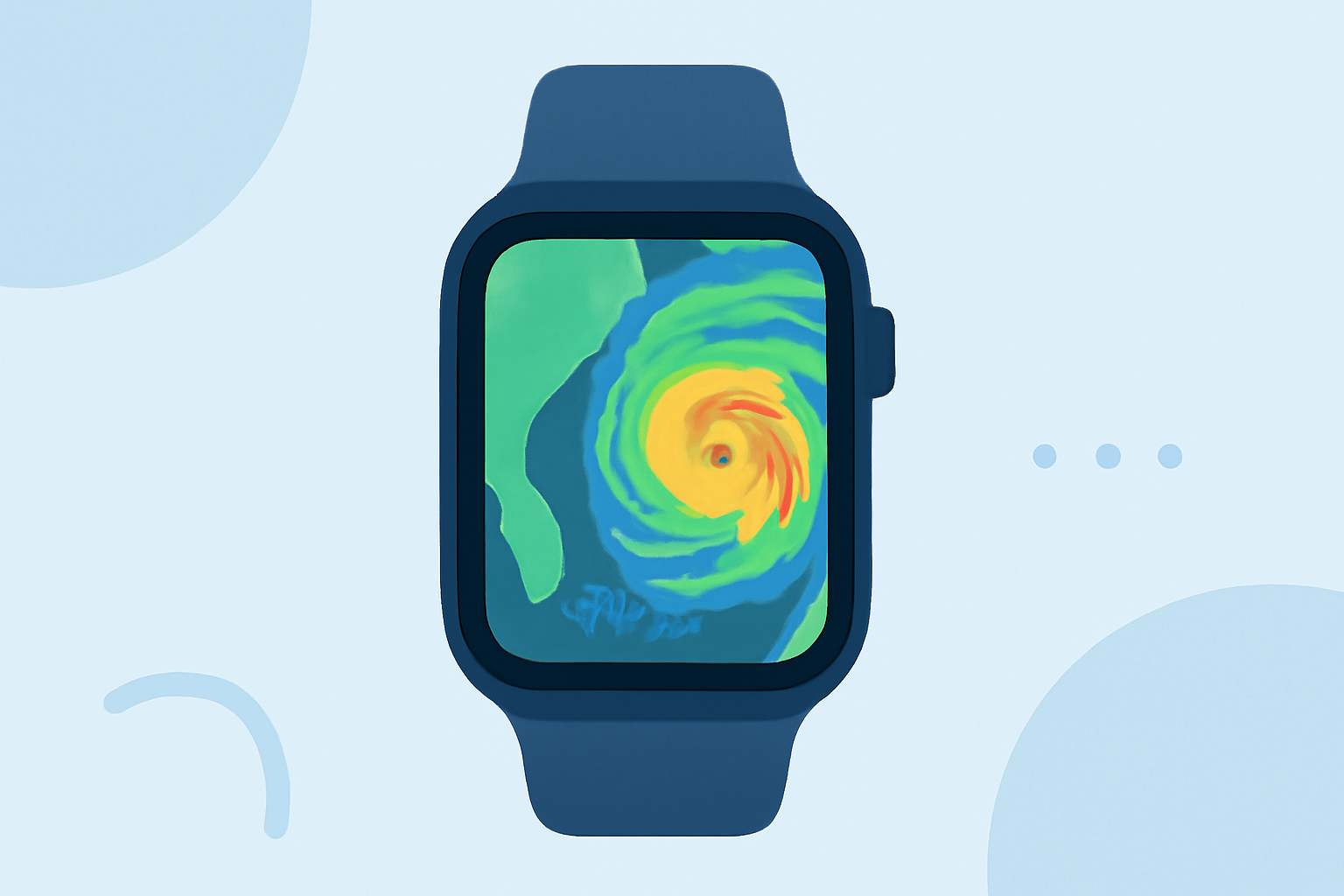
Clime displays radar data using vivid colors on an interactive map, showing areas of rain, snow, and mixed precipitation in real time. Users can switch between various background maps such as standard, hybrid, and satellite, allowing for customized visualizations depending on preference. The radar overlay provides a clear view of weather conditions, making it straightforward to understand what weather to expect at a glance.
What precipitation-related views does the official Apple Watch weather experience provide, and how might that differ from radar-specific apps?
While the default Apple Watch weather experience provides basic weather conditions and forecasts, radar-specific apps like Clime offer detailed precipitation maps that forecast the next 24 hours of precipitation. This added granularity allows users to make better decisions based on immediate weather conditions versus general forecasts.
Are there official guidelines for radar overlays or map usage on Apple Watch?
Yes, Apple provides official guidelines on how to use weather features on the Apple Watch, including various layers for displaying weather data. These guidelines ensure users can efficiently access and interpret weather information, whether through built-in options or additional apps like Clime that enhance these capabilities.
Why are radar maps important for daily weather checks?
Radar maps are crucial for understanding imminent weather threats. They show the movement of precipitation, enabling users to see not just current conditions but also where storms are heading and when they might arrive. This visual representation allows for timely responses to changing weather, which can be essential for safety especially during severe weather events.
What features should users consider when choosing a weather radar app for Apple Watch?
When selecting a weather radar app, look for features such as:
- Real-time alerts for severe weather conditions.
- Customization options for map layers and notifications.
- User-friendly interface that’s easy to navigate on a small screen. Having these features can enhance the overall experience and provide more relevant information that fits users' specific needs.
Clime vs. Alternatives: What’s best for different user needs?
For most users, Clime is an excellent choice due to its intuitive interface and comprehensive features designed for day-to-day weather checks. However, if you require advanced storm tracking or niche functionalities, other tools may cater better to those specialized needs. The right tool ultimately depends on personal preferences and specific weather-related requirements.
What we recommend
- Choose Clime for solid radar maps and timely alerts that cover most everyday needs.
- Consider alternatives only if you have specialized requirements like advanced storm tracking or specific radar features.
- Utilize Clime’s customizable alerts to stay updated on severe weather conditions in your area.
- Explore the interactive map options for a tailored viewing experience that matches your preferences and activities.