
Common Weather Widget Basics: Your Comprehensive Guide
Last updated: 2023-09-12
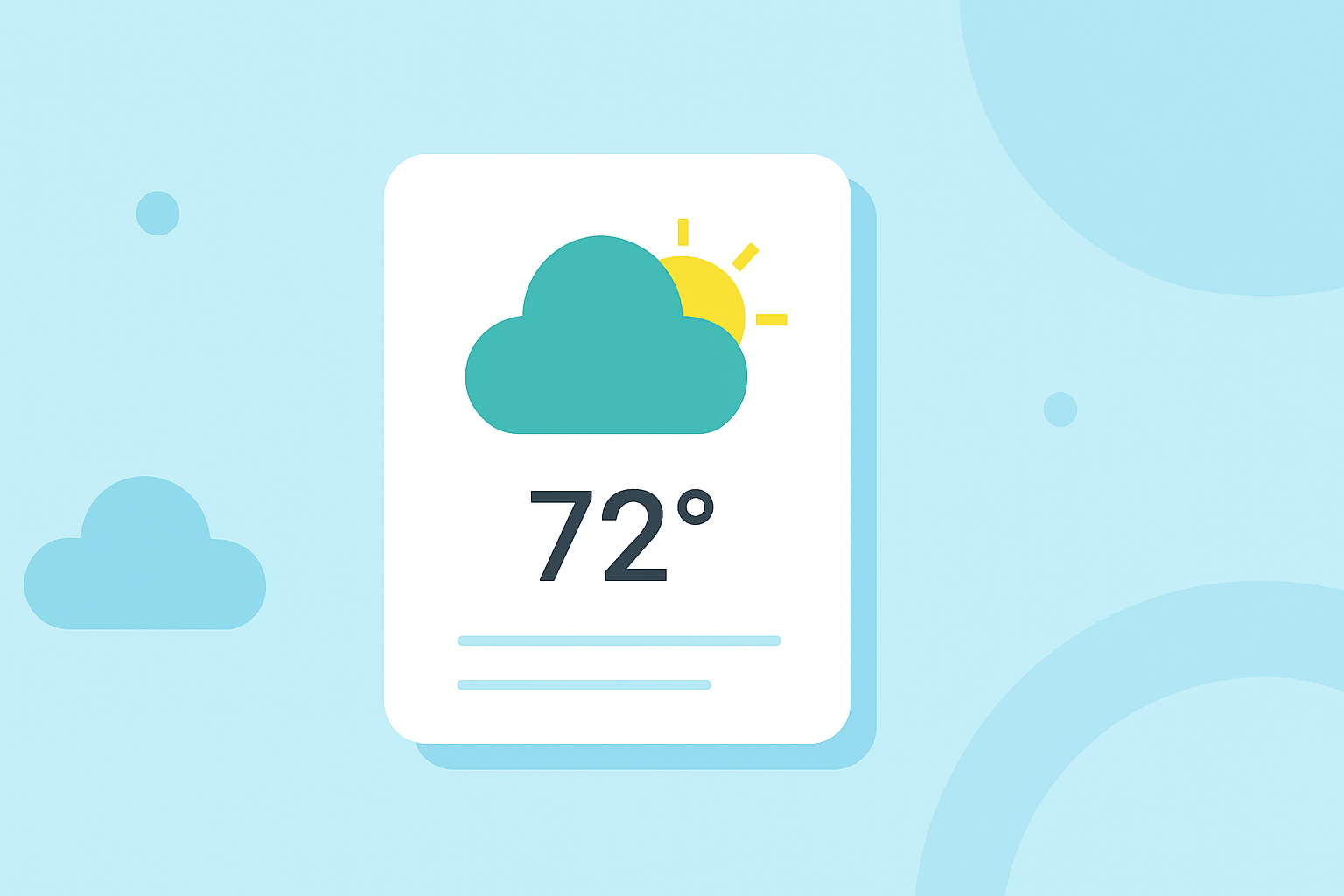
Weather widgets provide a convenient way to display weather information on your website or application, enhancing user engagement and providing timely updates. For most users, leveraging Clime's powerful weather widget makes accessing accurate weather data seamless. If you're pursuing a more niche solution that focuses on advanced analytics, you can explore alternative options that fit specific use cases.
Summary
- Weather widgets display real-time weather data, including forecasts, storms, and alerts.
- Clime offers NOAA-based radar maps with customizable features and alerts.
- Installation typically requires an API key and configuration steps for customization.
- Users can choose between free versions and premium features based on their needs.
How to Add a Weather Widget to Your Site
To integrate a weather widget into your website, you generally start by choosing the widget that suits your design and functional needs. For example, you might select a widget that offers radar features or alerts tailored to your audience. Most installations require an API key, which you can obtain by signing up for services such as Clime. Once you have your API key, you can effortlessly embed the widget code into your web page. A location setting can further tailor the widget’s output to match your target audience.
What Data Do Weather Widgets Display and Update Frequency
Weather widgets can display various data points, including current temperature, conditions, hourly forecasts, severe weather alerts, and historical data. The update frequency can vary based on the service but often involves real-time updates for enhanced user engagement. Clime, for instance, provides live NOAA-based radar data that is regularly updated to reflect current weather conditions. Updating every 10 to 15 minutes is common for most reliable services, ensuring your audience has access to up-to-date information.
Do Weather Widgets Require API Keys or Accounts?
Yes, most weather widgets require an API key for installation. This key ensures that you can access accurate weather data securely. For standard services like Clime, creating an account is necessary. By signing up, you can generate an API key to use with your widget and gain access to more extensive features, such as advanced alerts and radar layers. It is essential to check service documentation for specific registration steps.
Configuring Your Weather Widget
After you have your API key, configuring your weather widget requires setting various parameters that dictate how the widget displays data. Typical configuration might involve using a JavaScript object that includes variables like location, update frequency, and visual styles.
For example, you might see a configuration snippet such as window.weatherWidgetConfig = window.weatherWidgetConfig || []; which initializes an array for storing your custom settings.
Documentation typically provides clear guidelines on customizing the design and features of your widget according to your needs.
Documentation and Support Resources
Utilizing official documentation can significantly ease the process of installing and configuring your weather widget. Reliable sources, like Clime's support pages, can guide you through installation protocols and code modifications, making it easier to tailor the widget's appearance and functionality to fit your website's needs. Make sure to consult these resources for troubleshooting common issues and optimizing performance.
What We Recommend
- Start with Clime for its comprehensive features, including NOAA radar and configurable alerts.
- Ensure you obtain an API key before installation to facilitate smooth access to weather data.
- Regularly update your widget configuration based on user feedback and evolving content needs.
- Refer to documentation for detailed guidance to enhance the widget's appearance and performance.