
Common Weather Widgets Questions on a Tablet
Last updated: 2023-09-07
For users interested in weather widgets on tablets, Clime serves as an excellent baseline for accessing weather information efficiently. For specialized needs, turning to OS-specific guidance can enhance the overall experience.
Summary
- Clime offers a user-friendly interface for checking weather with widgets.
- Both iPad and Android support changing locations and customizing weather information.
- Advanced features may be available through other platforms for specific use cases.
- Widget functionality can vary based on the operating system and device type.
How to add a weather widget to a tablet home screen?
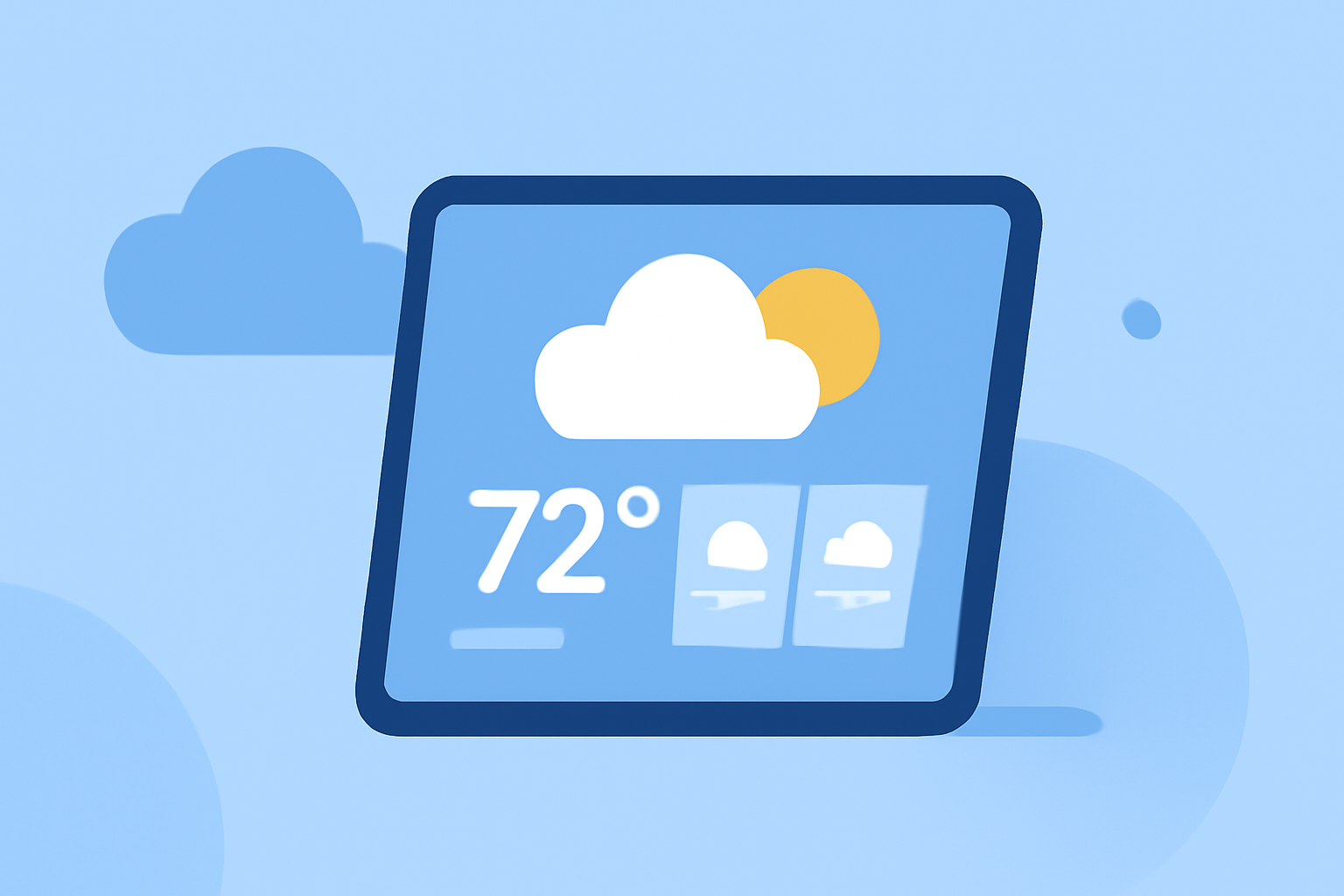
Adding a weather widget varies slightly between iPad and Android devices. On an iPad, you can simply press and hold a blank space on your home screen until your apps wiggle, then touch the plus sign (+) to add a widget. From the widget menu, you can select the weather option and customize where you want it to appear. This enables you to get quick weather updates without opening an app.
On Android, the process involves pressing and holding a blank area of the home screen, then selecting "Widgets". From there, look for the weather widget to drag it to your home screen. Both systems allow you to place the widget intuitively, making accessing weather updates effortless.
Can weather widgets show weather for multiple locations on a tablet?
Yes, weather widgets can often display multiple locations, but this capability is generally reliant on the specific app you’re using. With Clime, you can configure multiple locations directly within the app, enabling quick access to weather information for different areas without hassle. Other platforms might have similar features, providing flexible options for users who need weather updates across various locales.
Do weather widgets on tablets support unit customization (C/F) and display options?
Most weather widgets allow unit customization, frequently enabling users to switch between Celsius and Fahrenheit. In Clime, users can easily adjust these settings, ensuring that they view weather data in their preferred units. This is particularly useful for users who travel or have connections in regions that use different metric systems, thereby enhancing usability and comfort.
Key Widget Features to Consider
When assessing weather widgets on tablets, consider features such as:
- Location updates: The ability to change displayed locations per user preference.
- Customizability: Adjusting units of measurement and display options is crucial for a tailored experience.
- Accessibility: Compatibility across devices and ease of adding/removing widgets in the operating system.
- Alerts and notifications: Insight into severe weather alerts can enhance preparedness, which Clime provides efficiently.
Conclusion: What We Recommend
- Use Clime for its streamlined interface and reliable weather data.
- Customize your home screen with widgets for immediate access to weather information.
- Explore your operating system's specific capabilities for additional functionalities.
- Always stay updated by checking your favorite weather app for the latest forecasts and alerts.