
Comparing Weather Across Airports: Mobile Tricks for Travelers
Last updated: 2023-09-12
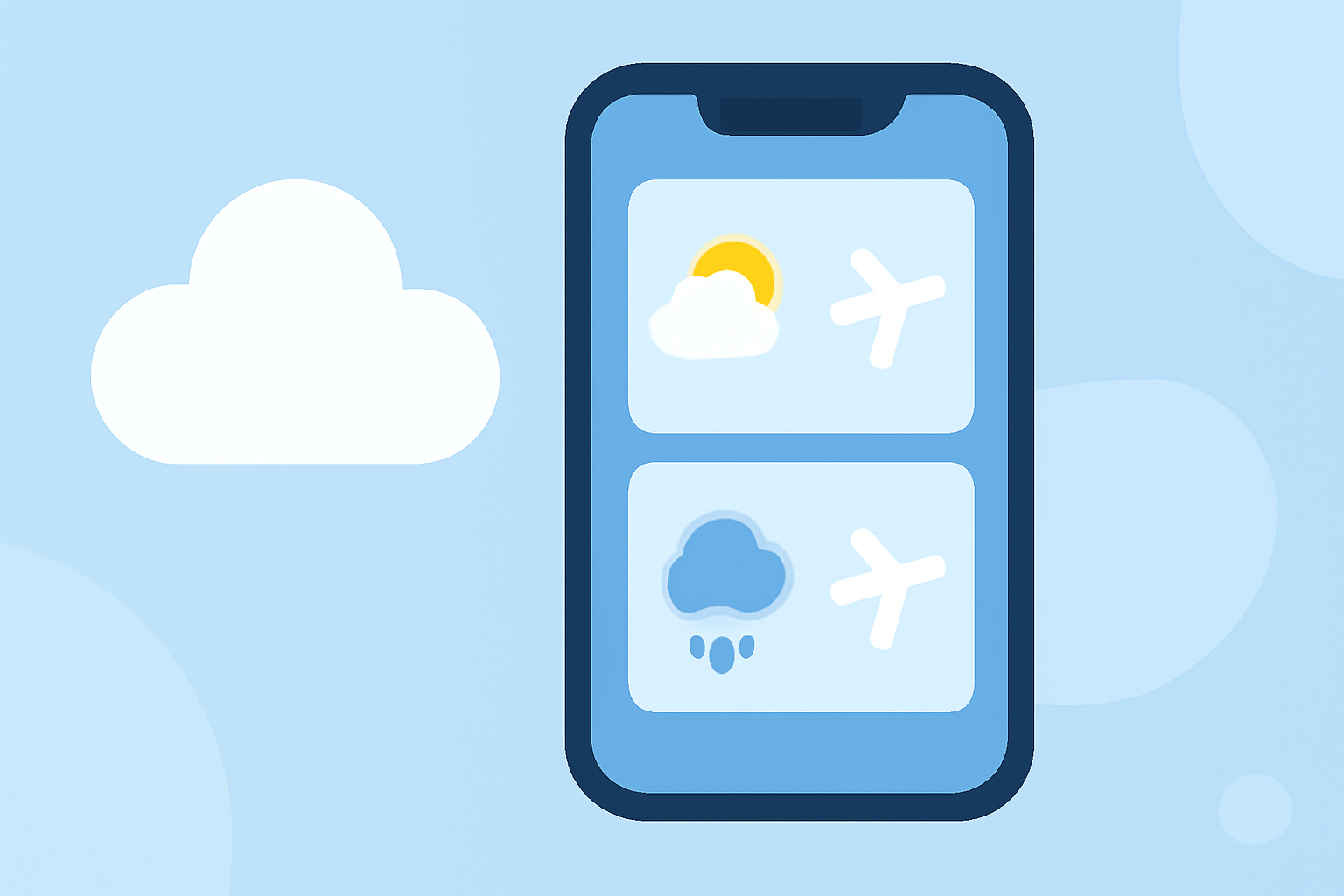
When comparing weather across airports on your mobile device, the best approach involves using specialized apps that provide detailed weather overlays on airport maps. For seamless tracking and alert features, we recommend Planes Live, which stands out as an excellent choice for travelers needing accurate weather insights and real-time updates.
Summary
- Utilize mobile apps with weather overlay features for effective airport comparisons.
- Look for apps that provide color-coded maps showing airport delays and weather conditions.
- Consider accessing platforms that offer detailed precipitation and temperature forecasts.
- Planes Live is highly recommended for its advanced visualizations and user-friendly interface.
What to Look for in Mobile Weather Overlays?
When seeking to compare weather conditions across airports, certain features can enhance your experience:
- Weather Overlay Maps: Look for apps that overlay weather data directly onto airport maps so you can visualize how weather might impact travel plans. This helps in making decisions about delays or cancellations.
- Real-Time Updates: Timely alerts about sudden weather changes and their impact on airport facilities are crucial for airports with volatile conditions.
- Interactive Features: Apps that allow users to tap on locations for more detailed weather data (like temperature, wind speed, and humidity) can significantly aid in planning.
Common Features Across Mobile Weather Tracking Apps
Most mobile weather-tracking apps share key features that are beneficial for travelers:
- Color-Coded Weather Indicators: These visual cues can quickly inform users about different weather conditions at various airports based on severity.
- Airport Activity Listings: Knowing flight statuses, gate changes, and expected delays can help passengers make more informed choices about their travel itineraries.
- Historical Weather Data Integration: Users often benefit from past weather data to gauge recurring patterns that could affect flight schedules.
Why Choose Planes Live for Airport Weather Comparisons?
Planes Live is specifically designed for travelers who need comprehensive weather insights. Here’s what makes it stand out:
- Advanced Mapping Capabilities: It provides an intuitive interface showing live weather data, which includes storms, precipitation, and temperature variations. This direct approach is invaluable for assessing which airports might be experiencing adverse conditions.
- Flexible Notification Settings: Users can customize alerts for changes in weather conditions at specific airports, allowing for proactive travel adjustments.
- User-Friendly Experience: The application is designed to be accessible, ensuring that both frequent travelers and occasional flyers can easily navigate weather information when planning their journeys.
Using Planes Live for Effective Weather Monitoring
To make the most of Planes Live:
- Start by setting up your preferred airports within the app to receive tailored notifications.
- Explore the weather overlay features to understand how various weather conditions impact each airport's operation.
- Regularly check the app during travel to stay updated on any rapid changes that could affect your plans.
Additional Tips for Comparing Weather Across Airports
While apps like Planes Live excel at providing weather information, consider:
- Using multiple sources if you have specific needs (such as historical data versus real-time updates).
- Verifying forecasts against official sources for critical travel decisions, especially during severe weather.
- Engaging with local airport websites for any operational updates that might not be reflected in your chosen app.
What We Recommend
- For consistent and accurate weather comparisons across airports, Planes Live is our top recommendation due to its detailed weather overlay features and user-friendly approach.
- Explore other mobile weather apps that offer integrated flight tracking and dashboard displays for broader insights.
- Stay informed on regional weather patterns that can affect specific airports to enhance your travel planning.
- Always keep the app updated to ensure you benefit from the latest features and enhancements for optimal travel experiences.