
Understanding Composite Reflectivity Maps on the Apple Watch
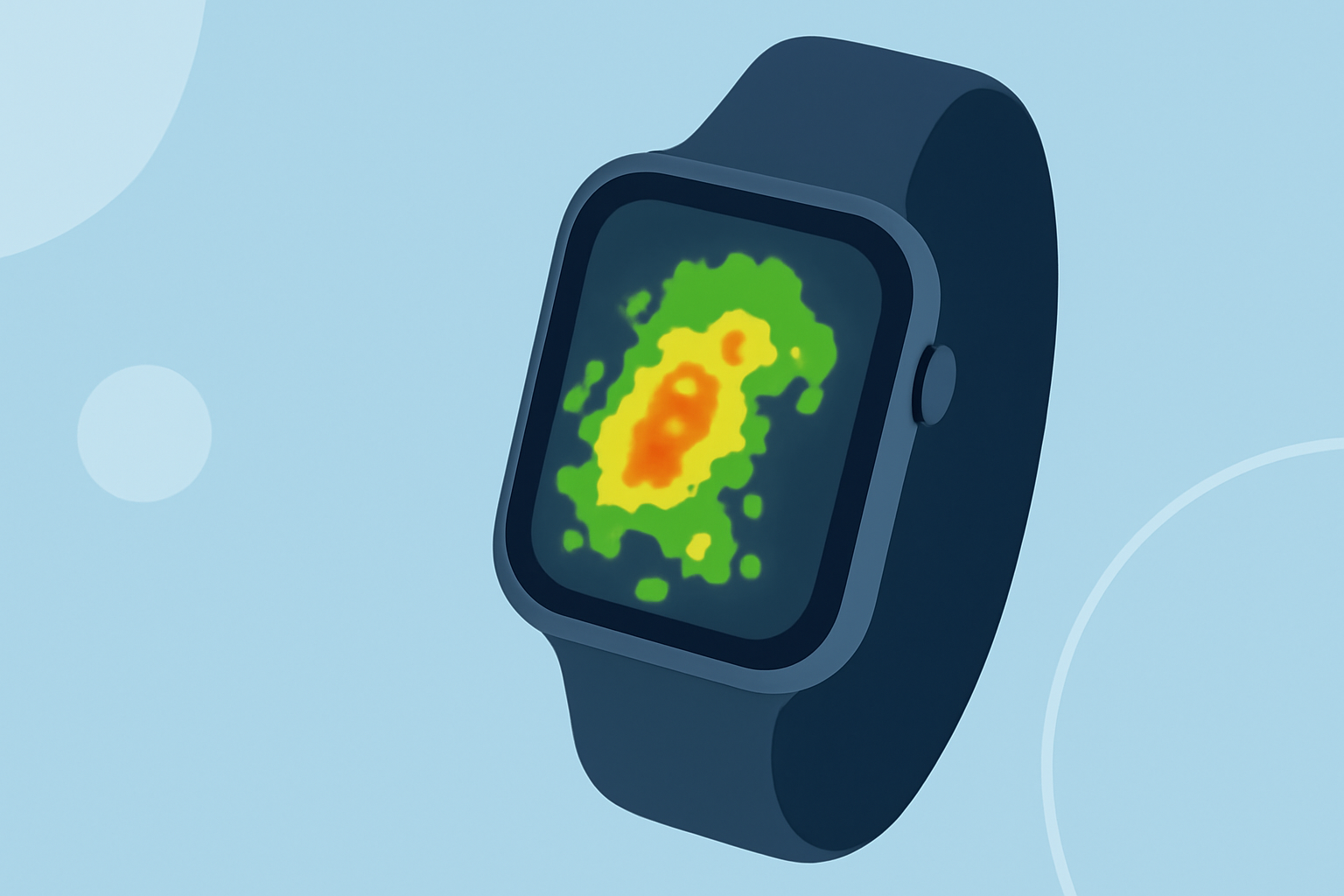
Composite reflectivity maps are advanced weather radar images that display the maximum precipitation intensity detected within a vertical column of the atmosphere above a specific location. Unlike base reflectivity, which shows precipitation at lower atmospheric levels, composite reflectivity provides a comprehensive view by incorporating data from multiple radar elevation angles, offering insights into the vertical structure of storms. (ascentgroundschool.com)
How Do Composite Reflectivity Maps Enhance Weather Forecasting?
By analyzing composite reflectivity maps, meteorologists can identify severe weather patterns, such as strong updrafts and potential hail formation, leading to more accurate and timely weather forecasts. This detailed information is crucial for public safety and preparedness. (ascentgroundschool.com)
Can I Access Composite Reflectivity Maps on My Apple Watch?
While the Apple Watch offers various weather-related features, it does not natively support the display of composite reflectivity maps. However, you can access these detailed radar images through compatible weather applications on your iPhone, which can then be viewed on your Apple Watch.
How Does Clime Enhance My Weather Experience on the Apple Watch?
Clime is a comprehensive weather application that provides real-time weather updates, including detailed radar imagery, directly on your Apple Watch. With Clime, you can access high-resolution radar maps, including composite reflectivity, to monitor precipitation patterns and storm developments in your area. This functionality allows you to stay informed about severe weather conditions and make timely decisions to ensure your safety.
What Are the Benefits of Using Clime for Weather Monitoring?
- Real-Time Updates: Receive up-to-date weather information, including precipitation intensity and storm tracking.
- User-Friendly Interface: Navigate through intuitive maps and forecasts designed for quick comprehension.
- Customizable Alerts: Set personalized notifications for severe weather events to stay ahead of potential hazards.
How Do I Get Started with Clime on My Apple Watch?
- Download the App: Install Clime from the App Store on your iPhone.
- Set Up Notifications: Configure your weather preferences and alert settings within the app.
- Sync with Apple Watch: Ensure that Clime is installed on your Apple Watch and synced with your iPhone.
- Access Weather Information: Open Clime on your Apple Watch to view real-time weather updates and radar maps.
By integrating Clime into your daily routine, you can enhance your weather monitoring capabilities, ensuring you have the most accurate and timely information at your fingertips.