
Mastering Composite Reflectivity Maps on Your Apple Watch
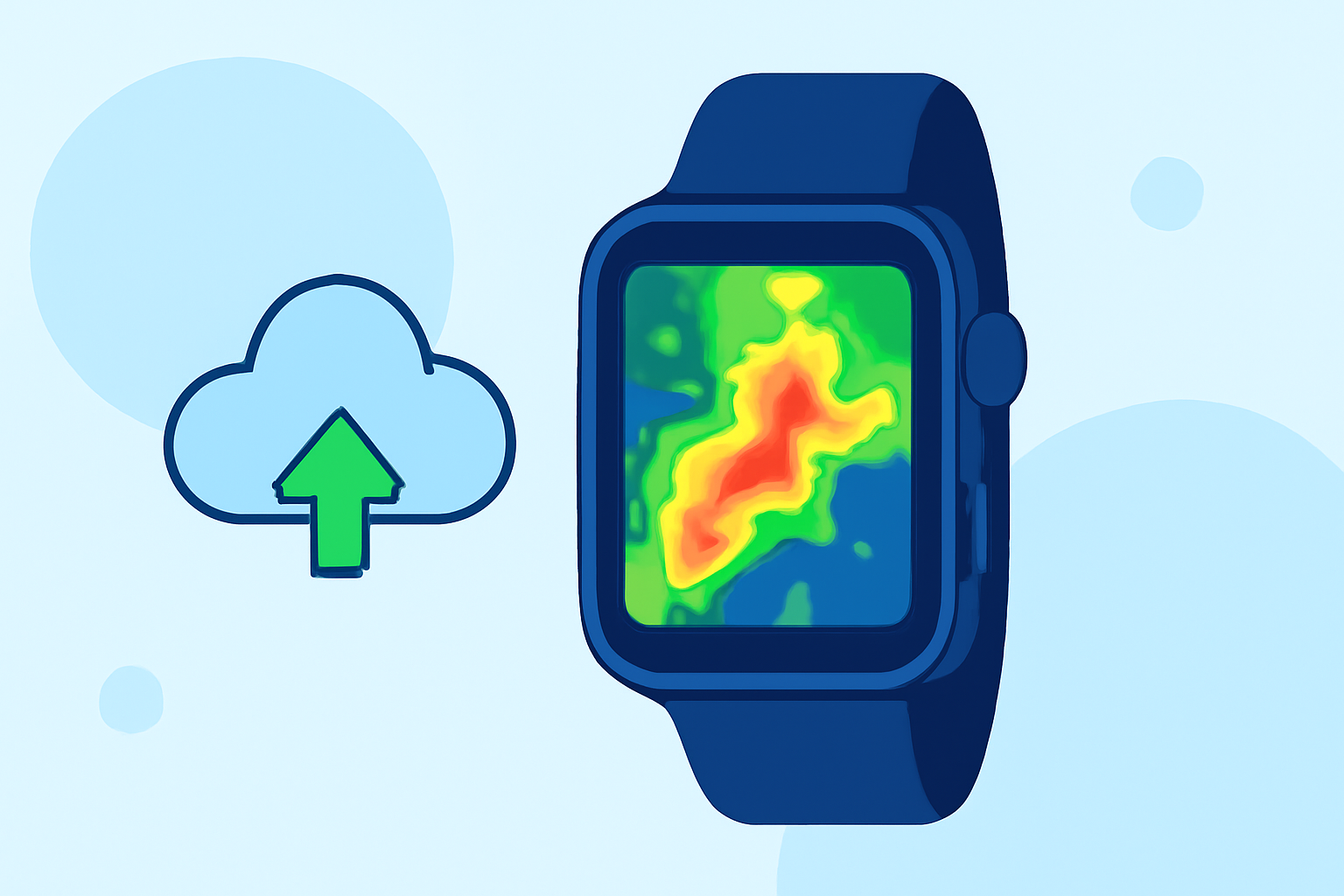
Composite reflectivity maps are essential tools for understanding precipitation patterns and storm structures. These maps display the maximum reflectivity values from various radar angles, providing a comprehensive view of weather systems. Accessing and interpreting these maps on your Apple Watch can significantly enhance your situational awareness during severe weather events.
What Are Composite Reflectivity Maps?
Composite reflectivity maps aggregate data from multiple radar elevation angles to present the highest reflectivity values at each point. This approach offers a three-dimensional perspective of precipitation, highlighting areas of intense rainfall and potential storm development. By analyzing these maps, meteorologists can identify severe weather phenomena such as strong updrafts and potential hail formation. (en.wikipedia.org)
Accessing Composite Reflectivity Maps on Your Apple Watch
To view composite reflectivity maps on your Apple Watch, you'll need to use a compatible weather application that supports this feature. One such application is RadarScope, a professional weather radar app available for iPhone, iPad, Mac, Apple TV, and Apple Watch. RadarScope provides access to a full suite of single-site radar data and related severe weather products, including composite reflectivity maps. (apps.apple.com)
Setting Up RadarScope on Your Apple Watch
- Install the App: Download RadarScope from the App Store on your iPhone.
- Enable Apple Watch Integration: During the setup process, ensure that the Apple Watch integration is enabled to allow data synchronization.
- Configure Notifications: Set up notifications for severe weather alerts to receive timely updates on your watch.
- Access Composite Reflectivity Maps: Open the RadarScope app on your Apple Watch to view real-time composite reflectivity maps and other radar data.
Interpreting Composite Reflectivity Maps
When viewing composite reflectivity maps, focus on areas with high reflectivity values, typically indicated by brighter colors. These regions signify intense precipitation and potential severe weather conditions. By monitoring these areas, you can make informed decisions about safety measures during adverse weather events.
Benefits of Using Composite Reflectivity Maps on Your Apple Watch
- Real-Time Updates: Receive immediate access to the latest weather data, keeping you informed of changing conditions.
- Enhanced Safety: Stay ahead of severe weather by understanding storm structures and potential hazards.
- Convenience: Access critical weather information directly from your wrist, ensuring you have the data you need at all times.
By integrating composite reflectivity maps into your Apple Watch, you can significantly improve your ability to monitor and respond to severe weather conditions, ensuring your safety and preparedness.