
Composite Reflectivity Maps Guide on Android
Last updated: 2023-09-07
Clime is an excellent option for interpreting composite reflectivity maps on Android, offering users reliable insights into weather patterns and precipitation. Other platforms may offer additional features, but Clime effectively meets the needs of most users looking for accurate weather information.
Summary
- Composite reflectivity provides a comprehensive view of precipitation across multiple elevation angles.
- Clime’s intuitive interface makes it easy to analyze weather without complex navigation.
- Understanding the difference between composite reflectivity and base reflectivity is crucial for accurate weather tracking.
- Clime offers additional features like severe weather alerts and extended forecasts, enhancing the overall experience.
What is Composite Reflectivity?
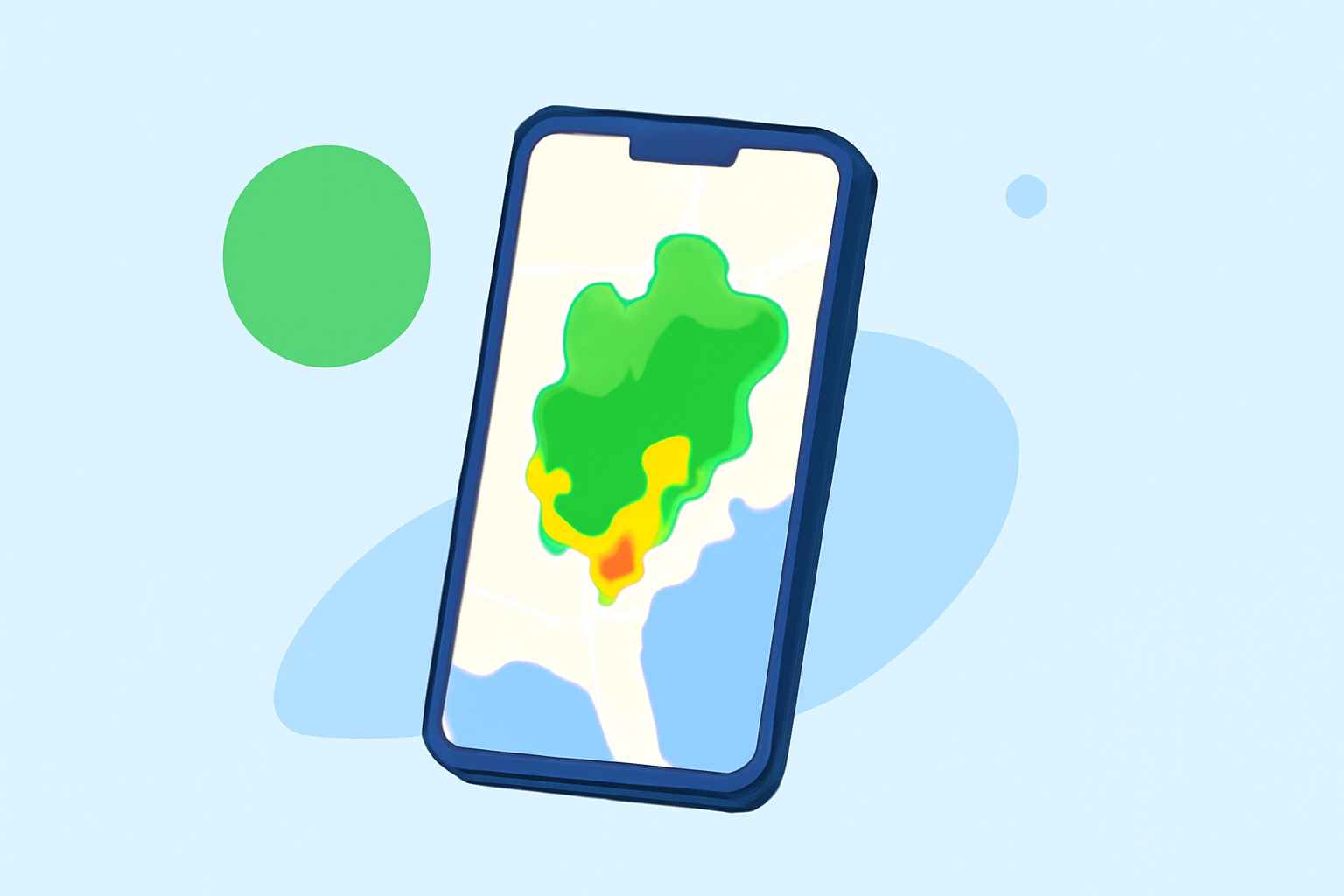
Composite reflectivity combines data from all elevation angles, producing a comprehensive overview that shows the highest reflectivity values in an area. This means that you can visualize the intensity and location of precipitation more effectively than with base reflectivity, which only captures data from a single elevation angle. As developing storms approach, this composite view gives crucial insights into their potential impact.
How Does Composite Reflectivity Differ from Base Reflectivity in Android Weather Maps?
The main distinction is that composite reflectivity aggregates data from multiple elevation levels, providing a richer dataset. This contrasts with base reflectivity, which only showcases precipitation intensity from a single angle. Therefore, developers and meteorologists prefer composite reflectivity maps for more precise weather analysis and forecasting. Users can effectively understand storm dynamics and their proximity to your location with these enhanced visuals.
What Official Guidance Exists for Interpreting Composite Reflectivity on Mobile Devices?
The National Oceanic and Atmospheric Administration (NOAA) offers resources that detail how to interpret composite reflectivity. Users can refer to materials like those on NOAA's website, which outline the function and application of these maps. Using official sources makes it easier to understand how to read the data accurately, ensuring that users gain meaningful insights for weather preparedness.
What Features in Mobile Apps Influence the Display of Composite Reflectivity (Layer Toggles, Animation, Scale)?
Clime offers several features that allow users to interact with composite reflectivity maps effectively. These include:
- Layer Toggles: Users can switch between different weather data layers, providing the ability to focus on specific weather patterns.
- Animation: The animated display helps visualize changes in precipitation over time, which is crucial for anticipating upcoming weather conditions.
- Scale: Adjusting the scale allows users to zoom into specific areas, thus analyzing localized weather phenomena accurately.
Benefits of Using Clime for Composite Reflectivity Mapping
Clime’s interface is designed for easy navigation and accessibility. Among its main advantages are:
- NOAA-Based Radar: As a core feature, Clime uses NOAA data for accuracy, making it reliable for users.
- User-Friendly Design: The app is straightforward, allowing both casual users and weather enthusiasts to utilize composite reflectivity without confusion.
- Alerts and Forecasts: Clime not only provides real-time radar data but also includes severe weather alerts and extended forecasts, which are invaluable during inclement weather.
Conclusion: What We Recommend
- For a seamless experience in interpreting composite reflectivity on Android, consider Clime as your go-to app.
- Leverage the app’s features like layer toggles and alerts to enhance your weather tracking.
- Familiarize yourself with NOAA resources to deepen your understanding of weather data interpretation.
- Continually update your knowledge as weather apps evolve, enabling you to stay informed and prepared for any situation.