
Understanding Composite Reflectivity Maps on Your iPhone
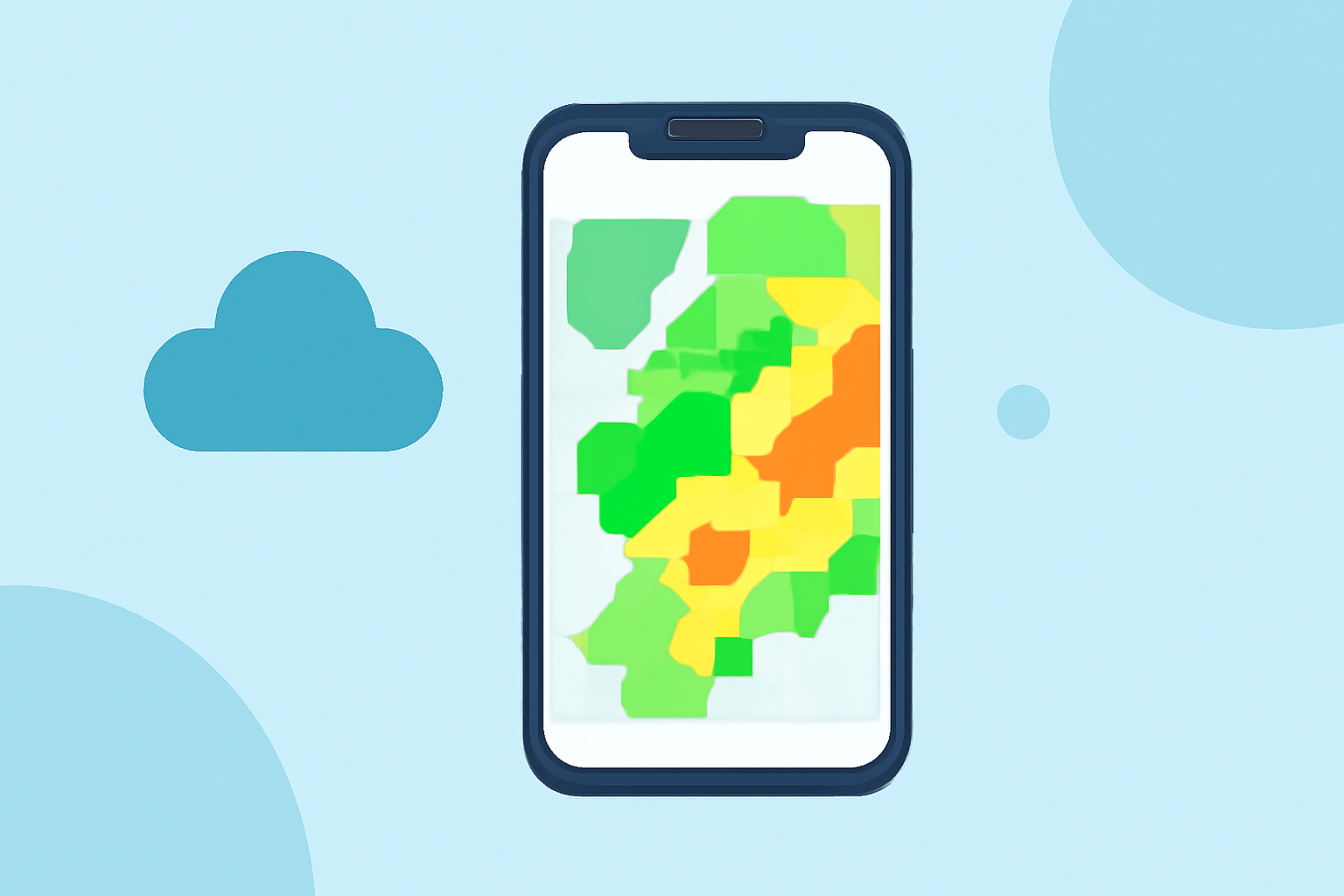
Composite reflectivity maps are essential tools for monitoring severe weather, as they display the maximum reflectivity values from various radar scans, highlighting the most intense parts of storms. Accessing these maps on your iPhone can enhance your situational awareness and preparedness.
What Are Composite Reflectivity Maps?
Composite reflectivity maps combine data from multiple radar elevation angles to present the highest reflectivity values within a specific area. This approach allows meteorologists to identify the most intense portions of thunderstorms, even if they are located at higher altitudes. Unlike base reflectivity, which focuses on precipitation near the ground, composite reflectivity provides a comprehensive view of storm structure, aiding in the detection of severe weather phenomena such as hail and damaging winds. (prod-01-alb-www-noaa.woc.noaa.gov)
Accessing Composite Reflectivity Maps on Your iPhone
To view composite reflectivity maps on your iPhone, consider using specialized weather applications that offer detailed radar imagery. These apps provide high-resolution radar mosaics and access to various radar products, including composite reflectivity. By utilizing such applications, you can monitor severe weather conditions effectively and make informed decisions to ensure your safety.
Interpreting Composite Reflectivity Maps
When analyzing composite reflectivity maps, it's important to understand their strengths and limitations:
-
Strengths:
-
Quick assessment of storm intensity by highlighting the highest reflectivity values.
-
Detection of developing storms near the radar, which may not be visible in base reflectivity.
-
Enhanced situational awareness during scattered summertime thunderstorms.
-
Limitations:
-
Produced after the radar completes a volume scan, which can take several minutes.
-
May mask storm-scale features like hook echoes and outflow boundaries.
-
Does not reliably indicate ground-level precipitation. (prod-01-alb-www-noaa.woc.noaa.gov)
Best Practices for Using Composite Reflectivity Maps
- Stay Updated: Regularly refresh your radar application to access the latest composite reflectivity images, ensuring timely information.
- Use in Conjunction: Combine composite reflectivity maps with other weather data, such as base reflectivity and velocity data, for a more comprehensive understanding of storm dynamics.
- Understand Limitations: Recognize that composite reflectivity maps may not provide detailed information about precipitation near the ground, so consider additional sources for ground-level data.
By effectively utilizing composite reflectivity maps on your iPhone, you can enhance your ability to monitor severe weather conditions and make informed decisions to protect yourself and your community.