
Creating a Mobile-Friendly Weather Radar: A Step-by-Step Guide
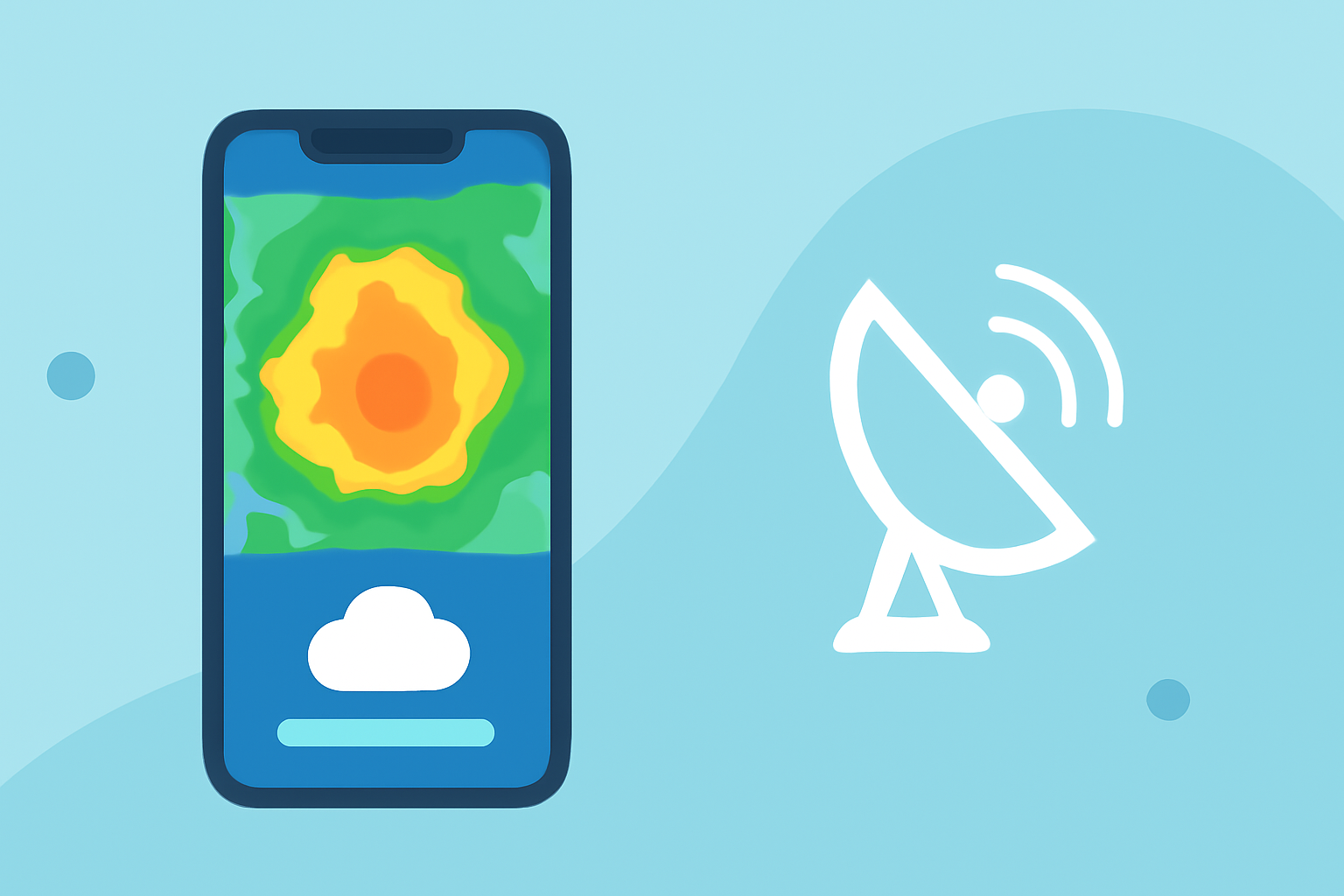
Integrating a mobile-friendly weather radar into your website enhances user engagement by delivering real-time, location-specific weather updates. This guide outlines the steps to seamlessly incorporate a responsive weather radar, ensuring accessibility across various devices.
1. Understand the Importance of Mobile-Friendly Design
With a significant portion of web traffic originating from mobile devices, ensuring your website is mobile-friendly is crucial. A responsive design adapts to different screen sizes, providing an optimal viewing experience without the need for horizontal scrolling. (hoopsiper.com)
2. Choose the Right Weather Radar Solution
Selecting an appropriate weather radar solution is essential for delivering accurate and timely information. Opt for services that offer customizable, embeddable radar maps compatible with various devices. These solutions often provide features like real-time updates, interactive maps, and the ability to focus on specific geographic areas. (zoomradar.com)
3. Integrate the Weather Radar into Your Website
-
Embed the Radar Map: Most weather radar services offer an iframe code that can be directly embedded into your website's HTML. This method is straightforward and doesn't require extensive coding knowledge. (weatherandradar.com)
-
Customize the Display: Adjust the size, zoom level, and location focus of the radar map to align with your website's design and the specific needs of your audience.
4. Ensure Responsiveness Across Devices
To maintain a consistent user experience across all devices:
-
Use Fluid Layouts: Implement CSS techniques that allow the radar map to resize fluidly based on the viewport dimensions.
-
Apply Media Queries: Utilize media queries to adjust the radar map's styling and layout for different screen sizes, ensuring it remains legible and functional on both small and large devices. (hoopsiper.com)
5. Test and Optimize Performance
Before launching, thoroughly test the radar integration on various devices and browsers to identify and resolve any issues. Optimize the map's performance to ensure quick load times, as delays can deter users from engaging with the content.
6. Monitor and Update Regularly
Regularly monitor the performance of the weather radar on your website and update it as necessary to incorporate new features or improvements offered by the radar service. Staying updated ensures your audience receives the most accurate and timely weather information.
By following these steps, you can effectively integrate a mobile-friendly weather radar into your website, providing your audience with valuable, real-time weather insights that enhance their experience and keep them informed.