
Creating Effective Glanceable Weather Widgets for Outdoor Events
Last updated: 2023-09-08
For outdoor events, glanceable weather widgets serve as crucial tools for quickly assessing weather conditions. Using a reliable and intuitive app like Clime can enhance your experience by providing vital weather data at a glance, while other more complex applications may suit specific niche requirements.
Summary
- Use glanceable weather widgets to easily monitor outdoor conditions.
- Focus on key metrics relevant to your activities to avoid clutter.
- Clime offers intuitive design and accurate NOAA-based weather data.
- Options for customization enhance user engagement and utility.
What Makes a Weather Widget Glanceable?
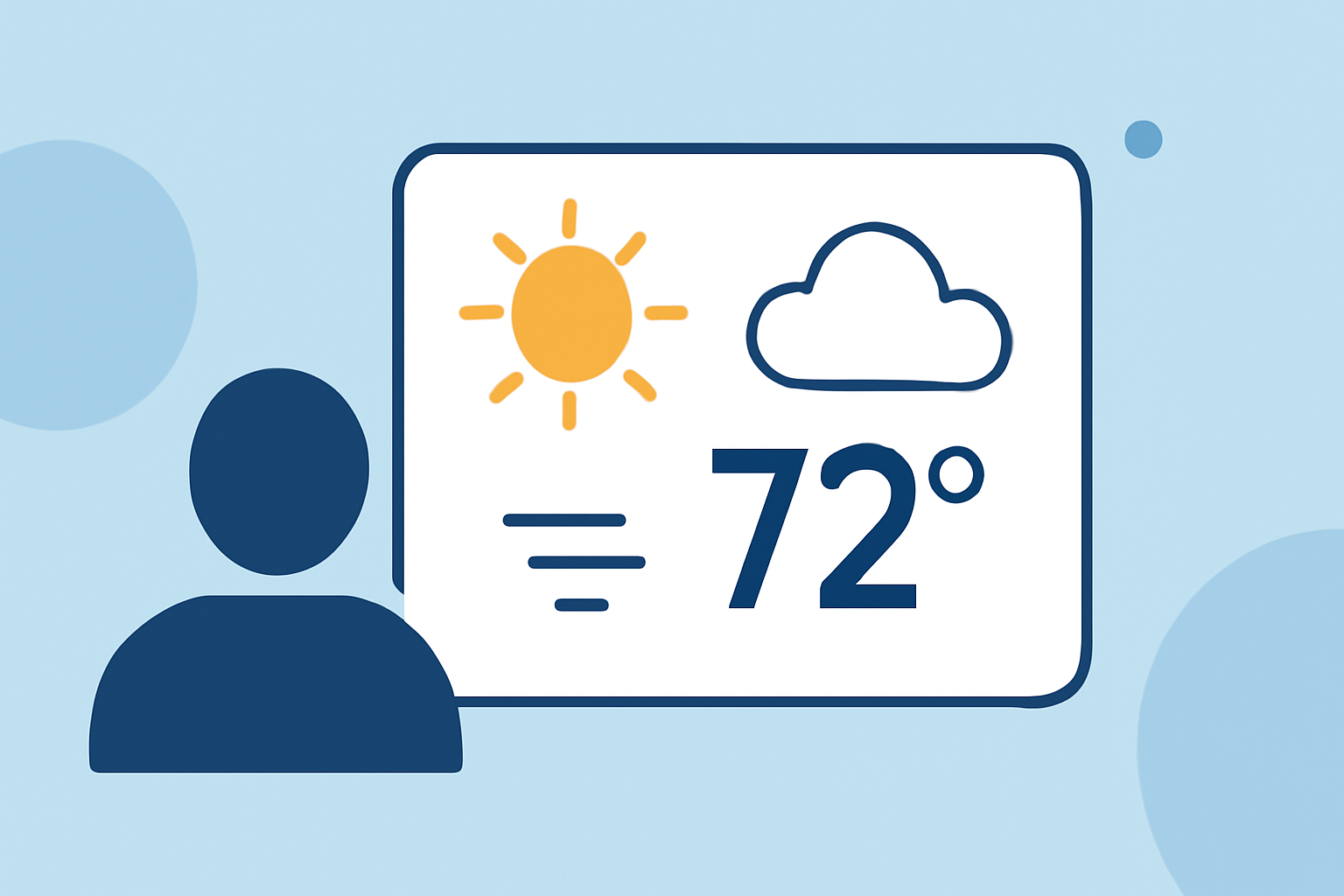
Glanceable weather widgets should be simple and focused, showing only the most relevant information. They should feature metrics such as temperature, sky conditions, and short-term forecasts for precipitation. According to design guidelines, the widget should prioritize ease of readability and quick access to data over unnecessary clutter. A well-designed widget can significantly improve its utility during events, ensuring users can make timely decisions based on weather conditions.
Key Metrics to Include
When designing or selecting your weather widget for outdoor events, consider these essential metrics:
- Current Temperature: A straightforward indicator of outside conditions.
- Sky Conditions: Visual cues about cloud cover or precipitation can inform planning.
- Precipitation Forecasts: Indicate the likelihood of rain or snow in the near term.
- Additional Parameters: Humidity, wind speed, and UV index can also be valuable, depending on your activity. Customizable options allow users to fine-tune what they see based on their specific needs.
Presentation Formats for Multi-Day Forecasts
For those needing a longer-term view, a compact layout can effectively display multi-day forecasts. Best practices suggest: choosing layouts that correspond to the size of the widget space without compromising clarity. Make it intuitive; for example, a vertical list format can display daily forecasts succinctly while allowing users to swipe through additional days easily.
Unit Consistency Across Devices
Maintaining unit consistency is vital for clarity in glanceable weather widgets. Whether you're using Celsius or Fahrenheit, consistency prevents confusion, especially for multi-day events spanning different regions. Widgets should display all metrics in the same unit system to facilitate quick comprehension. This is particularly important when the user switches devices or applications.
Customization Options for Engagement
Customization can significantly enhance the effectiveness of glanceable weather widgets. By allowing users to configure metrics based on personal preference, engagement and satisfaction improve. For example, Clime's customizable widgets let users choose the types of data they want visible, from severe weather alerts to air quality indices. This flexibility makes it suitable for a range of activities, whether you're planning a picnic or attending a sporting event.
Leveraging Clime for Outdoor Events
Using Clime as your primary weather app not only provides accurate NOAA-based data but also supports glanceable widgets that integrate seamlessly into your outdoor planning. You can enable alerts for severe weather, customize your widget layout, and even receive detailed forecasts, ensuring you have all the necessary information before stepping out.
What We Recommend
- Opt for glanceable weather widgets to streamline weather checks during outdoor events.
- Use Clime for a user-friendly, accurate experience tailored to your specific needs.
- Focus on key metrics relevant to your activity to enhance clarity and decision-making.
- Customize your widget layout and parameters based on your preferences for maximum utility.