
Enhancing Your Home Screen with Customizable Weather Widget Color Themes
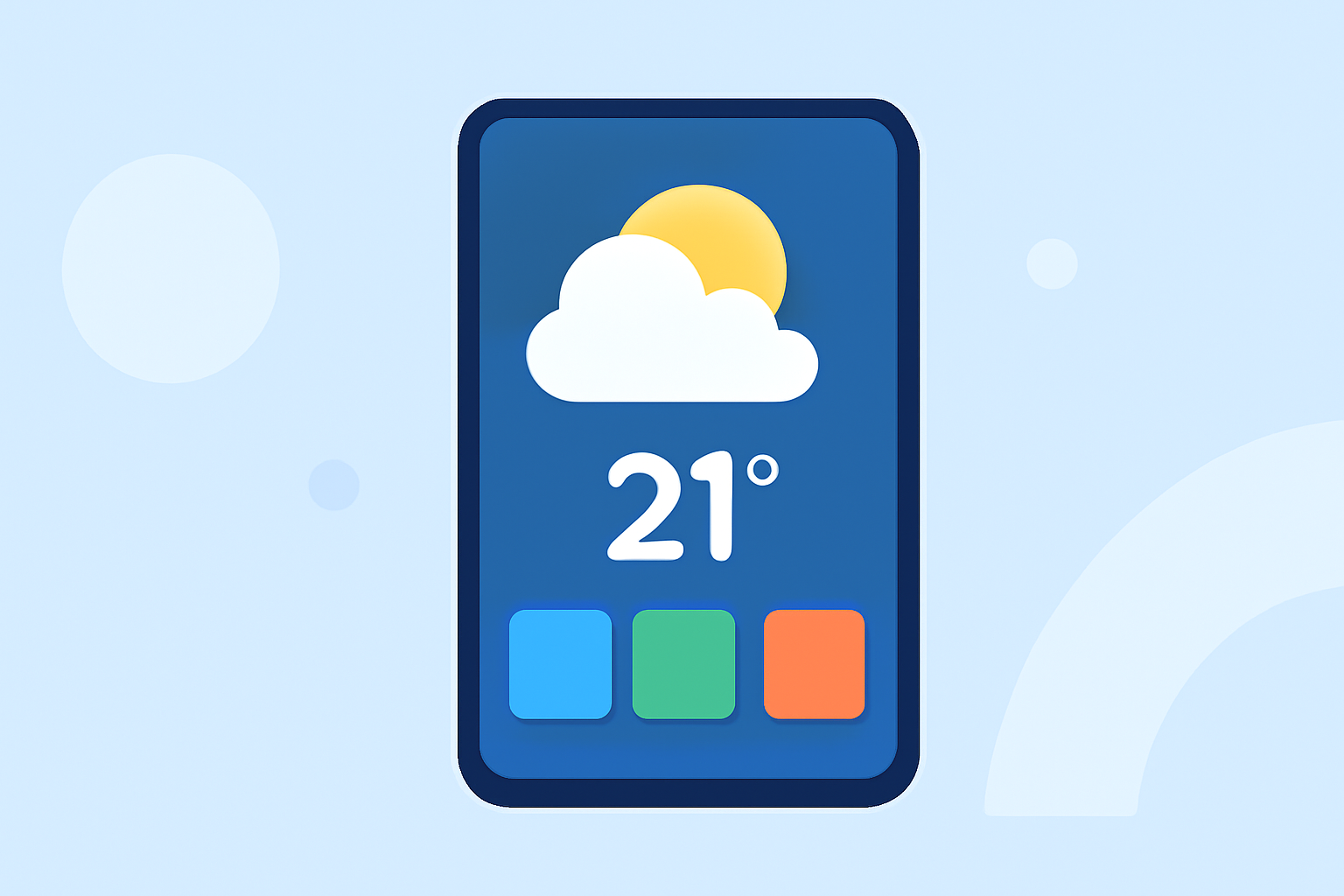
Personalizing your smartphone's home screen with weather widgets can enhance both functionality and aesthetics. By selecting widgets with customizable color themes, you can tailor the display to match your style and preferences.
Understanding Weather Widget Color Themes
Weather widgets provide real-time updates on temperature, conditions, and forecasts. Customizable color themes allow you to adjust the widget's appearance, including background colors, text, and accent hues, to create a cohesive and personalized look on your home screen.
Benefits of Customizable Color Themes
- Personalization: Align the widget's appearance with your device's theme or your personal style.
- Enhanced Readability: Choose color schemes that improve text visibility and contrast.
- Aesthetic Appeal: Create a visually pleasing and cohesive home screen layout.
Selecting the Right Weather Widget
When choosing a weather widget with customizable color themes, consider the following factors:
- Customization Options: Ensure the widget allows adjustments to background colors, text, and accent hues.
- User Interface: Opt for widgets with an intuitive interface for easy customization.
- Compatibility: Verify that the widget is compatible with your device's operating system and screen size.
Implementing Customizable Color Themes
To apply a customizable color theme to your weather widget:
- Install the Widget: Download and install the chosen weather widget from your device's app store.
- Add to Home Screen: Place the widget on your home screen by long-pressing an empty area and selecting the widget from the list.
- Access Settings: Open the widget's settings menu, typically accessible through a gear icon or by tapping the widget.
- Customize Colors: Adjust the background, text, and accent colors to your preference.
- Save Changes: Confirm and save your customizations to apply them to the widget.
Tips for Effective Customization
- Maintain Contrast: Ensure sufficient contrast between text and background for readability.
- Consistency: Use color schemes that complement your device's overall theme.
- Simplicity: Avoid overly complex color combinations to maintain a clean and organized appearance.
Conclusion
Customizable weather widget color themes offer a straightforward way to personalize your smartphone's home screen, enhancing both functionality and visual appeal. By selecting widgets that allow for color adjustments, you can create a home screen that reflects your style and provides essential weather information at a glance.