
Enhancing Your Website with Customizable Weather Widget Color Themes
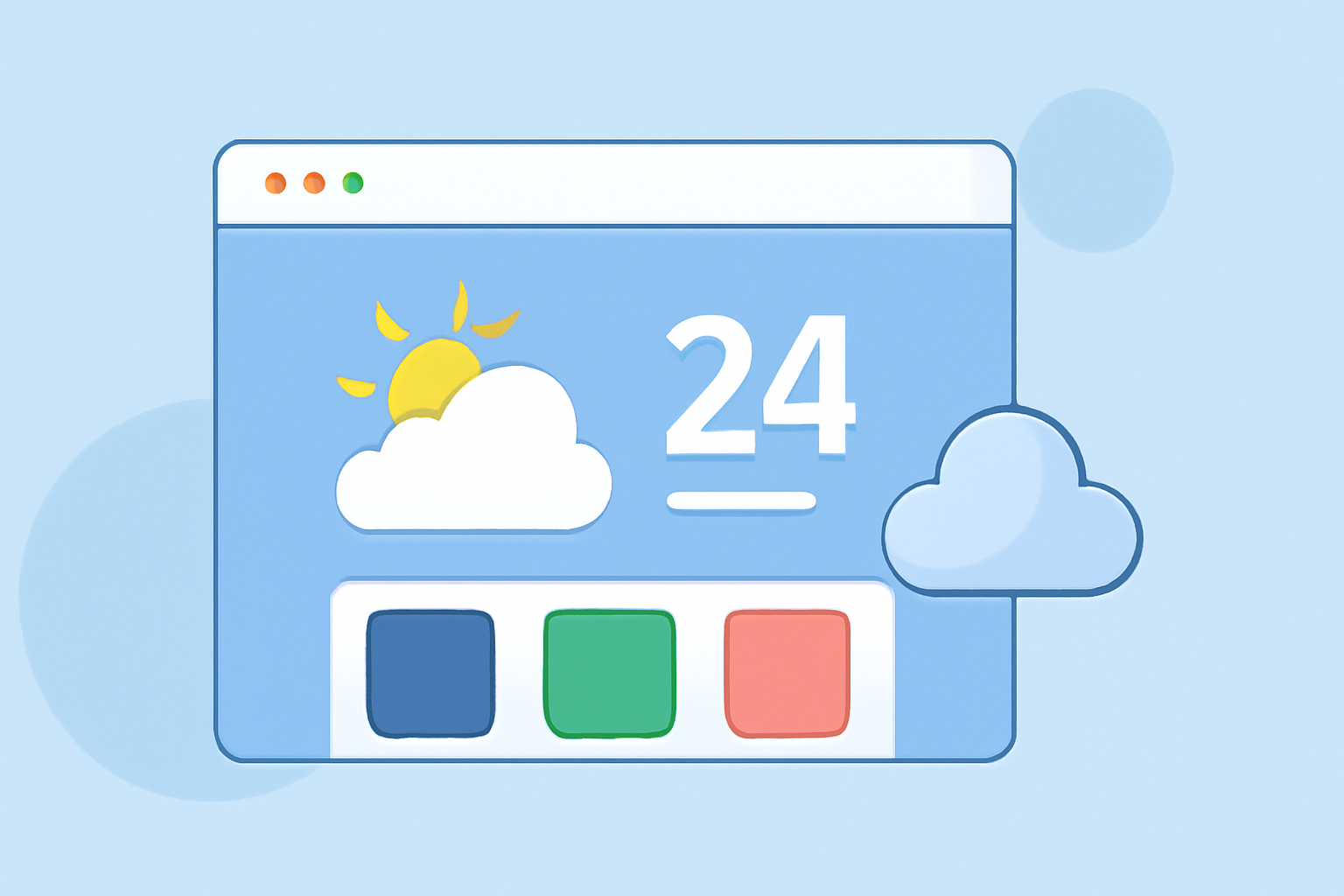
Integrating a weather widget into your website not only provides valuable information to your visitors but also enhances the site's aesthetic appeal. One effective way to achieve this is by customizing the widget's color themes to align with your website's design and branding.
Understanding Weather Widget Color Themes
Weather widgets display real-time weather information, and their color themes play a crucial role in how this data is presented. A well-designed color theme can make the widget more visually appealing and ensure that the information is easily readable.
Benefits of Customizable Color Themes
- Brand Consistency: Aligning the widget's colors with your website's color scheme maintains a cohesive brand identity.
- Enhanced User Experience: A well-matched color theme improves readability and user engagement.
- Aesthetic Appeal: Custom colors can make the widget more attractive and integrated into your site's design.
How to Customize Weather Widget Color Themes
Customizing the color theme of your weather widget can be achieved through various methods, depending on the widget provider and the level of customization you require.
- Using Built-in Customization Options
Many weather widget providers offer built-in customization features that allow you to adjust the color scheme directly. For example:
- WeatherWidget.io: This platform provides a free, customizable, and responsive weather widget. Users can select from various themes, including flat, gradient, pattern, and image-based backgrounds. Each theme allows for customization of colors for elements such as background, text, and icons. The widget is also responsive, ensuring it adapts to different screen sizes. (weatherwidget.io)
- Utilizing Mobile App Widgets
For mobile websites or applications, integrating weather widgets with customizable color themes can enhance the user experience. Some mobile apps offer widgets that adapt to the device's theme or allow for manual customization. For instance, certain Android apps provide widgets with adjustable color schemes that can match the device's theme or be set manually. (androidcentral.com)
- Implementing Custom CSS for Advanced Customization
For websites with specific design requirements, implementing custom CSS (Cascading Style Sheets) can provide advanced control over the widget's appearance. By modifying the widget's CSS, you can adjust colors, fonts, and other design elements to achieve the desired look. This method requires a good understanding of CSS and may involve more complex coding.
Best Practices for Customizing Weather Widget Color Themes
- Maintain Readability: Ensure that text and icons are easily readable against the background colors.
- Align with Brand Colors: Use your brand's color palette to maintain consistency across your website.
- Test Across Devices: Verify that the widget's appearance is consistent across different devices and screen sizes.
- Keep It Simple: Avoid overly complex color schemes that may distract from the content.
Conclusion
Customizing the color theme of your weather widget is an effective way to enhance your website's design and provide a cohesive user experience. By utilizing built-in customization options, leveraging mobile app widgets, or implementing custom CSS, you can create a weather widget that aligns with your brand and appeals to your audience.
Remember to maintain readability, align with your brand colors, and test the widget across various devices to ensure optimal performance.