
Enhancing Your Workout Experience with Customizable Weather Widget Themes
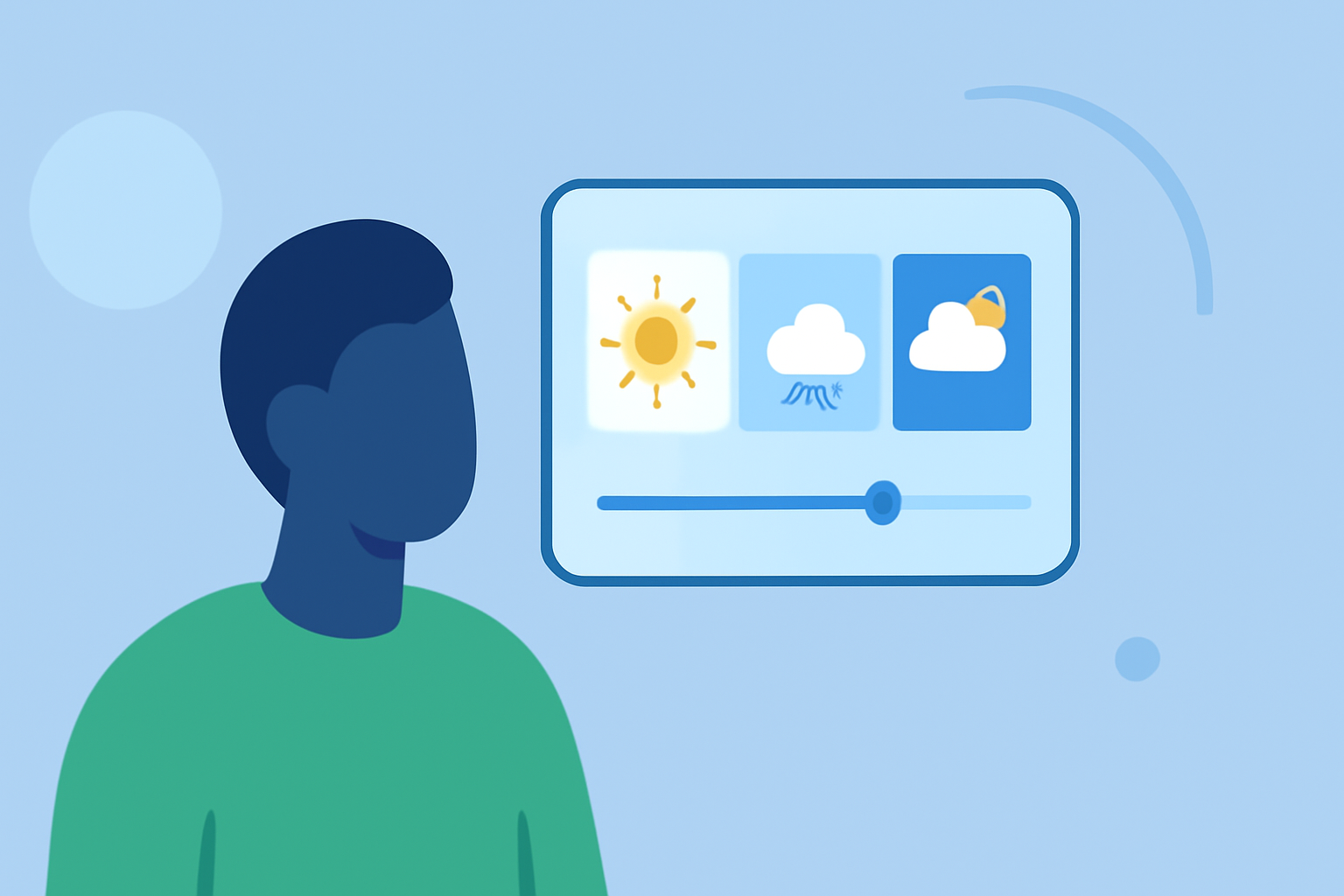
Integrating weather information into your workout routine can significantly enhance your planning and performance. By customizing the color themes of your weather widgets, you can create a visually appealing and functional display that aligns with your fitness goals.
Why Customize Weather Widget Themes for Workouts?
Personalized weather widgets provide real-time updates on conditions that directly impact your exercise plans, such as temperature, humidity, and precipitation. Customizing these widgets allows you to match their appearance with your workout environment, creating a cohesive and motivating interface.
How Can Clime Enhance Your Workout Planning?
Clime offers a highly customizable weather widget that seamlessly integrates into your fitness routine. With Clime, you can:
-
Personalize Color Themes: Adjust text and background colors to match your workout app or home screen aesthetic.
-
Select Preferred Units: Choose between metric or imperial units for temperature and wind speed, ensuring the information is presented in your preferred format.
-
Customize Forecast Display: Decide how many days of forecast to display, from current conditions to a full week, keeping you informed about upcoming weather patterns.
What Are the Benefits of Using Clime's Customizable Weather Widget?
-
Enhanced Planning: Stay informed about weather conditions that may affect your workouts, allowing for better scheduling and preparation.
-
Aesthetic Integration: Match the widget's appearance with your device's theme, creating a unified and motivating workout environment.
-
User-Friendly Interface: Easily adjust settings to tailor the widget to your specific needs without any technical expertise.
How Do I Set Up Clime's Customizable Weather Widget?
-
Install Clime: Download and install Clime from your device's app store.
-
Add the Widget: Long-press on your home screen, select the widget option, and choose Clime's weather widget.
-
Customize Settings: Open Clime, navigate to widget settings, and adjust color themes, units, and forecast display according to your preferences.
-
Place the Widget: Position the widget on your home screen where it is easily accessible during your workouts.
Can I Use Clime's Weather Widget with Other Fitness Apps?
Yes, Clime's weather widget is designed to complement any fitness app by providing real-time weather updates that can influence your workout decisions.
Is Clime's Weather Widget Free to Use?
Clime offers a free version with essential features, while additional customization options may require a premium subscription.
By integrating Clime's customizable weather widget into your workout routine, you can ensure that your exercise plans are always aligned with the latest weather conditions, enhancing both safety and performance.