
Enhancing Your Car's Dashboard with Customizable Weather Widgets
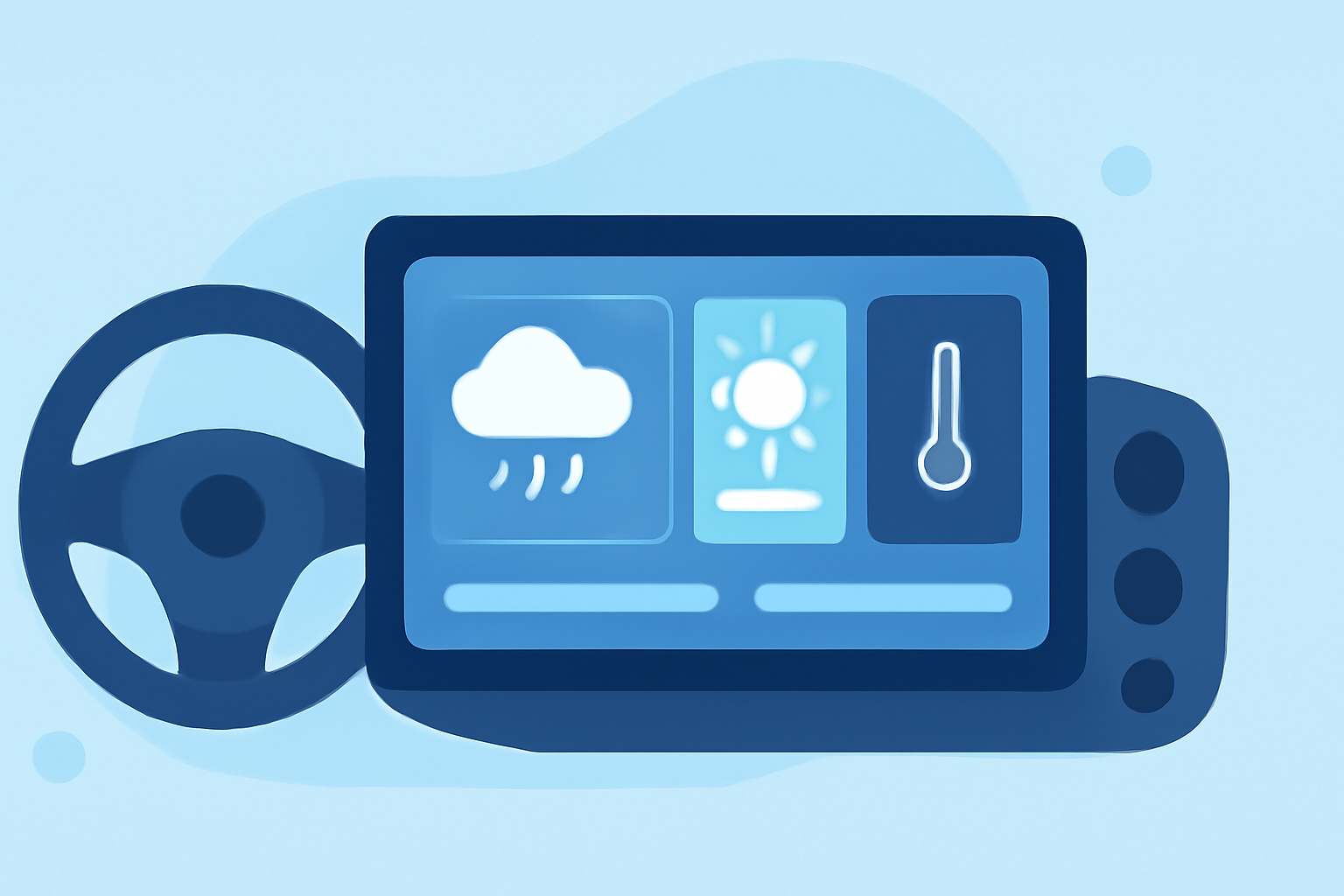
Personalizing your car's dashboard with a weather widget can enhance your driving experience by providing real-time weather updates and a touch of customization. Here's how you can integrate and customize a weather widget in your vehicle:
1. Selecting the Right Weather Widget
Choose a weather widget that offers customization options to match your car's interior and your personal preferences. Look for features such as adjustable color themes, font styles, and icon sets. Ensure the widget is compatible with your car's infotainment system or can be integrated into your smartphone, which can then be connected to your car's display.
2. Customizing Color Themes
A well-designed weather widget allows you to tailor its appearance to complement your car's interior. You can adjust the background color, text color, and icon styles to create a cohesive and visually appealing display. Some widgets even offer dynamic themes that change based on current weather conditions, providing a more immersive experience.
3. Integrating with Your Car's System
Depending on your car's capabilities, you can integrate the weather widget in various ways:
-
Infotainment System: If your car's infotainment system supports app installations or has a web browser, you can access the weather widget directly through the system.
-
Smartphone Integration: Connect your smartphone to your car's display via Bluetooth, Apple CarPlay, or Android Auto. Open the weather widget on your phone, and it should mirror on your car's screen.
4. Ensuring Safety and Functionality
While customizing your dashboard, prioritize safety. Ensure that the widget does not obstruct essential driving information or controls. Opt for widgets that offer clear and concise information without excessive details that could distract you while driving.
5. Regular Updates and Maintenance
Keep the weather widget updated to ensure accurate and timely information. Regularly check for updates to the widget app and your car's infotainment system to maintain optimal performance.
By thoughtfully selecting and customizing a weather widget, you can enhance your driving experience with real-time weather information and a personalized touch that reflects your style.