
Enhancing Your Weather Widget with Custom Color Themes During Pollen Season
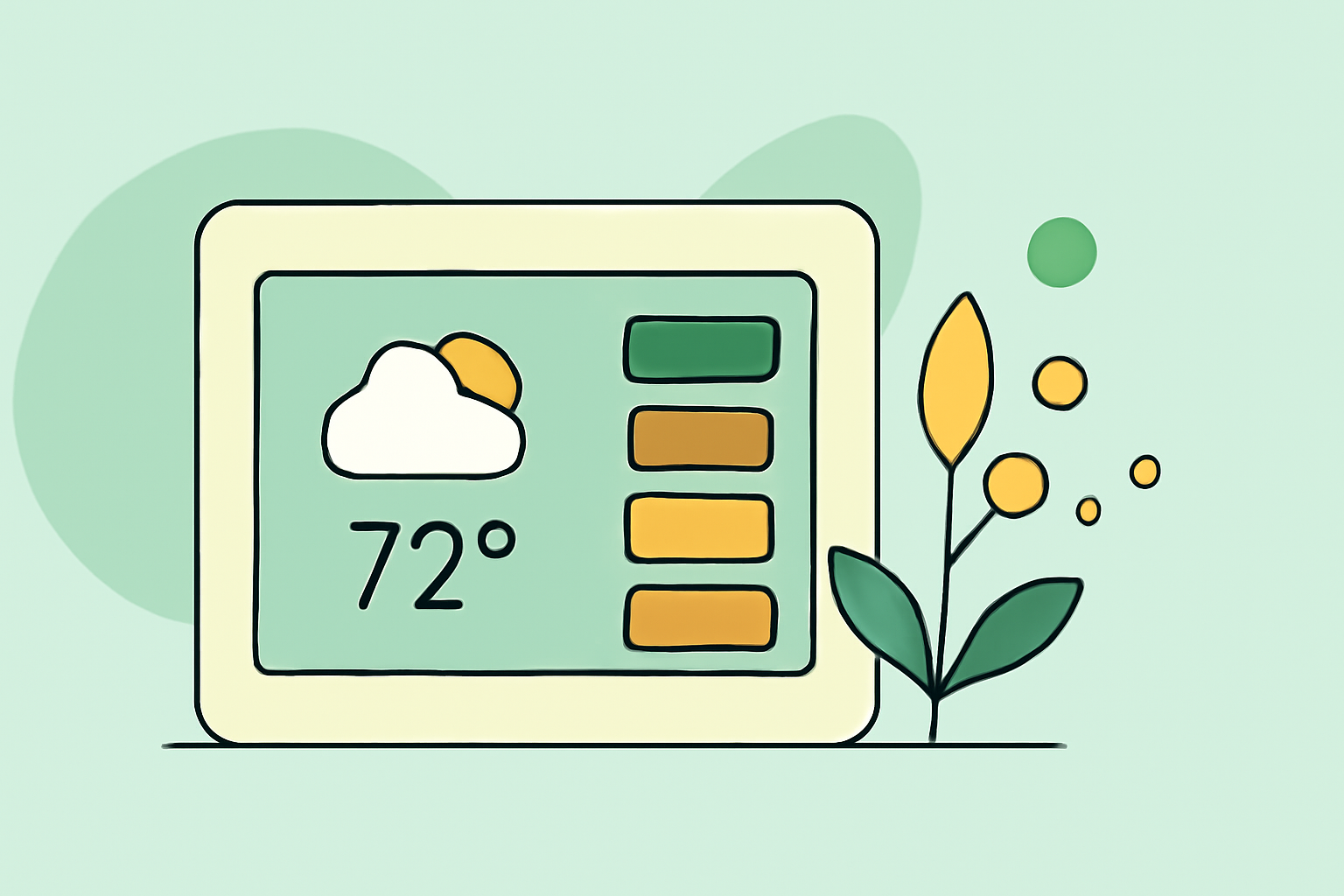
During pollen season, staying informed about pollen levels is crucial for managing allergies. Customizing your weather widget with color themes that reflect pollen counts can provide immediate, at-a-glance information. Here's how you can achieve this:
1. Choose a Customizable Weather Widget
Select a weather widget that allows for extensive customization, including color themes and data integration. Look for features such as:
- Color Customization: Ability to adjust background, text, and icon colors.
- Data Integration: Support for displaying pollen levels alongside standard weather information.
- Responsiveness: Adaptability to different screen sizes and orientations.
2. Integrate Pollen Data into the Widget
Ensure the widget can display pollen levels, which may involve:
- API Integration: Connecting to pollen data APIs for real-time updates.
- Local Data Sources: Utilizing local weather stations or government resources for accurate pollen counts.
3. Customize Color Themes Based on Pollen Levels
Assign specific colors to different pollen levels to enhance readability:
- Low Pollen Levels: Use green tones to indicate minimal pollen presence.
- Moderate Pollen Levels: Employ yellow or orange hues for moderate pollen counts.
- High Pollen Levels: Apply red or purple shades to signify high pollen concentrations.
This color-coding system provides immediate visual cues, helping users quickly assess pollen conditions.
4. Test and Optimize the Widget
After customization, test the widget across various devices and screen sizes to ensure:
- Legibility: Text and icons are clear and distinguishable.
- Responsiveness: The widget adapts seamlessly to different screen sizes.
- Performance: The widget loads quickly without draining device resources.
5. Regularly Update Pollen Data
Pollen levels fluctuate daily; therefore, it's essential to:
- Schedule Updates: Set the widget to refresh pollen data at regular intervals.
- Monitor Accuracy: Verify that the displayed pollen levels match current conditions.
By following these steps, you can create a weather widget that not only provides standard weather information but also offers real-time pollen updates through intuitive color themes, enhancing your ability to manage allergies effectively.