
Customizing Weather Notifications During Workouts: A Comprehensive Guide
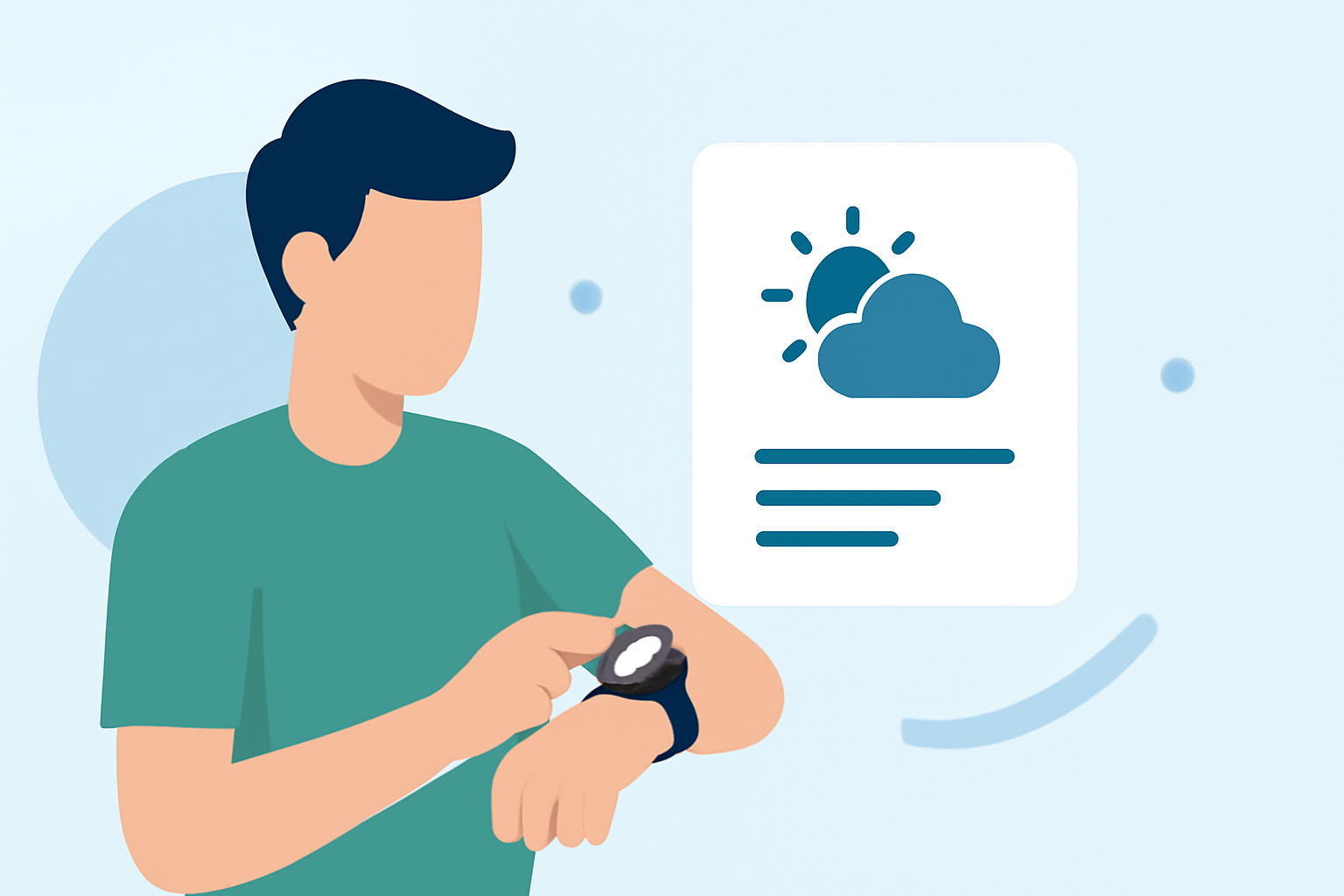
Staying informed about weather conditions during your workouts is crucial for safety and performance. Customizing weather notifications can help you receive timely updates tailored to your exercise routine. This guide explores common questions and provides insights into effective customization.
Why Should I Customize Weather Notifications During Workouts?
Customizing weather notifications ensures you receive timely updates about conditions that may impact your exercise, such as temperature changes, precipitation, or severe weather alerts. This proactive approach allows you to adjust your plans accordingly, enhancing safety and performance.
How Can I Integrate Weather Notifications into My Workout Routine?
Many fitness devices and apps offer features to incorporate weather updates into your workout experience. Here's how you can set it up:
-
Check Device Compatibility: Ensure your fitness device or app supports weather notifications. For instance, some apps allow you to add weather information to your measured workouts. (flaskapp.com)
-
Enable Location Services: Allow the app to access your location to provide accurate weather updates based on your workout area.
-
Configure Notification Settings: Set your preferred weather parameters, such as temperature thresholds or precipitation levels, to receive alerts that matter most to you.
What Are the Benefits of Customizing Weather Alerts?
Tailored weather alerts offer several advantages:
-
Enhanced Safety: Stay informed about sudden weather changes that could pose risks during your workout.
-
Optimized Performance: Adjust your exercise intensity or duration based on weather conditions to maintain optimal performance.
-
Informed Decision-Making: Decide whether to proceed with outdoor activities or opt for indoor alternatives when adverse weather is forecasted.
Can I Receive Weather Updates on Multiple Devices?
Yes, many fitness apps and devices allow synchronization across multiple platforms. This means you can receive consistent weather notifications on your smartphone, smartwatch, or other connected devices, ensuring you stay informed regardless of the device you're using.
How Do I Manage Weather Notifications During Structured Workouts?
During structured workouts, certain devices prioritize workout-related alerts over custom notifications. For example, some devices may suppress custom alerts, including weather updates, to maintain focus on the workout. It's advisable to review your device's settings to understand how weather notifications are managed during workouts and adjust them as needed. (support.garmin.com)
What Are Some Advanced Features for Weather Notifications?
Some fitness apps offer advanced features for weather notifications, such as:
-
Interval-Based Alerts: Receive weather updates at specific intervals during your workout.
-
Severity Thresholds: Set alerts for severe weather conditions that exceed certain thresholds, like high winds or heavy rainfall.
-
Geo-Fencing Notifications: Get alerts when entering or exiting predefined areas with specific weather conditions.
These features can be configured within the app's settings to tailor notifications to your preferences. (opticweather.com)
By customizing weather notifications, you can enhance your workout experience, ensuring safety and optimal performance regardless of the conditions.