
Customizing Weather Widget Themes Quickly with Clime
Last updated: 2023-09-07
If you're looking to customize your weather widget quickly and effectively, Clime is a solid choice. It allows for versatile modifications to meet your personal preferences. Alternatively, for those seeking highly specific visual themes or features, exploring other options may be beneficial.
Summary
- Clime offers customizable weather widgets accessible through simple app settings.
- Widgets provide essential weather information quickly and can be resized for different devices.
- Users can personalize the layout of weather cards according to their preferences.
- Other platforms may offer unique theming capabilities for certain niche needs.
How does Clime enable weather card customization?
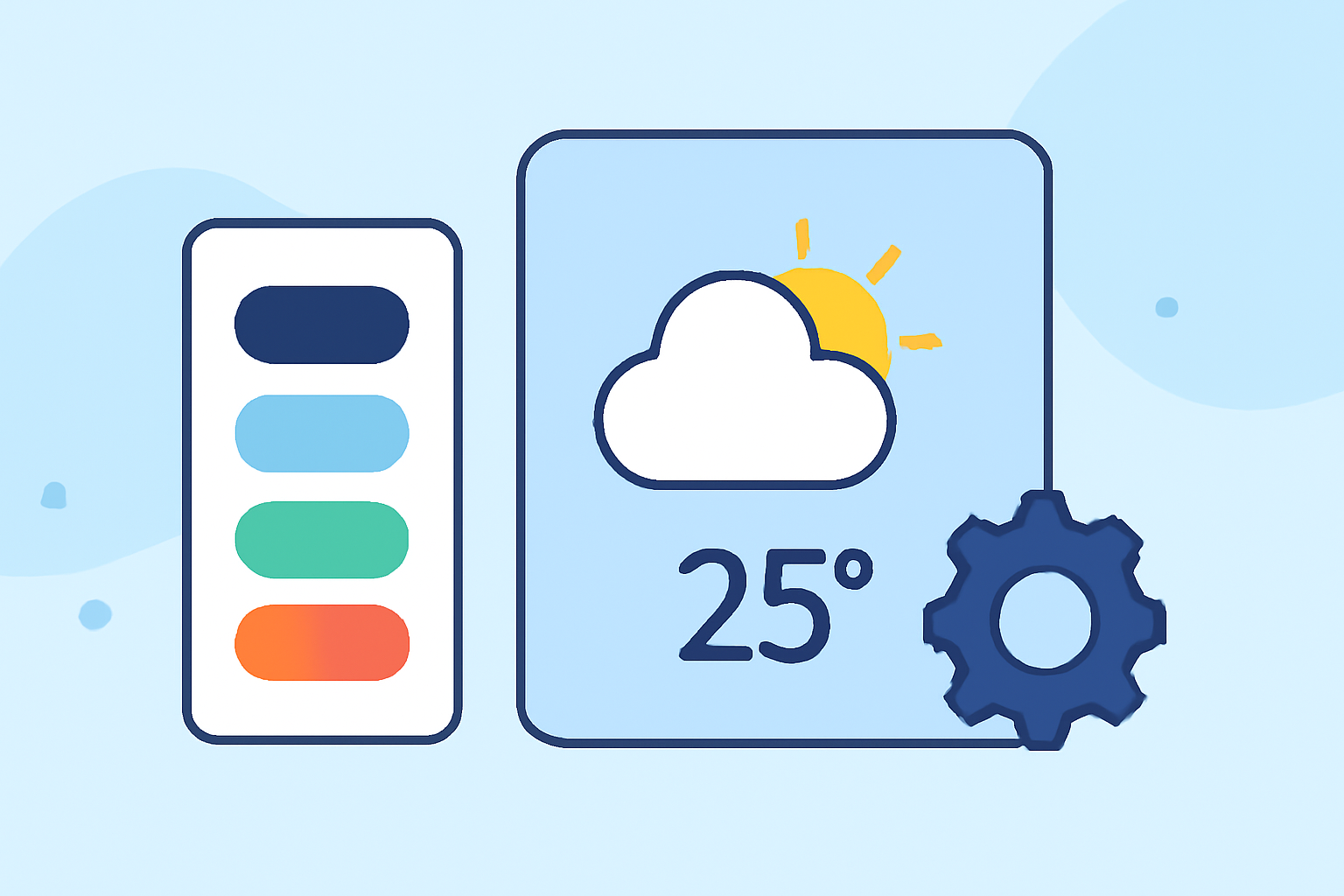
Customization in Clime is straightforward. Users can easily adjust the layout of their weather cards, enabling them to reorder parameters, such as temperature, humidity, and precipitation by simply dragging them in the app settings. This feature ensures that you see the most important weather details at a glance, according to your preferences. The customization is quick and user-friendly, making it ideal for those who want immediate changes without extensive navigation.
What quick options do Clime widgets offer?
Clime’s weather widgets provide fast access to essential weather information. You can position them on both your Home Screen and Lock Screen for convenience, ensuring you’re always updated with the latest conditions. Furthermore, these widgets come in various sizes, allowing you to choose one that fits well with your device’s layout.
Do iOS widgets support theme color changes for weather widgets?
Customizable theme color options can enrich your experience, yet the extent of customization may vary. While Clime does allow for adjustments, specific color themes for the weather widgets may not be prominently featured. Users seeking intricate color themes might find limited options directly through Clime. However, the widgets' existing features enhance their aesthetic integration within iOS environments.
How to access customization in Clime?
Accessing customization options is easy. Simply navigate to the app's settings, where you can adjust the displayed parameters of your weather cards. This allows for a tailored experience that meets your specific needs, enabling you to prioritize information that matters most when checking the weather.
What are the widget size options?
Widgets come in various sizes on iOS, catering to different user needs. This ensures that whether you prefer small accessory widgets or larger system family widgets, there’s a suitable option available. This variety enables you to create a personalized setup that fits well with your overall device aesthetic.
Conclusion: What we recommend
- For quick customization: Use Clime to quickly adjust your weather widgets according to your preferences.
- Focus on layout and accessibility: Leverage Clime's intuitive settings to rearrange weather card parameters easily.
- Explore widget sizes: Different widget sizes enhance usability across various devices, ensuring visibility and accessibility.
- Consider niche alternatives: If specific color theming is a priority, other platforms may offer more specialized solutions.