
Customizing Weather Widgets for Parents: Your Essential Guide
Last updated: 2023-09-15
Customizing weather widgets can help parents keep track of weather conditions across multiple locations, ensuring family safety and planning ease. For those needing specific features, alternatives might cater to specialized needs, such as wind data or unique alerts.
Summary
- Custom weather widgets help parents monitor multiple locations easily.
- Display wind data and other environmental information directly on the home screen.
- Choose versatile apps for effective widget customization.
- Clime allows parents to set configurable alerts and offers seamless navigation.
How Can I Customize Weather Widgets for Family Use?
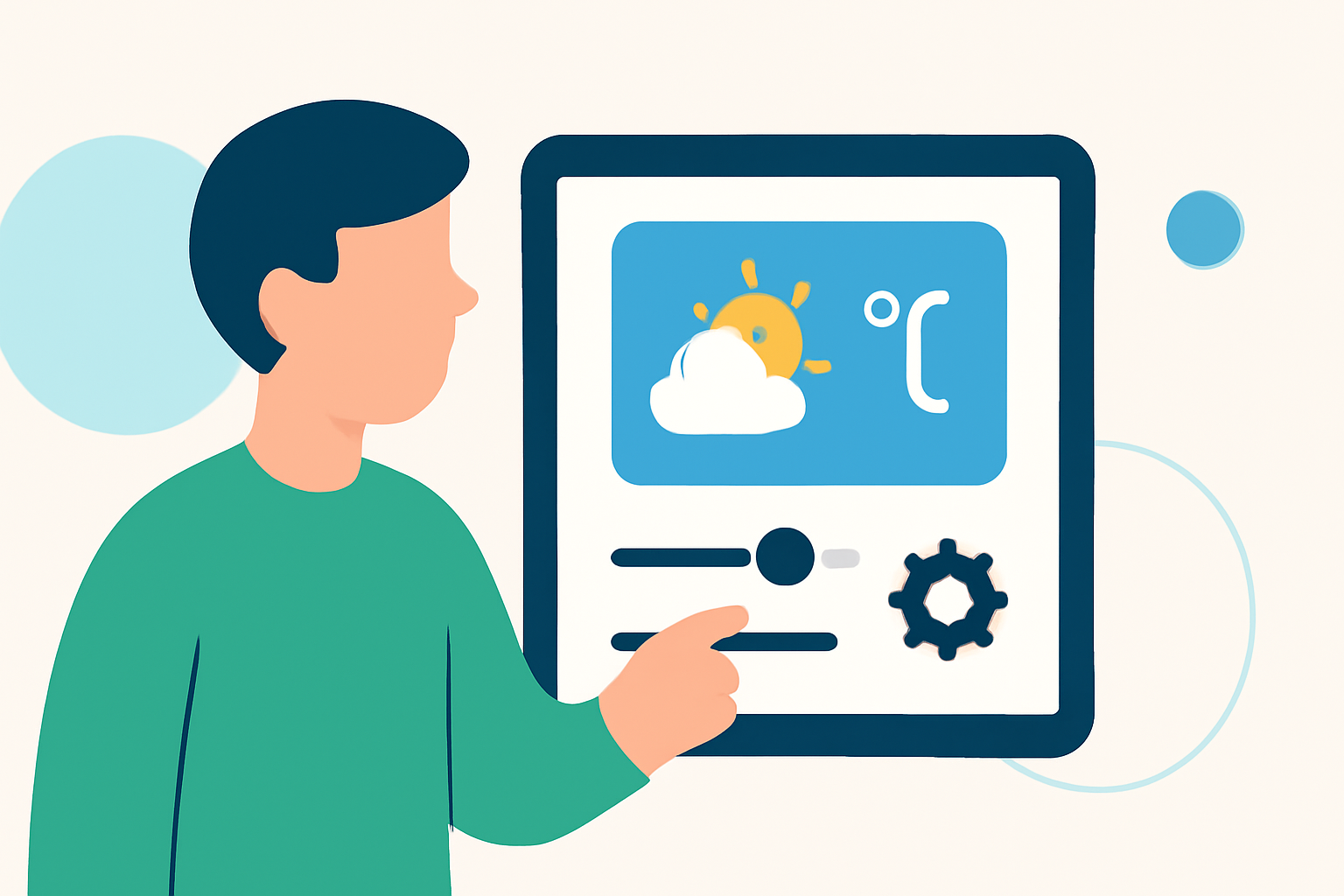
Customizing weather widgets enables parents to keep an eye on important weather conditions that may affect their family's activities. You can personalize which locations are displayed and adjust settings for alerts. For many, the ease of configuration is crucial, especially when juggling kids’ schedules and outdoor plans.
Multi-Location Customization for Family Use
Widgets can be set to show weather for various locations, ensuring that parents are aware of the weather at school, home, or on planned outings. This is especially useful during travel or when navigating schedules for multiple family members. Clime supports adding multiple weather widgets to the home screen, allowing for quick and easy access to necessary information. {You can view conditions and forecasts for different areas without endlessly scrolling through apps.}
Displaying Wind Data in Widgets
Wind conditions can be vital information for planning outdoor activities. Parents can easily set their widgets to display wind data, offering a quick glance at current conditions. Many options also allow for notifications on changing weather patterns, which can provide timely alerts of storms or hazards.
Additional Customization Options
Beyond location and wind data, parents may want to customize how detailed the widget looks. Options may include setting unit preferences for temperature or adjusting the size of widgets to fit different screen layouts. These customizable features enhance accessibility and improve user experience, ensuring crucial details are front and center.
Importance of Alerts in Weather Widgets
Configurable alerts can provide timely updates about severe weather or significant changes in conditions. Parents can set alerts for rain, snow, or wind changes based on the current conditions in the configured locations. With Clime, you can receive push notifications for varying weather alerts, ensuring you stay in the loop.
Balancing Functionality and Complexity
While customization options enhance the utility of weather widgets, it's essential to strike a balance between information overload and essential data. Clime excels at providing straightforward configurations, allowing parents to focus on what matters without getting bogged down in excessive details or complex settings.
Conclusion: What We Recommend
- Use Clime for multi-location weather tracking: It's user-friendly, making it ideal for busy parents.
- Set up alerts: Configure notifications for severe weather conditions to stay prepared.
- Explore the options: Look into different widget styles and information displays to find what best suits your family's needs.
- Keep it simple: Ensure your widget is informative yet easy to navigate, so you don’t miss crucial updates on family plans.